# Add VPN account

### Business-VPN module **[WHMCS](https://puqcloud.com/link.php?id=77)**

#####  [Order now](https://panel.puqcloud.com/index.php?rp=/store/whmcs-module-business-vpn) | [Download](https://panel.puqcloud.com/link.php?id=33) | [FAQ](https://panel.puqcloud.com/link.php?id=39)

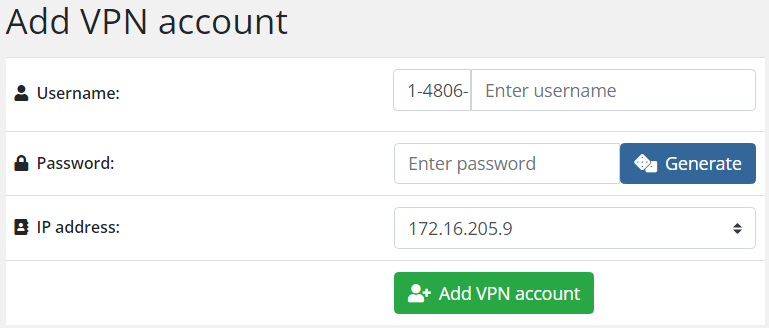
##### This is how the page for adding a new VPN account looks like.

<p class="callout info">Each VPN account has a unique client ID, the ID is generated according to the scheme &lt;user\_id&gt;-&lt;service\_id&gt;-Manually entered value. &lt;user\_id&gt;-&lt;service\_id&gt; are generated automatically by module. You can modify manually the last part.</p>

[![image-1678182542613.png](https://doc.puq.info/uploads/images/gallery/2023-03/scaled-1680-/image-1678182542613.png)](https://doc.puq.info/uploads/images/gallery/2023-03/image-1678182542613.png)

To create a new account, the client must enter the following.

Username, Password, Select an available IP address from the dropdown list. Then click the **Add VPN account** button.

<div id="bkmrk--0"><div></div></div>