How to Clean Up (Remove) a Module
PUQcloud Panel
Order Now | Download | FAQ
Overview
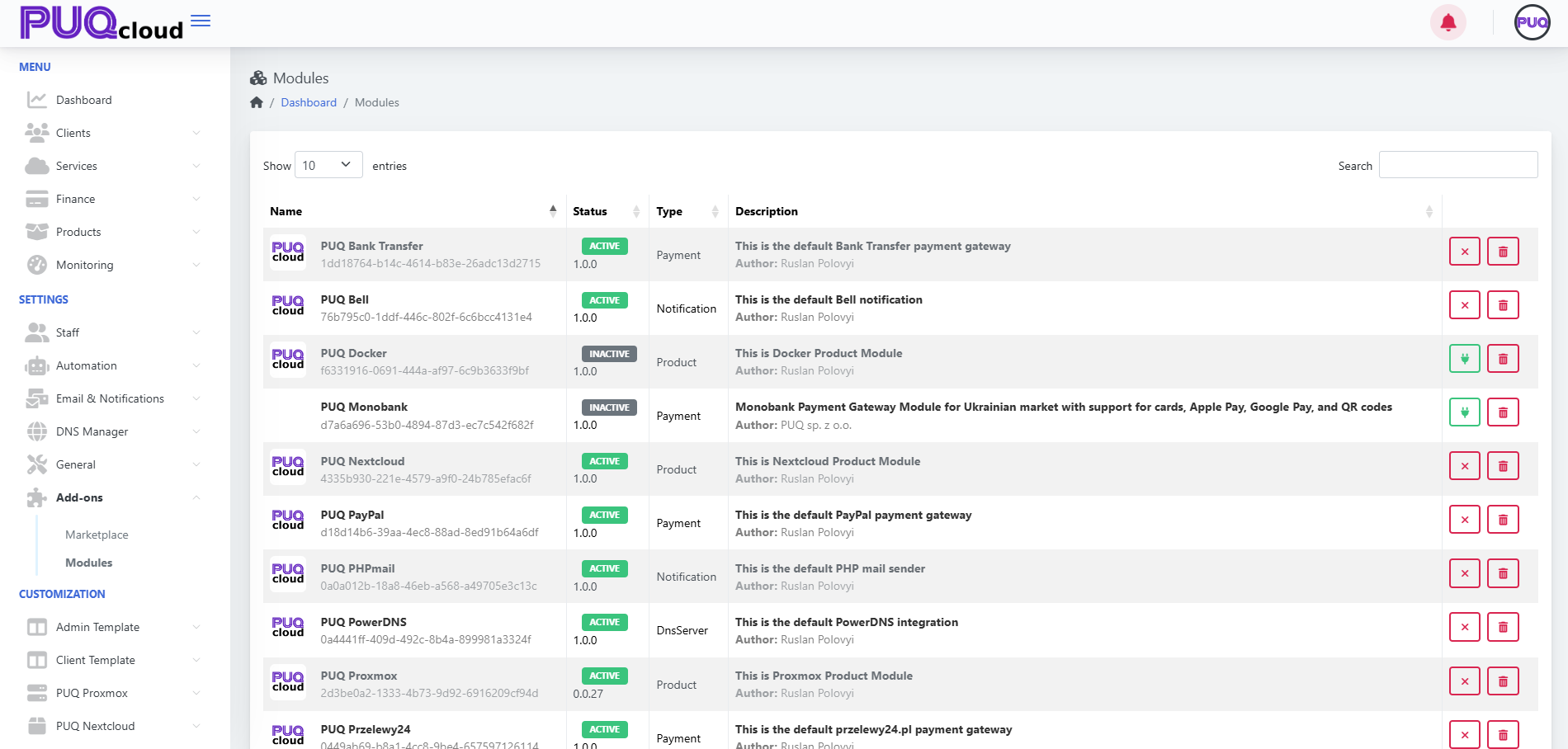
The Clean Up function completely removes a module from the PUQcloud system.
This includes deleting all related database records, configurations, and references.
Use this only for non-activated modules.
Steps to Clean Up a Module
Important
If the same module is installed again later, it will:
-
Receive a new unique ID.
-
Be treated as a fresh installation.
Result
The module is permanently removed from PUQcloud.
No data remains in the system.
Example