**Module is coded ionCube v13**
Supported php version: - php 7.4 WHMCS 8.11.0 - - php 8.1 WHMCS 8.11.0 + - php 8.2 WHMCS 8.11.0 +To install and update a module, you must perform one and the same action.
##### ##### 1. Download the latest version of the module. PHP 8.2 ``` wget http://download.puqcloud.com/WHMCS/addons/PUQ-Customization/php82/PUQ-Customization-latest.zip ``` PHP 8.1 ```Powershell wget http://download.puqcloud.com/WHMCS/addons/PUQ-Customization/php81/PUQ-Customization-latest.zip ``` PHP 7.4 ```Powershell wget http://download.puqcloud.com/WHMCS/addons/PUQ-Customization/php74/PUQ-Customization-latest.zip ```All versions are available via link: [http://download.puqcloud.com/WHMCS/addons/PUQ-Customization/](http://download.puqcloud.com/WHMCS/addons/PUQ-Customization/)
##### 2. Unzip the archive with the module. ```Powershell unzip PUQ-Customization-latest.zip ``` ##### 3. Copy and Replace "puq\_customization" to "WHMCS\_WEB\_DIR/modules/addons/" ##### 4. Login to the admin zone of your WHMCS and go to "Configuration->Addons Modules" [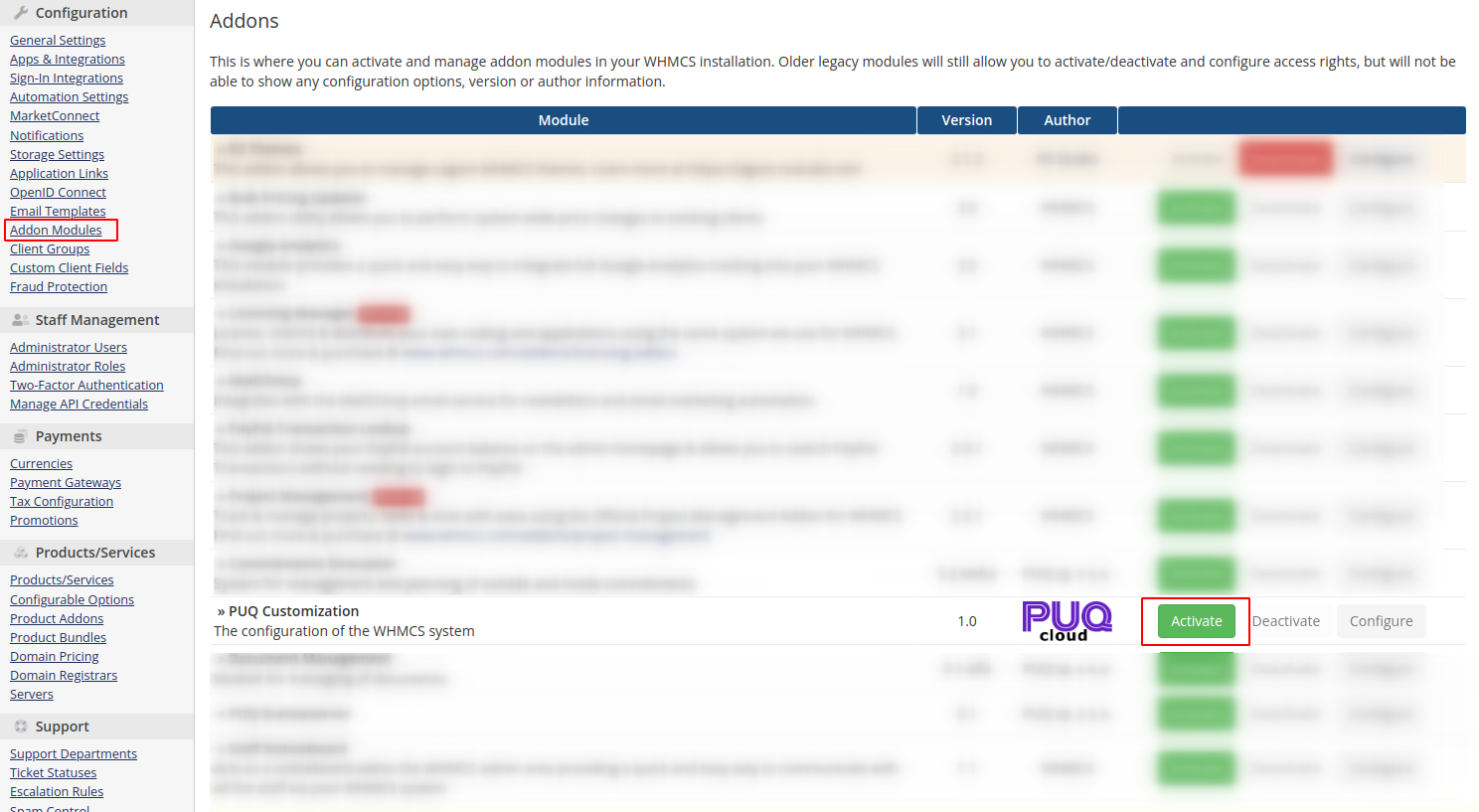](https://doc.puq.info/uploads/images/gallery/2023-05/image-1684326354347.png) ##### 5. From the list of modules, select the "**PUQ Customization**" module and click the "**Activate**" button. After these actions, the module will be activated and will create the necessary tables in the database for work.Note that deactivating a module will delete all tables created by the module.
##### 6. After activation, don't forget to configure module access rights and enter a license key if you want to use all extensions without restrictions. [](https://doc.puq.info/uploads/images/gallery/2023-05/image-1684326755529.png)