Skip to main content
Description
Docker n8n module WHMCS
Order now | Download | FAQ | n8n
Docker n8n WHMCS module
The WHMCS Docker n8n module is designed for automated provisioning and management of n8n workflow automation instances on a Docker server. It seamlessly integrates with WHMCS, allowing businesses to sell and manage n8n services efficiently.
Before you start, it is important to read and familiarize yourself with the following articles at this link: https://doc.puq.info/books/docker-modules
Key Features
Automated Container Management
- Automatic creation of an n8n container upon service order
- Automated package upgrades
Service Control & Security
- Service creation
- Service suspension and reactivation
- Service termination
- Full reinstallation
- IP access control
Advanced Diagnostic Tools
- Built-in tools for diagnosing and managing containers
- Container logs viewer
- Real-time resource monitoring (CPU, Memory, Disk)
Multilingual Support
- Supports multiple languages, including Arabic, Azerbaijani, Catalan, Chinese, Croatian, Czech, Danish, Dutch, English, Estonian, Farsi, French, German, Hebrew, Hungarian, Italian, Macedonian, Norwegian, Polish, Romanian, Russian, Spanish, Swedish, Turkish, and Ukrainian
Fully Customizable Workflows
- Uses n8n workflows to automate processes, allowing full customization for business-specific needs
Admin Panel Options
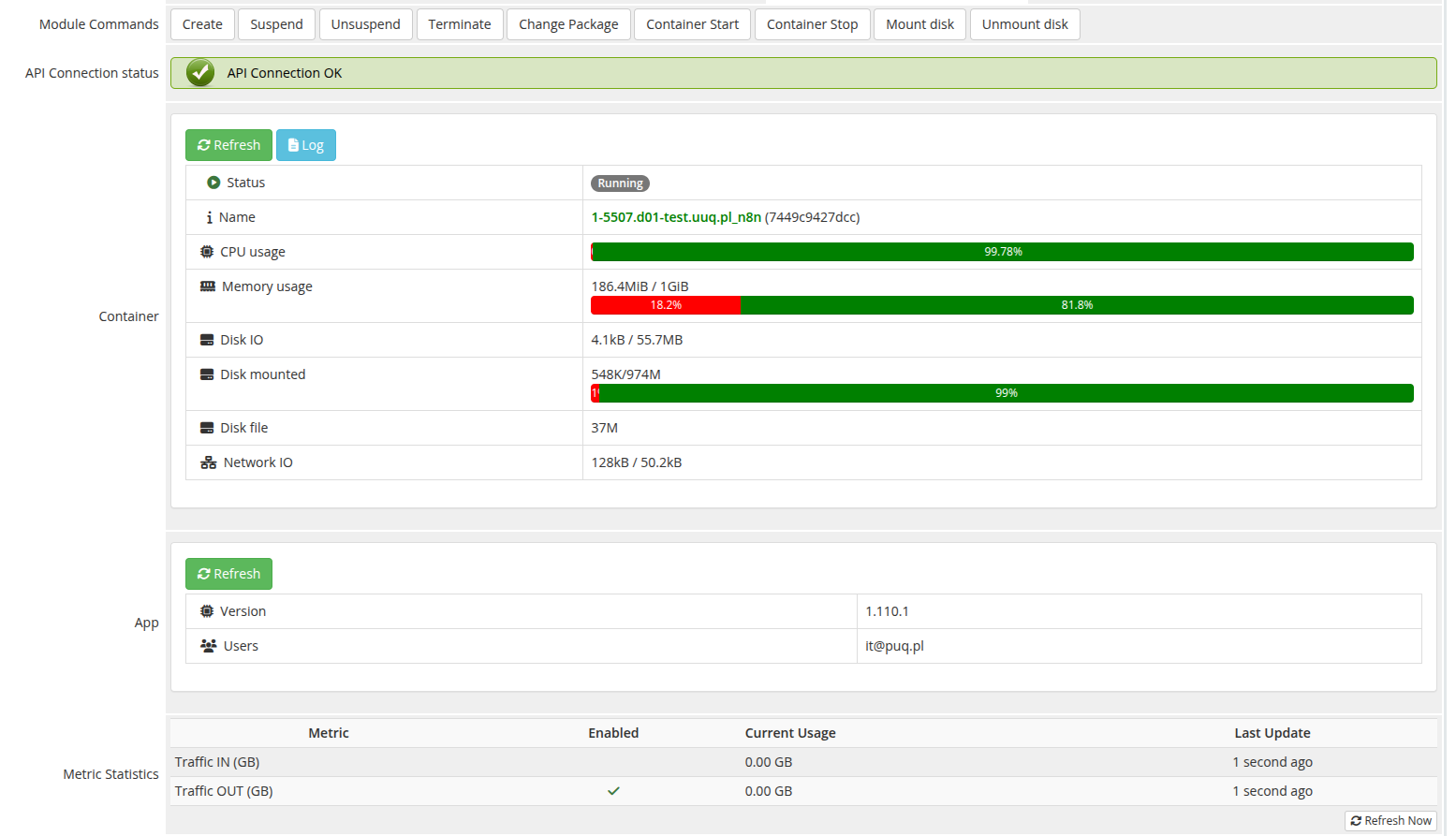
- Create, Suspend, Unsuspend, Terminate, Change Package
- Container Start / Container Stop
- Mount Disk / Unmount Disk
- API connection status
- Container status and resource monitoring
- Container logs
- Application information
Client Panel Options
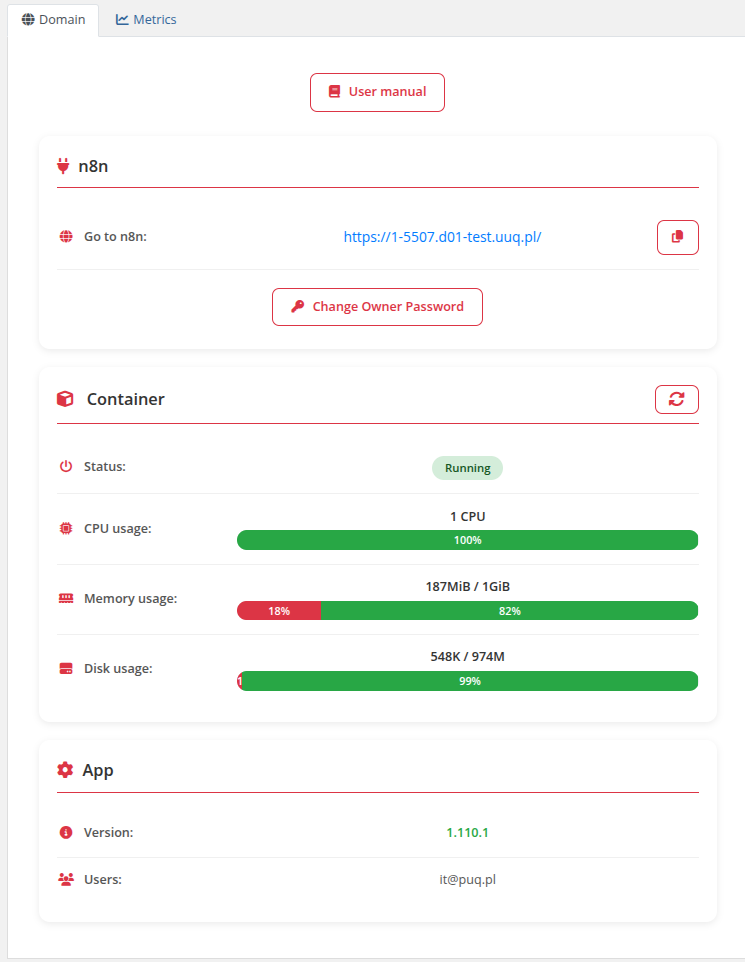
- n8n web interface access link
- Container status with CPU, Memory, Disk usage
- Application version and user information
- Change owner password
- IP Access Control (Restrict by IP)
- Reinstall service
- Metric statistics (Traffic IN/OUT)
System requirements
| Requirement | Minimum |
|---|---|
| WHMCS | 9+ |
| PHP | 8.1, or 8.2 |
| ionCube Loader | v13 or newer (v14, v15) |
| Docker server | Debian 12 with Docker installed |
| n8n server | For workflow automation |
Links
- Product page: https://puqcloud.com/whmcs-module-docker-n8n.php
- Documentation: https://doc.puq.info/books/docker-n8n-whmcs-module
- Support: https://puqcloud.com/submitticket.php
- Community: https://community.puqcloud.com/
Screenshots
Client area — Home screen
Admin area — Product information