 Skip to main content
Product Configuration
Mikrotik VPN module WHMCS
Order now | Download | Community
Add new product to WHMCS
Select the PUQ Mikrotik VPN module in the Module settings section.
Configuration parameters
The module settings are divided into several logical blocks.
1. Mikrotik & Bandwidth
| Parameter | Description |
|---|---|
| Comment prefix | Prefix applied to the VPN user comments on the Mikrotik router (e.g. whmcs2). Helps identify which PPP secrets belong to WHMCS-managed accounts. |
| Mikrotik profile | PPP secret profile on the Mikrotik router. The dropdown is populated with the profiles configured on the selected server. |
| Upload (Mbs/s) | Upload speed limit applied to the VPN account. |
| Download (Mbs/s) | Download speed limit applied to the VPN account. |
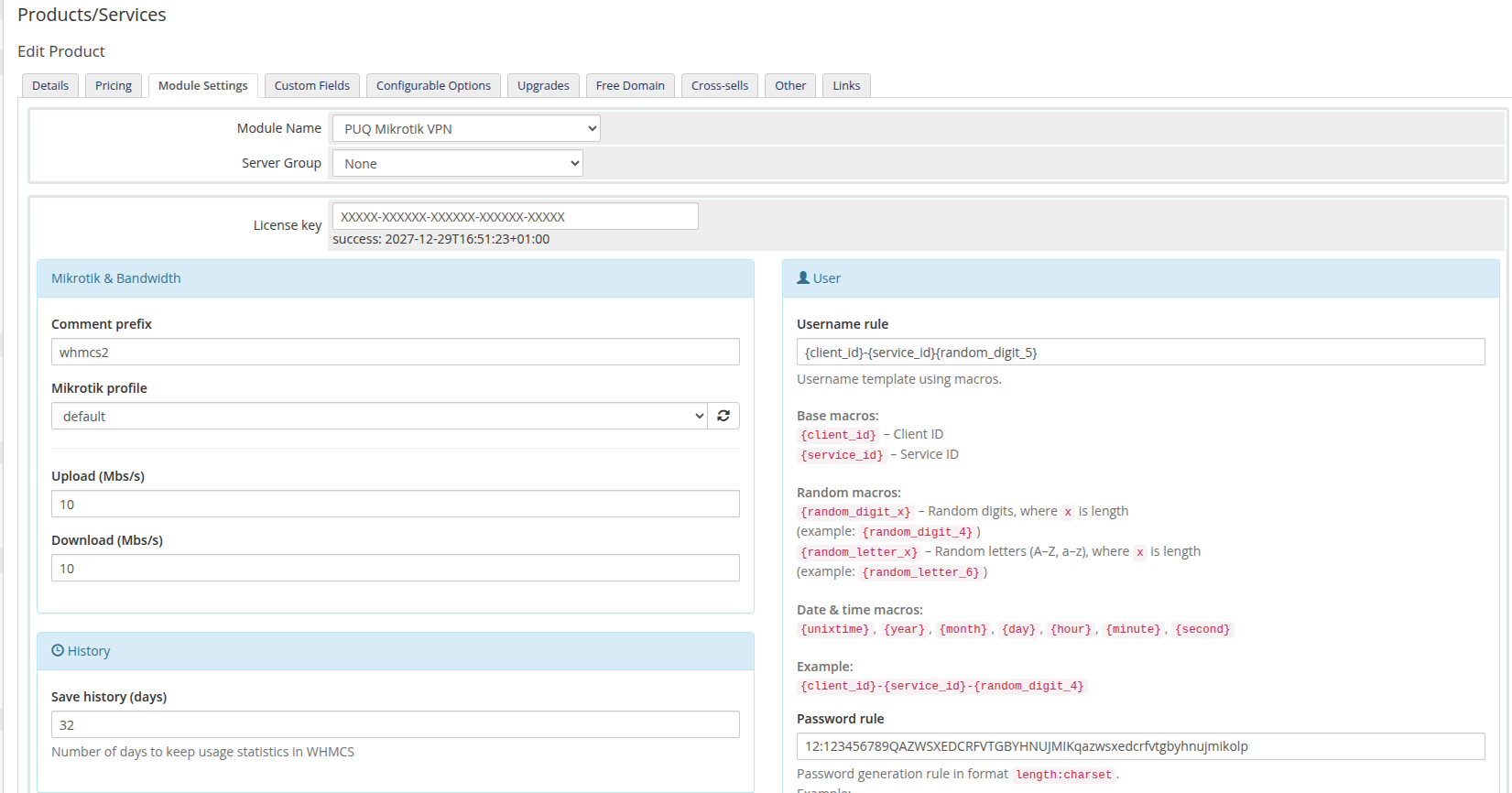 product-configuration-overview.png
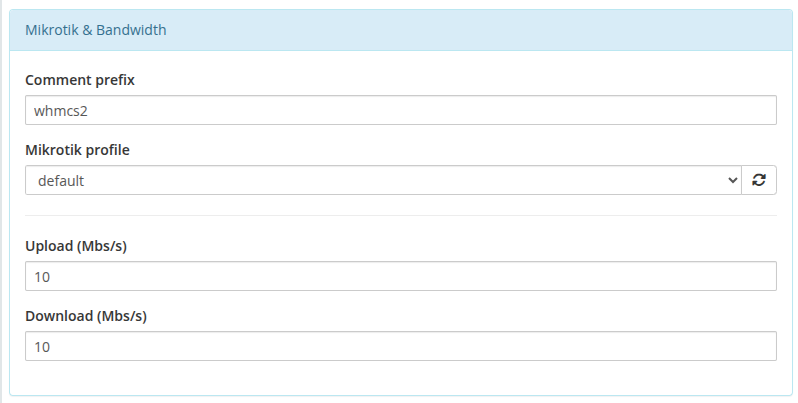
2. User Credentials Generation
| Parameter | Description |
|---|---|
| Username rule | Template for generating unique VPN usernames. You can use macros like {client_id}, {service_id}, {random_digit_5}, {year}, etc. |
| Password rule | Defines the format for auto-generating VPN passwords. Format: length:charset (e.g. 12:123456789QAZWSXEDCRFVTGBYHNUJMIKqazwsxedcrfvtgbyhnujmikolp). |
3. History
| Parameter | Description |
|---|---|
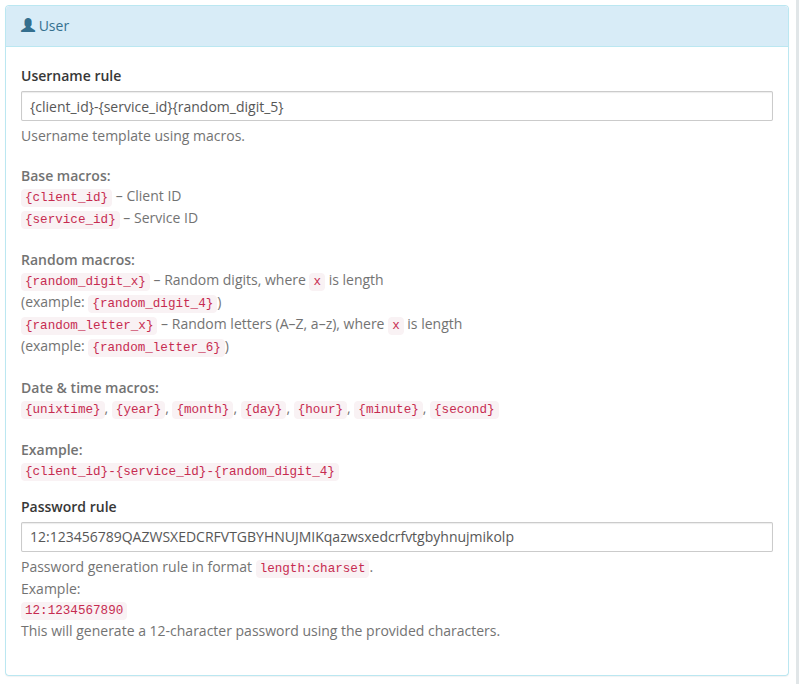
| Save history (days) | Number of days to keep daily usage statistics in the WHMCS database. |
4. Client Area Settings
| Parameter | Description |
|---|---|
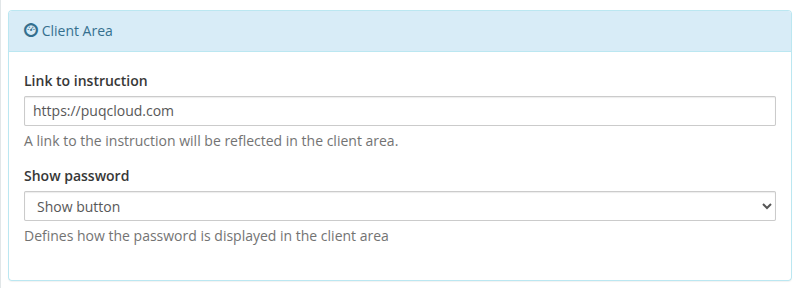
| Link to instruction | A URL to a setup manual. This link will be displayed as a button in the client area. |
| Show password | Defines how the password is displayed in the client area (e.g., as a toggleable button). |
 product-configuration-client-area.png
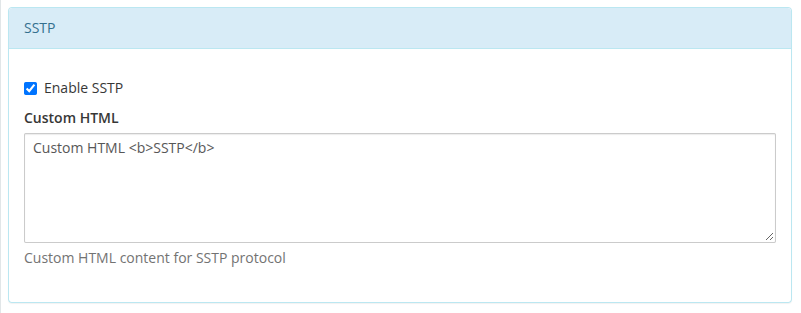
5. VPN Protocols (PPTP, L2TP, OpenVPN, SSTP)
You can selectively enable and configure which VPN protocols are available to the client.
| Parameter | Description |
|---|---|
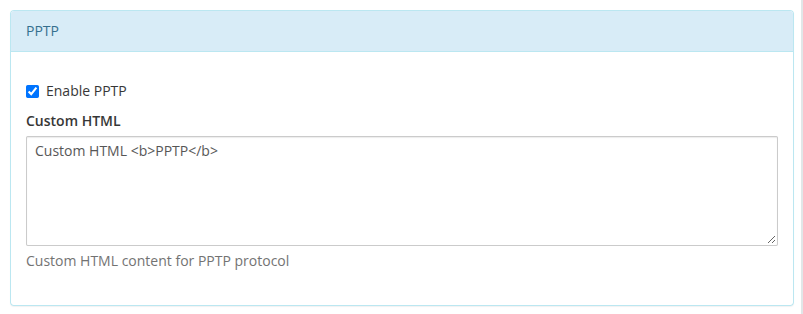
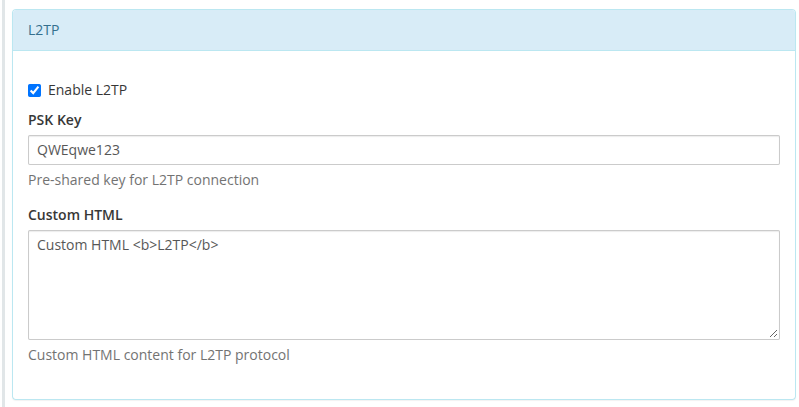
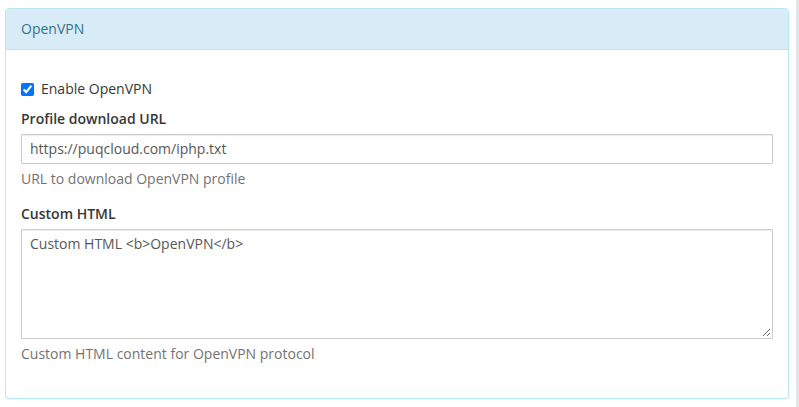
| Enable [Protocol] | Toggles the display of connection details for the specific protocol in the client area. |
| Custom HTML | Allows injecting custom HTML instructions specifically for this protocol block in the client area. |
| L2TP IPSEC PSK KEY | (L2TP only) The pre-shared key for IPSec. |
| Profile download URL | (OpenVPN only) A direct link to download the .ovpn configuration profile. |
 product-configuration-pptp.png
 product-configuration-l2tp.png
 product-configuration-openvpn.png
 product-configuration-sstp.png
Metric Billing Configuration
The PUQ Mikrotik VPN module supports WHMCS Metric Billing, allowing you to charge clients post-paid based on their actual traffic usage.
 product-configuration-metric-billing.png
 metric-billing-download.png
 metric-billing-upload.png
Important Note on Mikrotik Bandwidth: The module intentionally registers opposite upload/download values on the Mikrotik router compared to WHMCS, because Mikrotik measures incoming traffic while VPN clients experience outgoing traffic.