 Skip to main content
Product Information
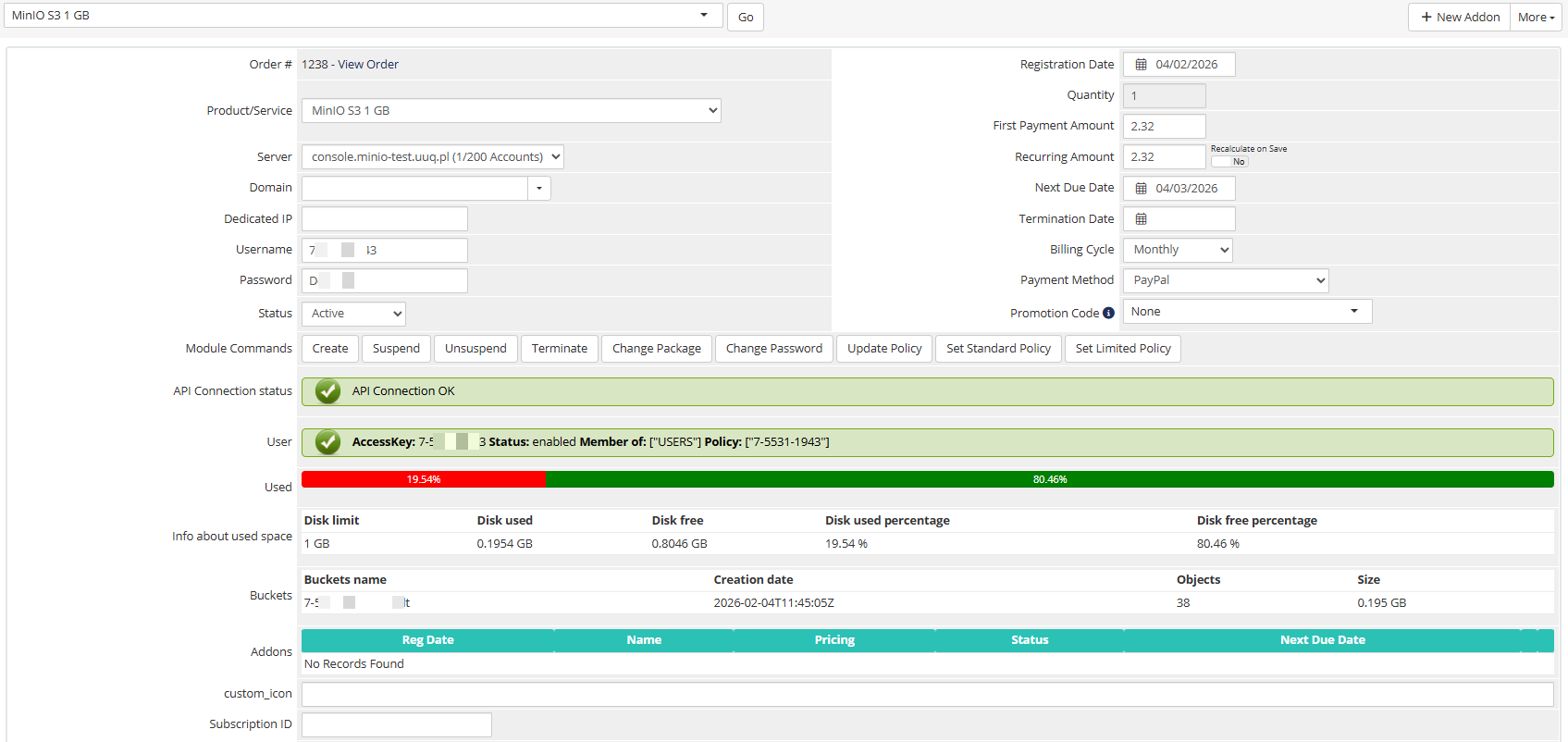
Here is the data presented for the service admin in WHMCS.
The admin area provides the following information and controls:
- License verification status — green/red indicator showing license validity
- API connection status — real-time test of the MinIO server connection
- User information — username, enabled status, group, and email
- Disk usage — visual progress bar with detailed usage table
- Management actions — Create, Suspend, Unsuspend, Terminate, Change Password, Change Package
Policy management
Important: Policy recalculation occurs once a day during the collection of server statistics (UpdateServerUsage).
 03-description-admin-area.png