 Skip to main content
Add server (MinIO S3)
Add a new server to the system WHMCS
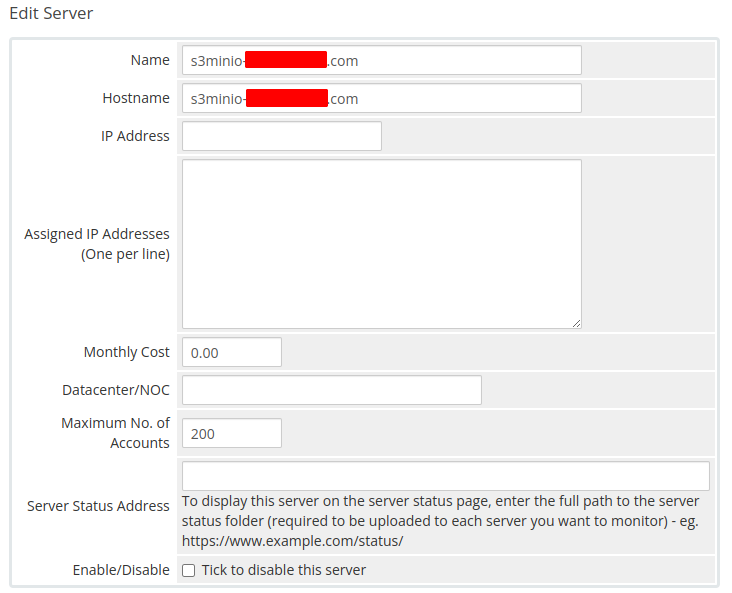
Step 1 — General settings
Enter the correct Name and Hostname for your MinIO S3 server.
Step 2 — Module settings
In the Server Details section:
- Select the PUQ MinIO S3 module
- Enter the correct username and password for the MinIO web interface
- Click the Test connection button to verify the connection
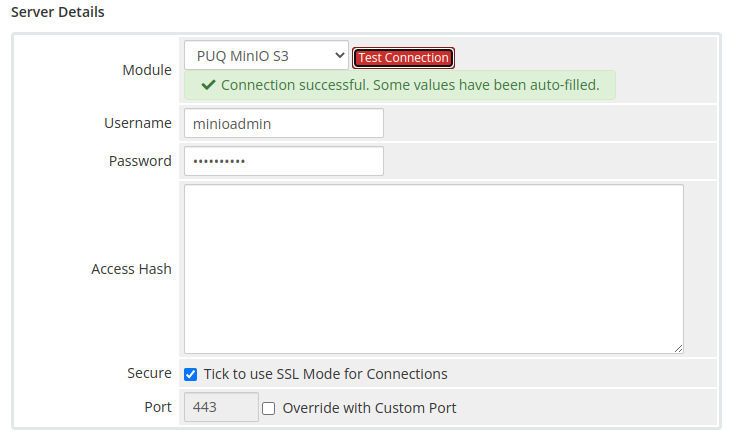
Note: The MinIO user must have administrator privileges to manage users, policies, and buckets via the API.
No Comments