 Skip to main content
Product configuration
Jellyfin module WHMCS
Order now | Download | Community
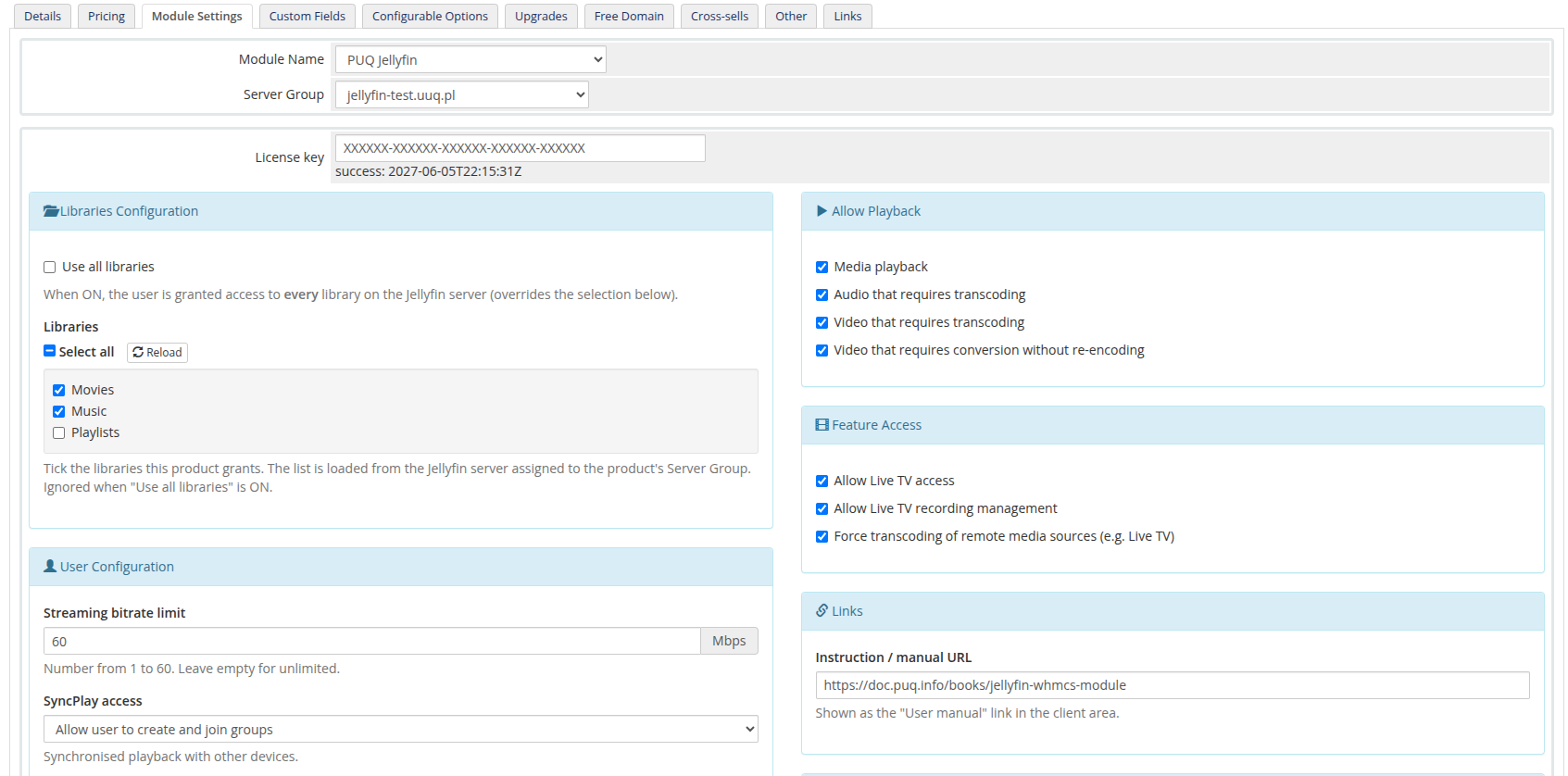
Create a product of type PUQ Jellyfin (Setup → Products/Services), assign the Jellyfin server on the Module Settings tab, then configure the access policy in the injected configuration panel.
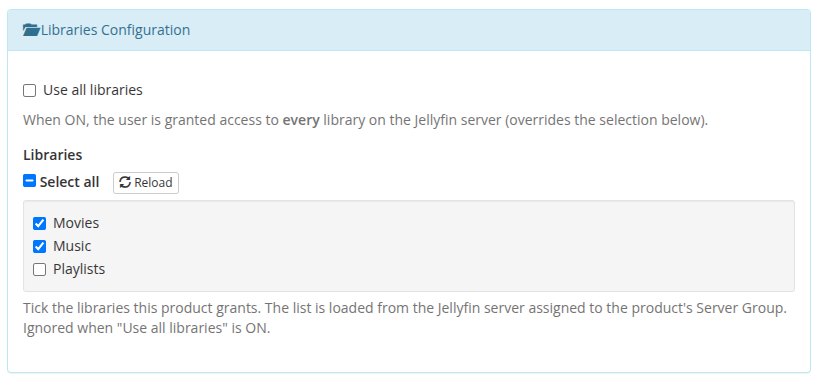
Libraries Configuration
- Use all libraries — grant access to every library on the server (overrides the selection below).
- Libraries — the list of libraries is loaded live from the Jellyfin server assigned to the product's Server Group. Tick the libraries this product grants; use Select all to toggle everything, or Reload to refresh the list. Leaving everything unticked grants no library. If the server cannot be reached, a manual text box appears as a fallback (one library name per line). Ignored when "Use all libraries" is ON.
The dynamic list requires the product to be saved with a Server Group that contains a reachable Jellyfin server. Until then the panel shows a hint to select and save a Server Group.
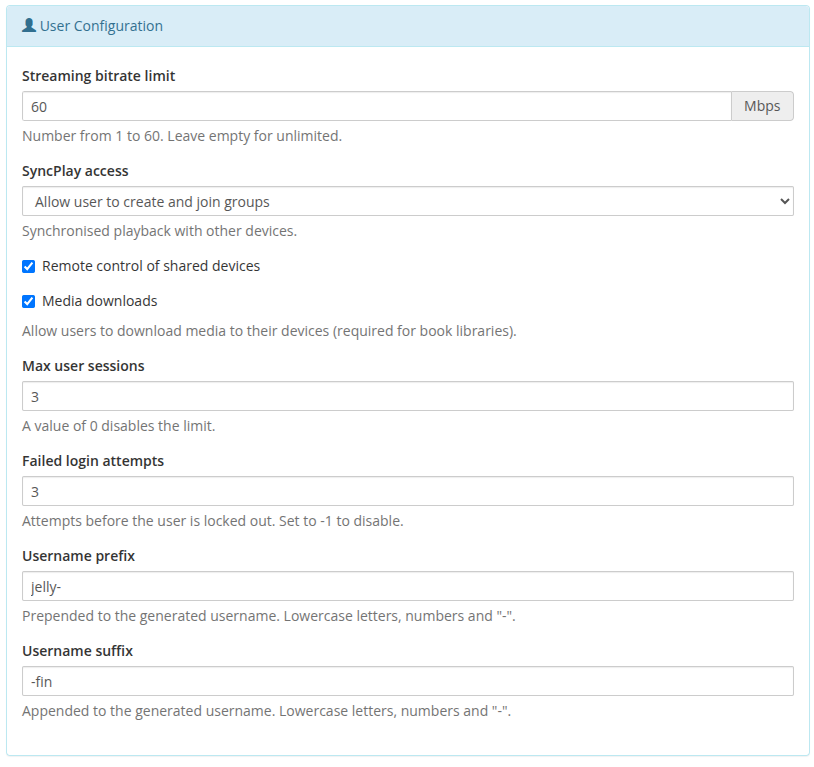
User Configuration
- Streaming bitrate limit — 1–60 Mbps (empty = unlimited).
- SyncPlay access — create & join groups / join groups / disabled.
- Remote control of shared devices, Media downloads — on/off.
-
Max user sessions —
0disables the limit. -
Failed login attempts — lockout threshold;
-1disables it. - Username prefix / suffix — wrap the generated username.
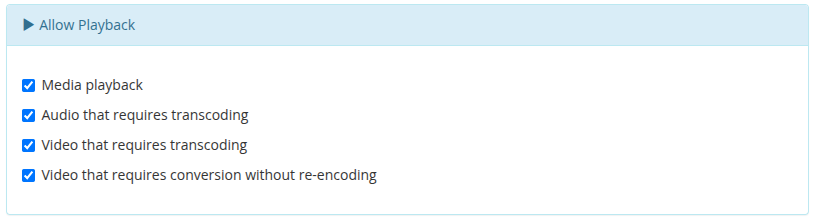
Allow Playback
Toggle media playback, audio transcoding, video transcoding and video conversion without re-encoding.
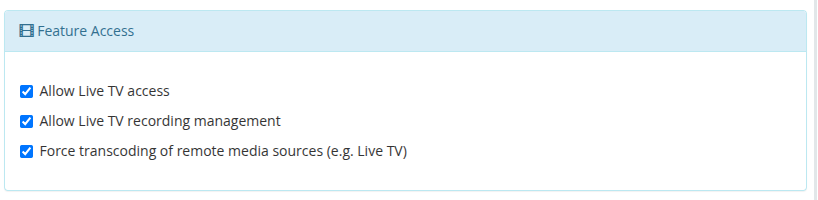
Feature Access
Live TV access, Live TV recording management, and force transcoding of remote media sources.
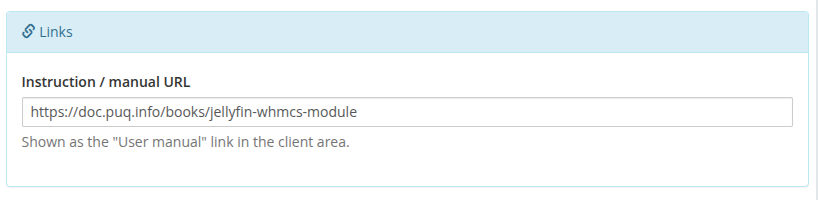
Links
- Instruction / manual URL — shown as the User manual link in the client area.
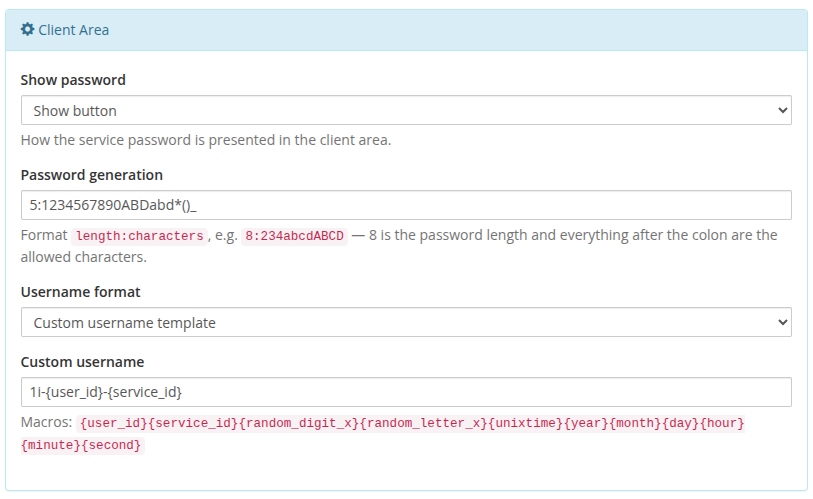
Client Area
- Show password — show button / plain text / hidden.
-
Password generation —
length:characters, e.g.8:23456789abcdABCD. -
Username format —
standard(prefix<client_id>-<service_id>suffix) orcustom. -
Custom username — macro template:
{user_id},{service_id},{random_digit_x},{random_letter_x},{unixtime},{year},{month},{day},{hour},{minute},{second}.
Settings are stored as a single JSON document in configoption24. After saving, Create/Change actions push the resulting policy to Jellyfin.