 Skip to main content
Dashboard
Menu Manager addon WHMCS
Order now | Download | FAQ
Overview
The Dashboard is the main page of the PUQ Menu Manager module. It provides a quick overview of your current menu configuration and shortcuts to key features.
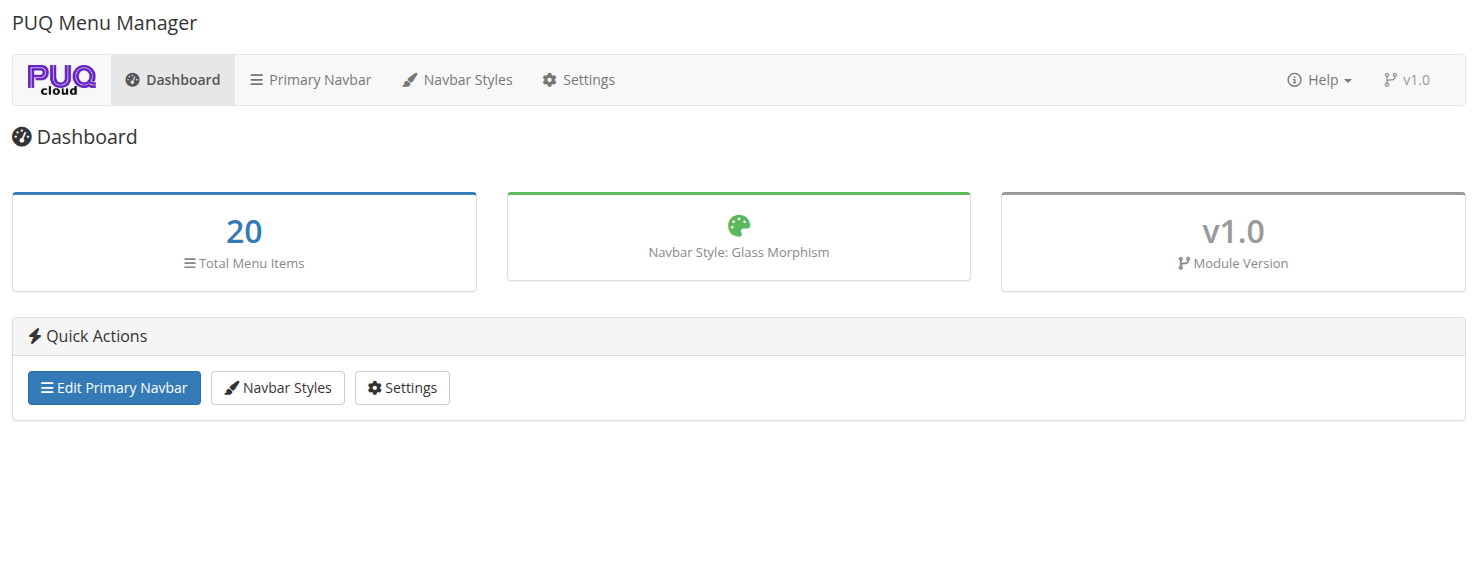 Dashboard — overview of menu item count, active navbar style, and module version
Metrics
The dashboard displays three key metrics:
| Metric | Description |
|---|---|
| Total Menu Items | The total number of menu items currently configured in the Primary Navbar (including all nesting levels) |
| Navbar Style | The currently active navbar style applied to the client area (e.g., Glass Morphism, Dark Elegant, etc.) |
| Module Version | The installed version of the PUQ Menu Manager module |
Quick Actions
Below the metrics, the dashboard provides quick action buttons:
| Button | Description |
|---|---|
| Edit Primary Navbar | Opens the drag-and-drop menu editor |
| Navbar Styles | Opens the navbar styles management page |
| Settings | Opens the module settings page |
Navigation
- Dashboard — current page with overview metrics
- Primary Navbar — drag-and-drop menu editor
- Navbar Styles — manage and customize navbar styles
- Settings — select the active navbar style
- Help — links to documentation and support