 Skip to main content
Configuration — Fraud Check
PUQ Sanctions Checker module WHMCS
Order now | Download | Community
Addons → Sanctions Checker → Configuration → Fraud Check — the built-in fraud screening via FraudRecord and IPQualityScore.
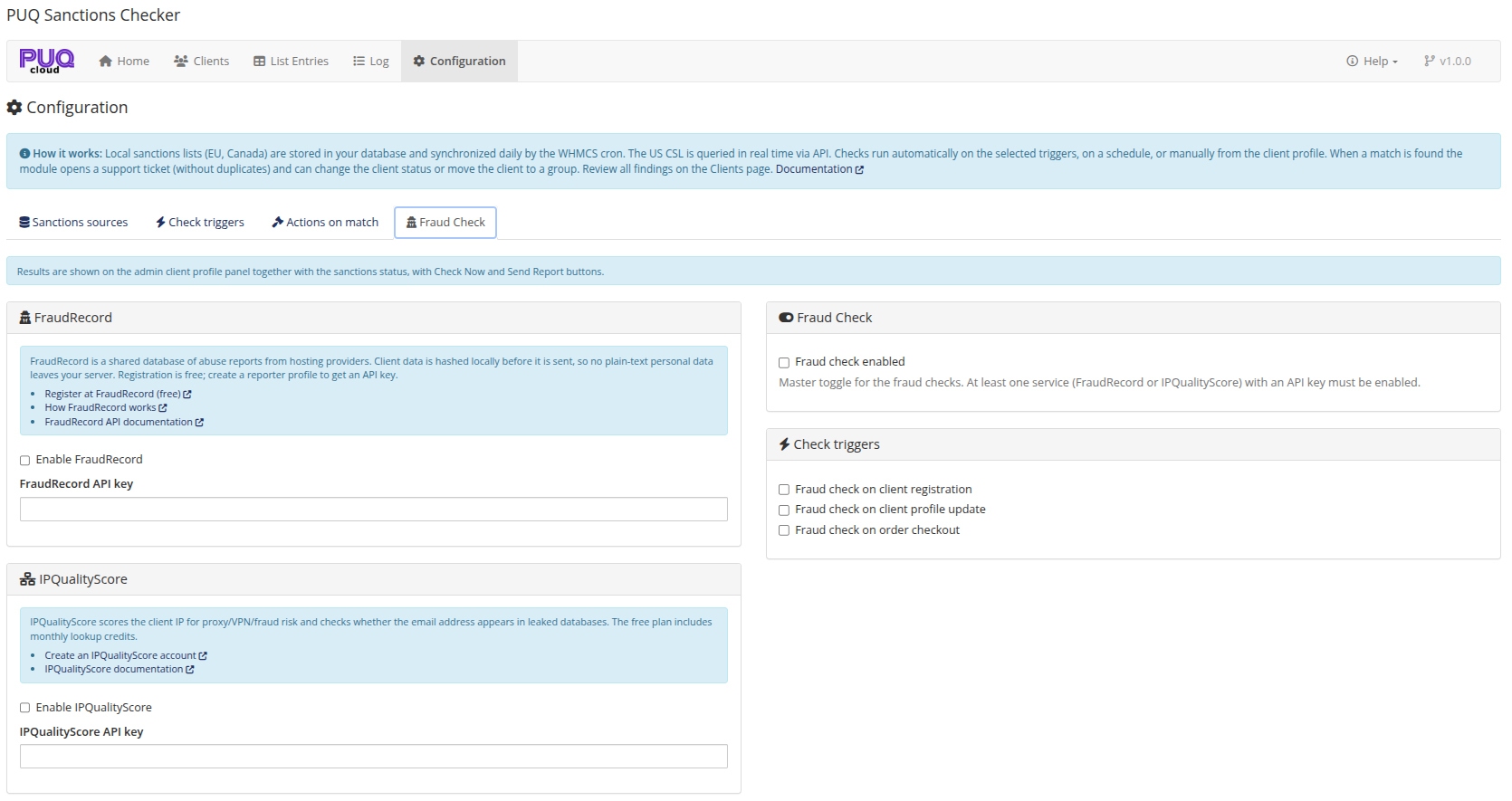
Services
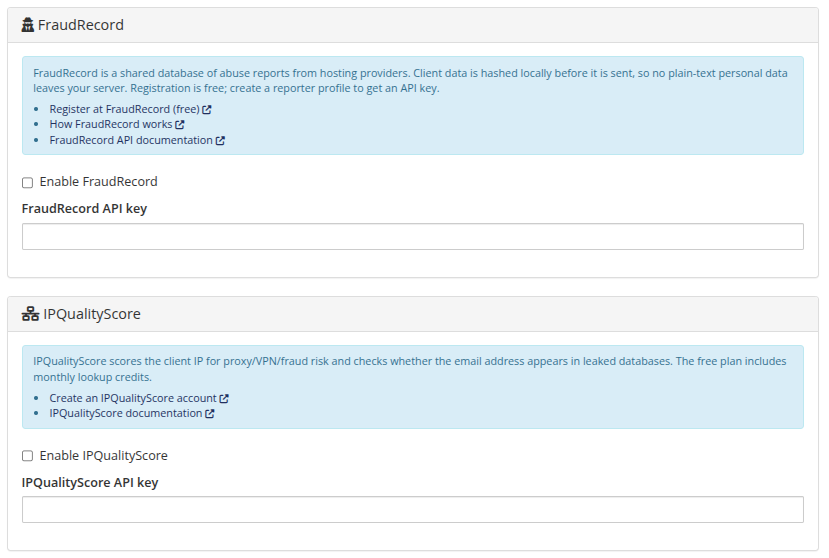
- FraudRecord (register free) — a shared database of abuse reports from hosting providers. Client data is hashed locally before it is sent, so no plain-text personal data leaves your server. Create a reporter profile to get an API key.
- IPQualityScore (create account) — scores the client's IP for proxy/VPN/fraud risk and checks whether the email address appears in leaked databases. The free plan includes monthly lookup credits.
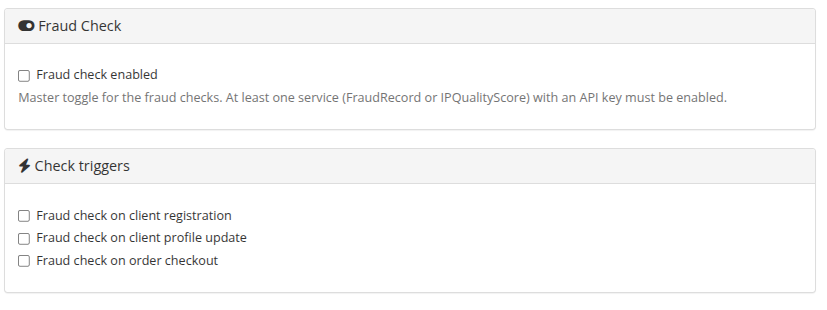
Master toggle and triggers
| Setting | Description |
|---|---|
| Fraud check enabled | Master toggle; at least one service with an API key must be enabled. |
| Fraud check on registration / profile update / order checkout | The same trigger events as the sanctions checks, controlled separately. With the check queue enabled for triggers, fraud checks are queued too. |
Where you see the results
The client profile panel shows Fraudrecord: 0-0-0 | Fraud IP: 0% | Fraud Email: NO badges (red = findings), a Fraud Check Now button, and Send Report — a form (fraud type, level 1–10, free text) that submits an abuse report to FraudRecord and/or IPQualityScore. Raw API responses are available in the View All Data modal.