 Skip to main content
Configuration — Check triggers & queue
PUQ Sanctions Checker module WHMCS
Order now | Download | Community
Addons → Sanctions Checker → Configuration → Check triggers — when checks run automatically.
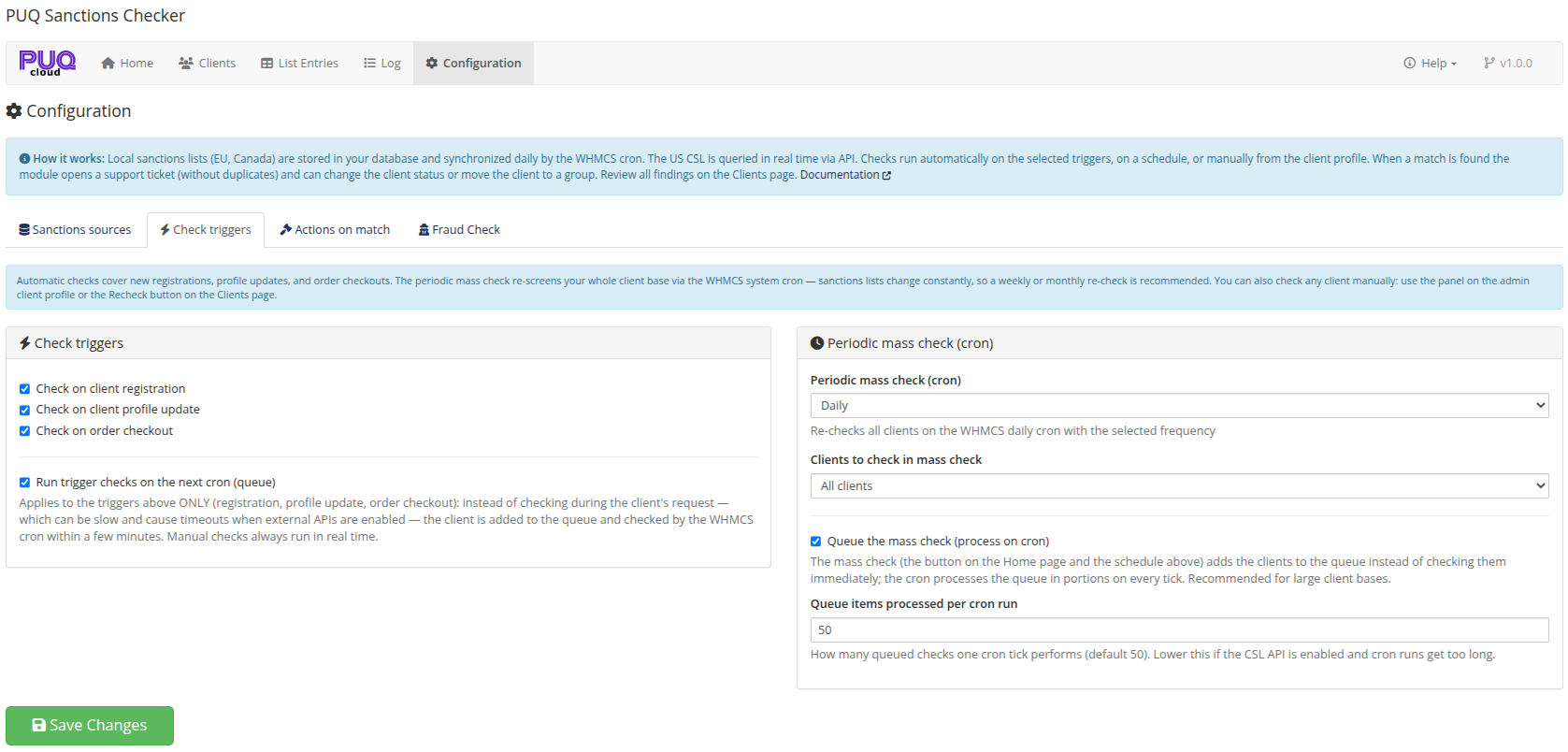
Check triggers
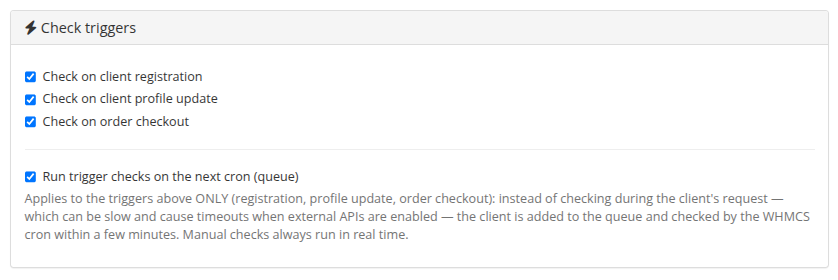
| Setting | Description |
|---|---|
| Check on client registration | Screen every new client (ClientAdd). |
| Check on client profile update | Re-screen when the client changes profile data (ClientEdit). This also drops the Verified flag — see verification. |
| Check on order checkout | Screen on every order checkout. |
| Run trigger checks on the next cron (queue) | Applies to the three triggers above ONLY. Instead of checking during the client's request — which can be slow and cause timeouts when external APIs are enabled — the client is added to the queue and checked by the cron within a few minutes. Manual checks always run in real time. |
Periodic mass check
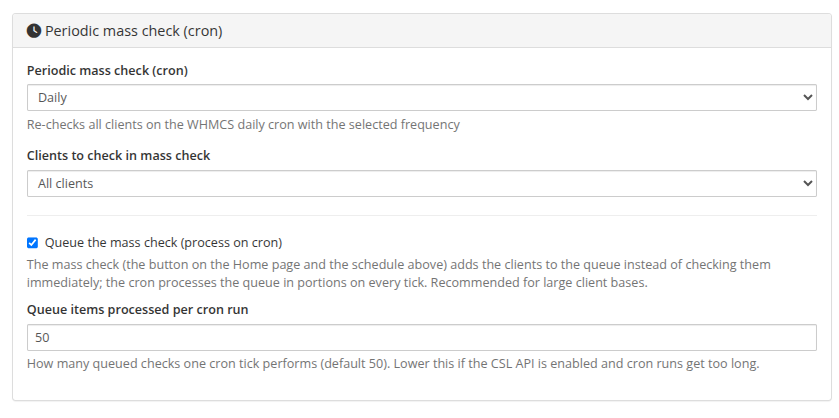
| Setting | Default | Description |
|---|---|---|
| Periodic mass check (cron) | Disabled | Disabled / Daily / Weekly / Monthly re-check of the client base. Sanctions lists change constantly — a weekly or monthly re-check is recommended. |
| Clients to check in mass check | Active only | Active clients only, or all clients. |
| Queue the mass check | on | The mass check (Home-page button and the schedule) adds clients to the queue; the cron drains it in portions. Recommended for large client bases. |
| Queue items processed per cron run | 50 | Portion size per cron tick (~5 minutes). Lower it when the CSL API is enabled. |
Verified clients are excluded from the mass check automatically. How the queue works internally is described in Cron automation & check queue.