 Skip to main content
Configuration — Actions on match
PUQ Sanctions Checker module WHMCS
Order now | Download | Community
Addons → Sanctions Checker → Configuration → Actions on match — what happens when a check finds a match.
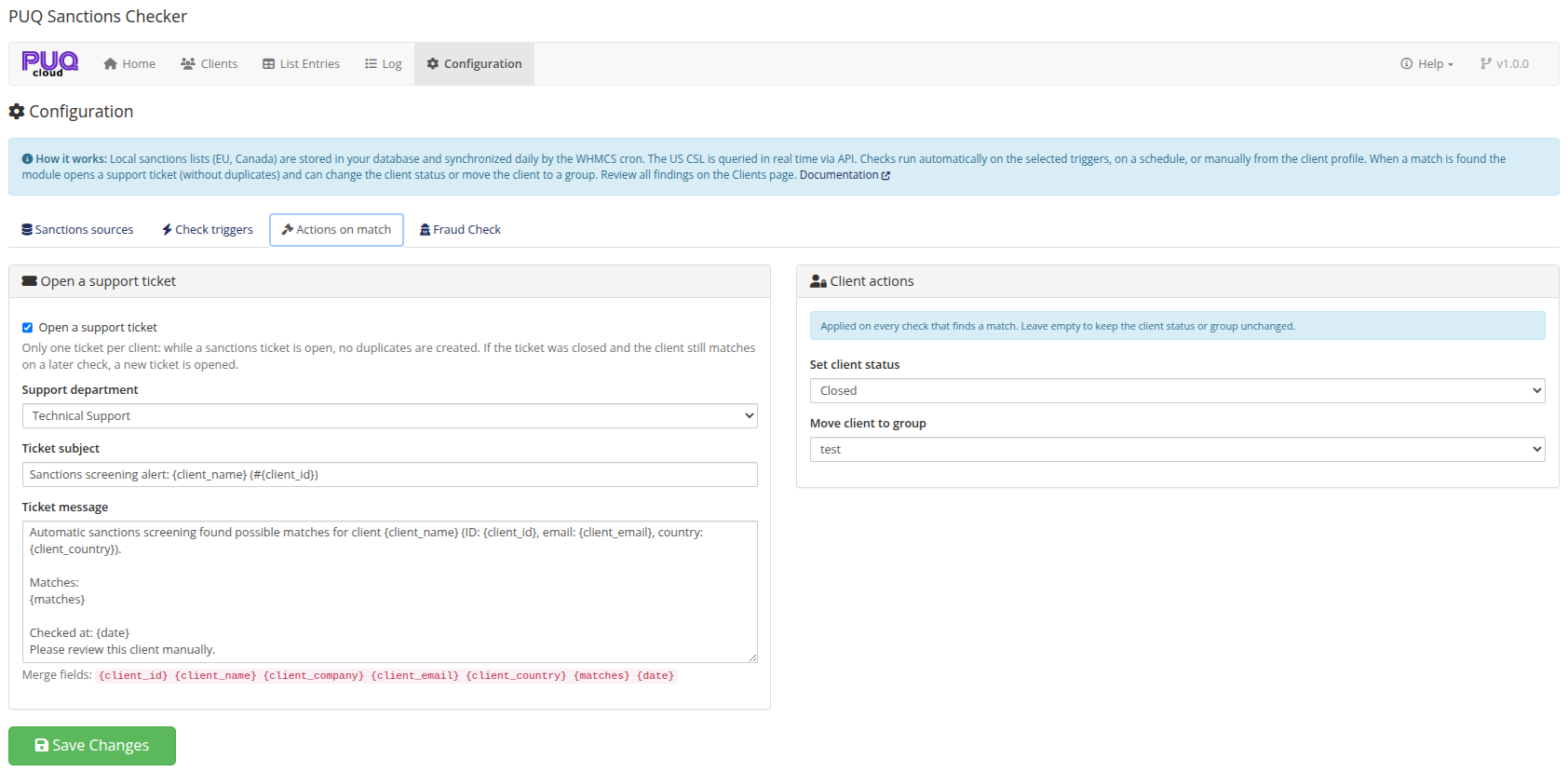
Support ticket
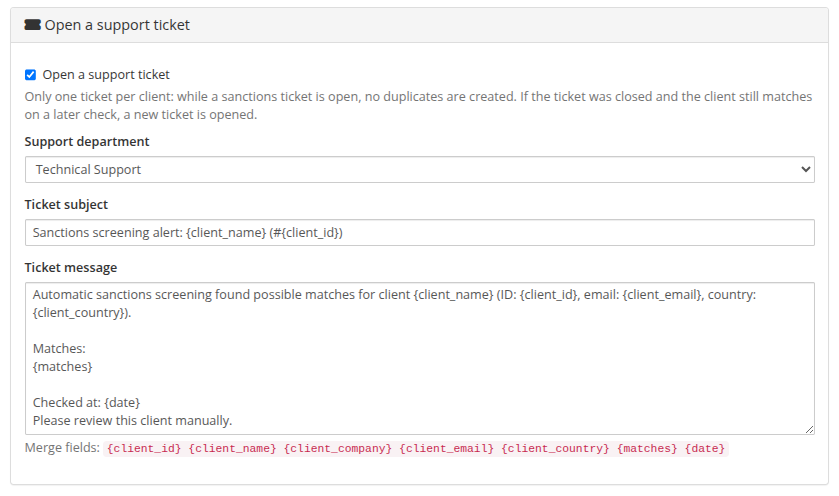
| Setting | Description |
|---|---|
| Open a support ticket | Master toggle. One ticket per client: while a sanctions ticket is open, repeated checks do not create duplicates. If the ticket was closed and the client still matches later, a new ticket is opened. |
| Support department | Where the ticket is created. |
| Ticket subject / message | Your own templates with merge fields: {client_id}, {client_name}, {client_company}, {client_email}, {client_country}, {matches}, {date}. |
A real ticket produced by the module — {matches} expands into the full list with sources, scores, and the method that matched:

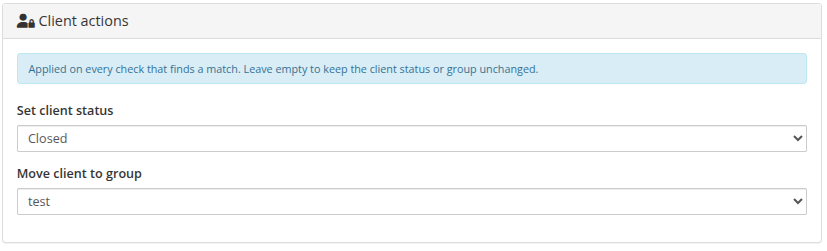
Client actions
| Setting | Description |
|---|---|
| Set client status | Optionally set the client to Active / Inactive / Closed on a match. Leave empty to keep the status unchanged. |
| Move client to group | Optionally move the client into a chosen client group (handy for a "Sanctions review" group). Leave empty to keep the group. |
Both actions are applied on every check that finds a match — but never for verified clients. Every action is written to the log (client_updated, ticket_opened, ticket_skipped with the reason).