 Skip to main content
Description
Synology module **[WHMCS](https://puqcloud.com/link.php?id=77
)**
Order now | Download | Community
The PUQ Synology module for WHMCS turns your Synology NAS into a fully automated, self-service storage product. From the moment a client places an order, the module creates and manages their Synology DSM account end-to-end — no manual steps, no DSM logins, no spreadsheets. Everything is handled through the official Synology DSM Web API.
Built for resellers and hosting providers, the module lets you sell disk space on Synology devices with per-plan parameters defined by Synology groups, while your clients get a clean, modern self-service area.
Note: The module requires an existing, fully deployed Synology machine with properly configured groups and other options (more information later in the manual).
Note: The module does not install or configure DSM on Synology machines in any way — it only provisions and manages user accounts through the API.
Key features
Full account lifecycle automation
- Automatic account creation and deployment on Synology when an order is activated
- Suspend, unsuspend, terminate, change password and change package — all driven by the DSM API
- Duplicate protection — the module never overwrites an account that already exists on the NAS
- Smart, collision-safe username generation with macros (
{client_id},{service_id}, random digits/letters, date/time) — always DSM/Linux-compliant - DSM-policy-aware password generation — generated passwords automatically satisfy your server's password-strength rules
Group-based plans (real limits on the server)
- Each product assigns the client to a pre-configured Synology group, chosen from a live drop-down of the groups that actually exist on your server
- The real disk quota and permissions are enforced by that Synology group — configure them once in DSM and resell with confidence
- On package change, the user is moved from the old group to the new one automatically
Disk usage monitoring & notifications
- Live disk usage with current and historical data (last 30 days and monthly averages)
- Automatic email notification when a client exceeds a configurable usage threshold
- Usage percentage and free/used breakdown shown to the client
Modern client area
- Redesigned, card-based interface with copy-to-clipboard for credentials and a show/hide password toggle
- Disk-usage pie chart and historical usage statistics charts
- One-click link to your user manual / setup instructions
Powerful admin tools
- API connection status indicator
- User details at a glance — username, status, group membership, email, expiry
- Disk usage progress bar and full breakdown directly on the service page
- Built-in license verification with proactive alerts on the admin dashboard
Localization & compatibility
- 25 interface languages out of the box
- Works across the entire Synology DSM 7 line
- Compatible with WHMCS 8+ and PHP 8.1+
System requirements
| Requirement | Minimum |
|---|---|
| WHMCS | 8.x+, 9.x+. |
| PHP | 7.4, 8.1, 8.2, 8.3, 8.4 |
| Synology DSM | Entire DSM 7.x line |
| ionCube Loader | v15+ |
Links
- Product page: https://puqcloud.com/whmcs-module-synology.php
- Documentation: https://doc.puq.info/books/synology-whmcs-module
- Download: https://download.puqcloud.com/WHMCS/servers/PUQ_WHMCS-Synology/
- Support: https://puqcloud.com/submitticket.php
- Community: https://community.puqcloud.com/
Screenshots
Client area — modern self-service
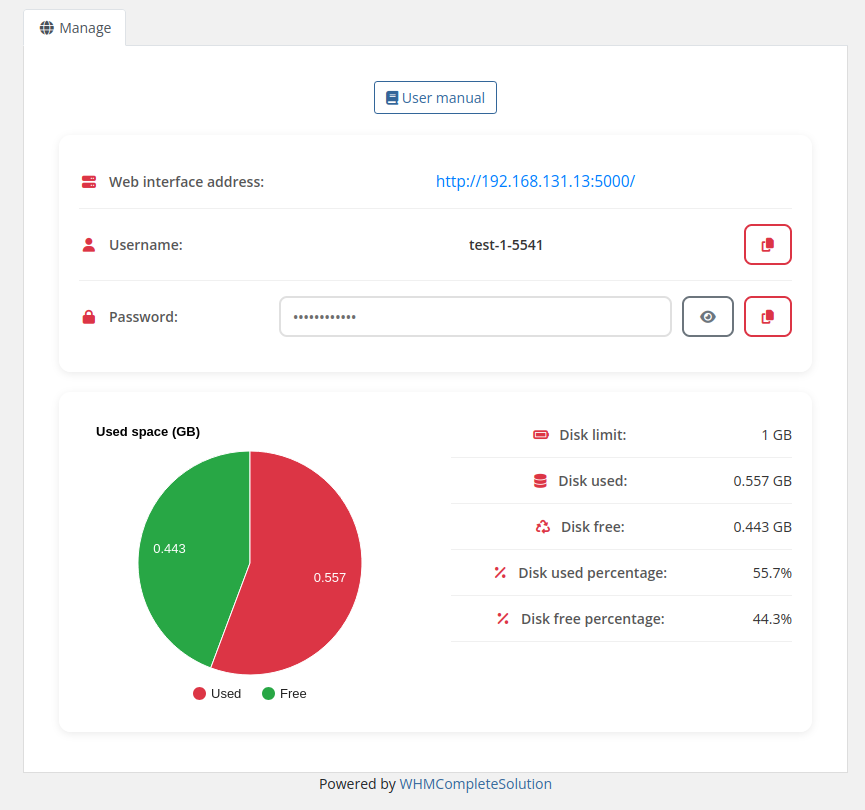 16-home-screen.png
Admin area — product information
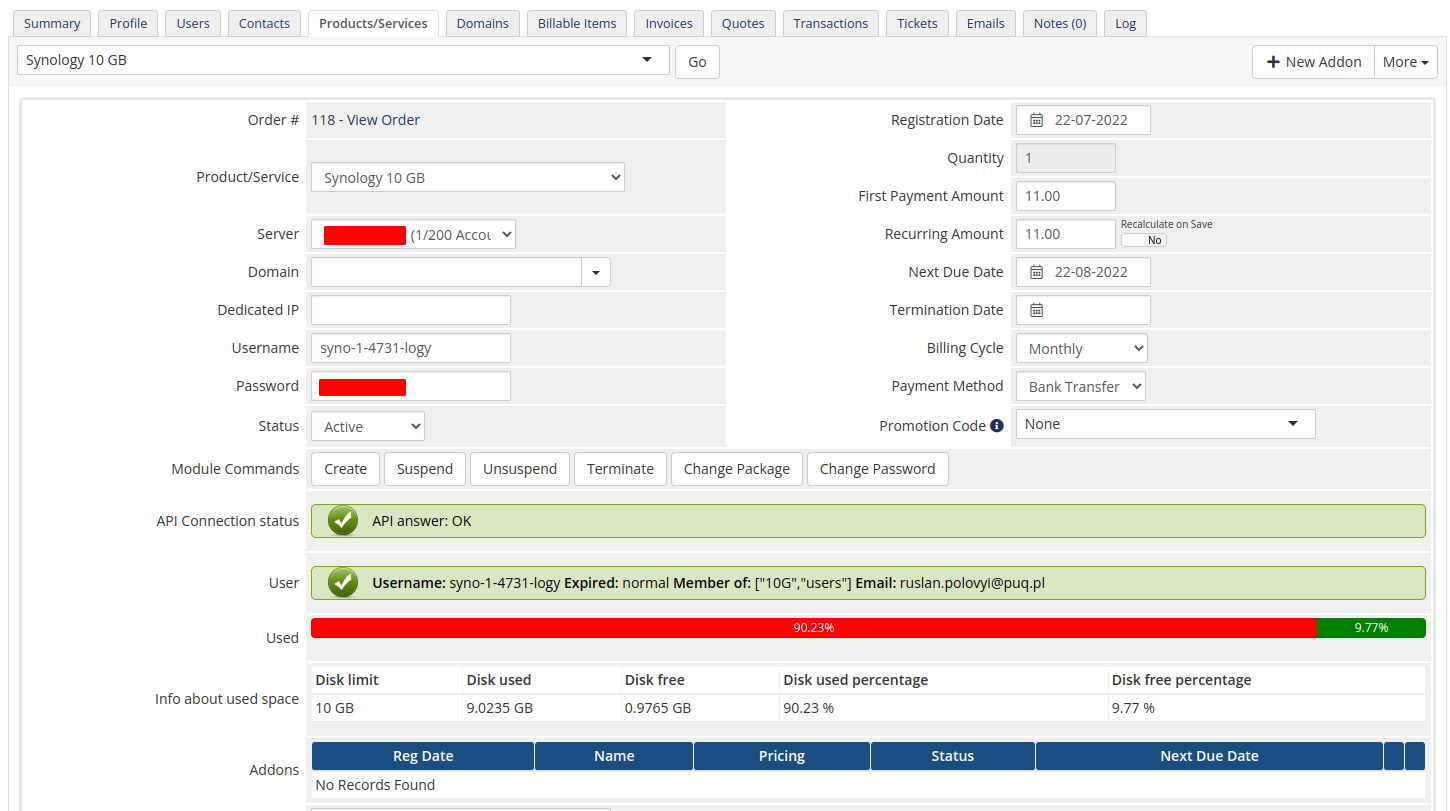 15-product-information.png