 Skip to main content
Client Area Overview
PUQ Account Statement module WHMCS
Order now | Download | Community
This page describes the client area interface and actions available to active service clients.
Accessing the Client Area
Clients can access the module control panel via:
- Logging into the client area dashboard.
- Navigating to Billing > Account Statement.
Client Actions
Within the control area, clients can:
- View Statements: See a list of their previously generated statements.
- Generate Statement: Generate a new statement for a specific date range.
- Download PDF/CSV: Export the statements.
Screenshot
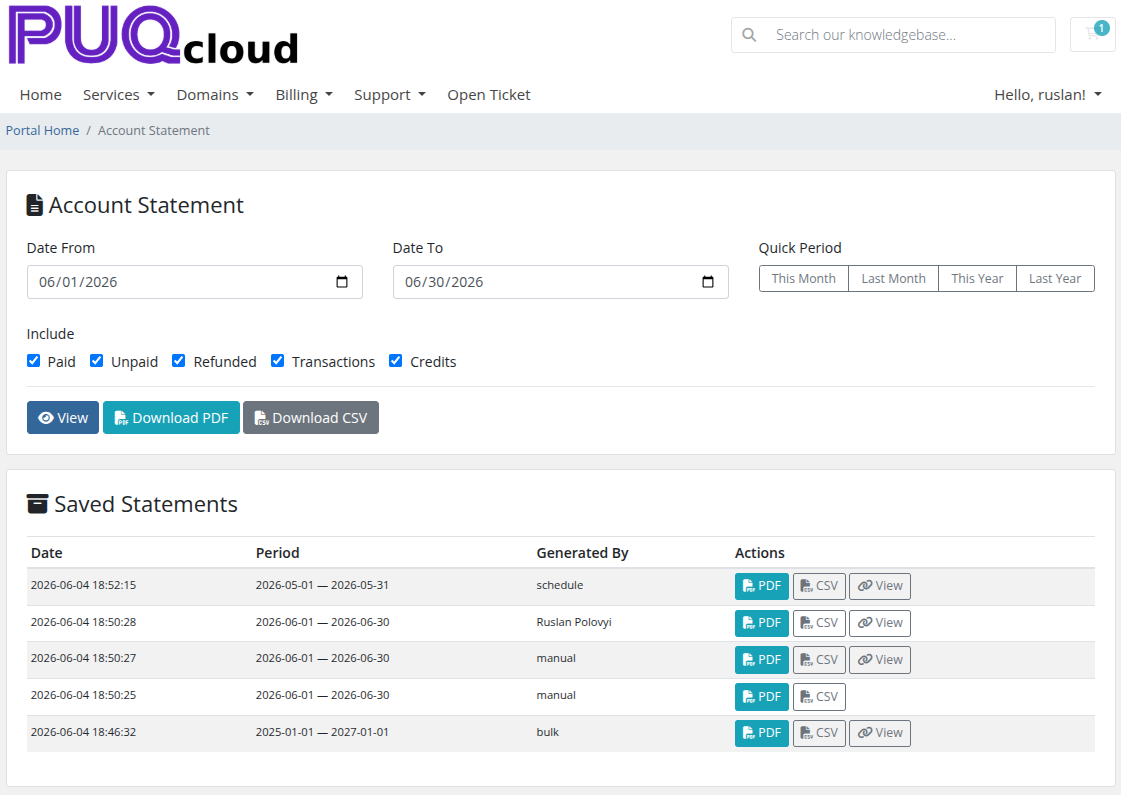 11-client-area.png