 Skip to main content
08. IKEv2
Overview
IKEv2/IPsec is a standards-based VPN protocol with native support in most operating systems. PUQVPNCP uses strongSwan as the IKEv2 implementation.
Key advantages:
- No app required — built into iOS, macOS, Windows, Android, Linux
- MOBIKE support — seamless switching between Wi-Fi and cellular without reconnection
- Strong security — certificate-based authentication with modern ciphers
- Automatic reconnection — reconnects transparently after network changes
IKEv2 is the best choice when you want zero-install VPN for end users — they can configure it using only the native OS settings.
Requirement:
strongswanandstrongswan-pkipackages must be installed.
Global Settings
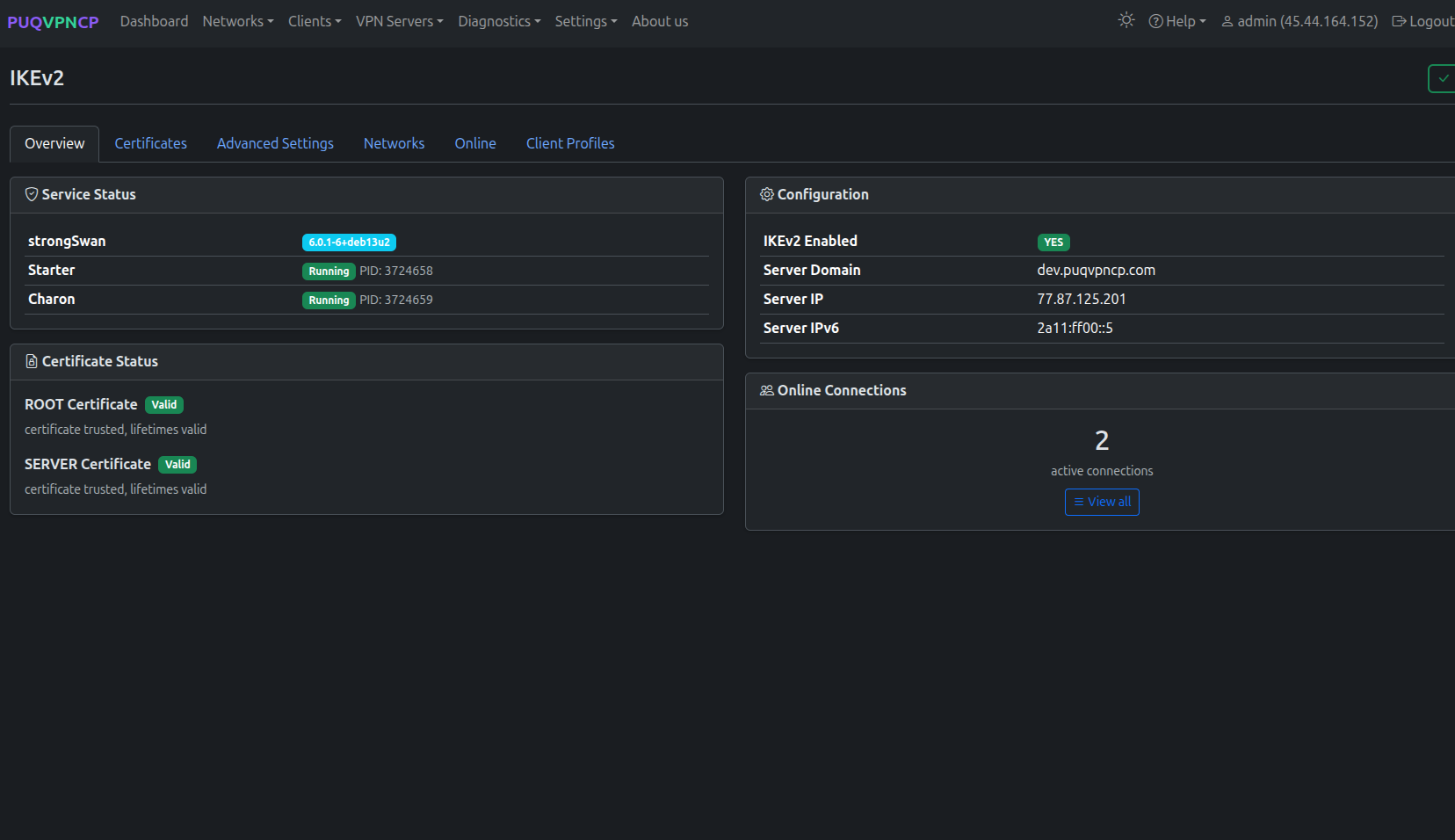 IKEv2 global settings
| Setting | Description |
|---|---|
| Enabled | Enable/disable IKEv2 globally |
| Ports | 500 / 4500 UDP (standard IPsec ports) |
Advanced Settings
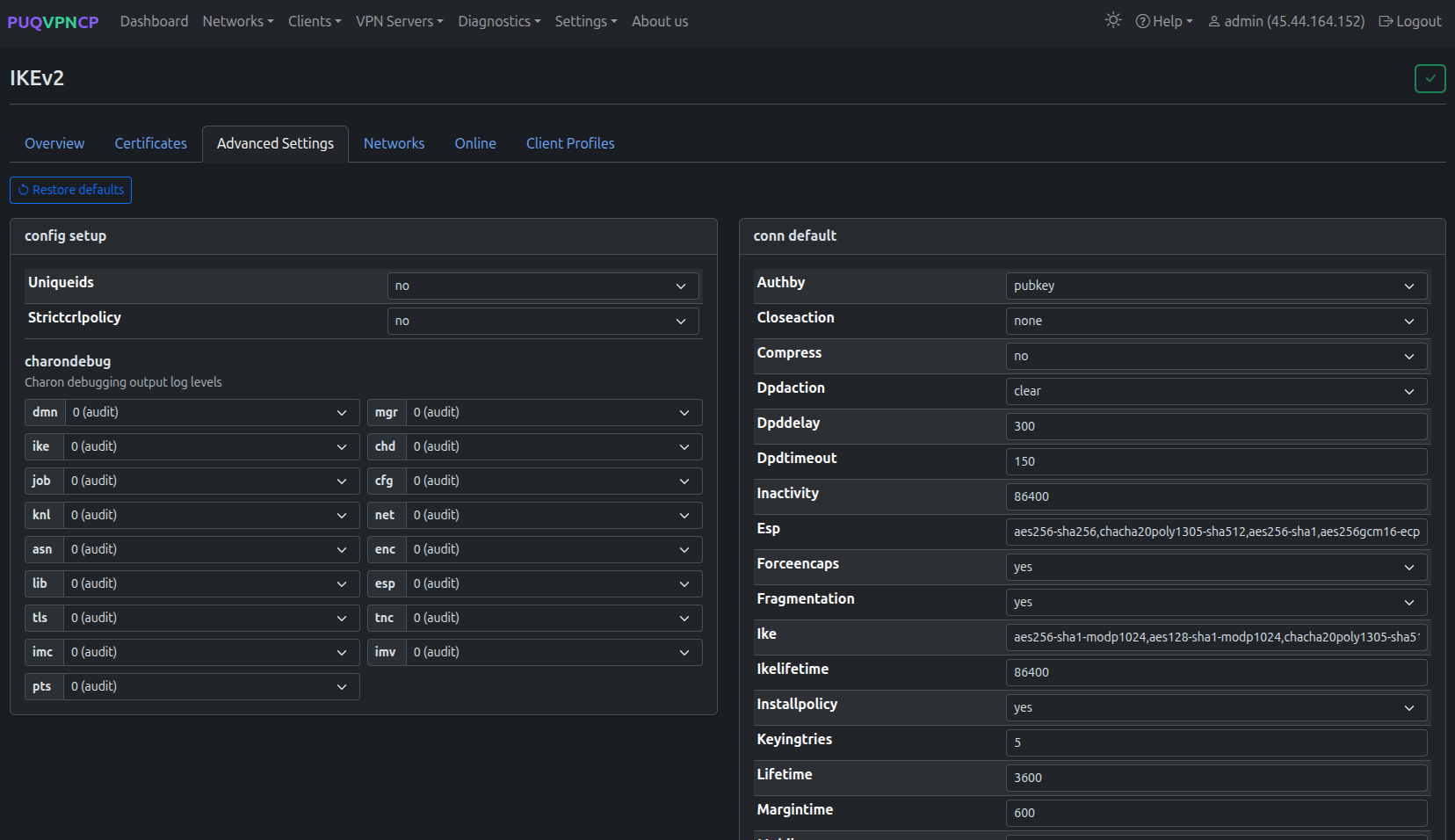
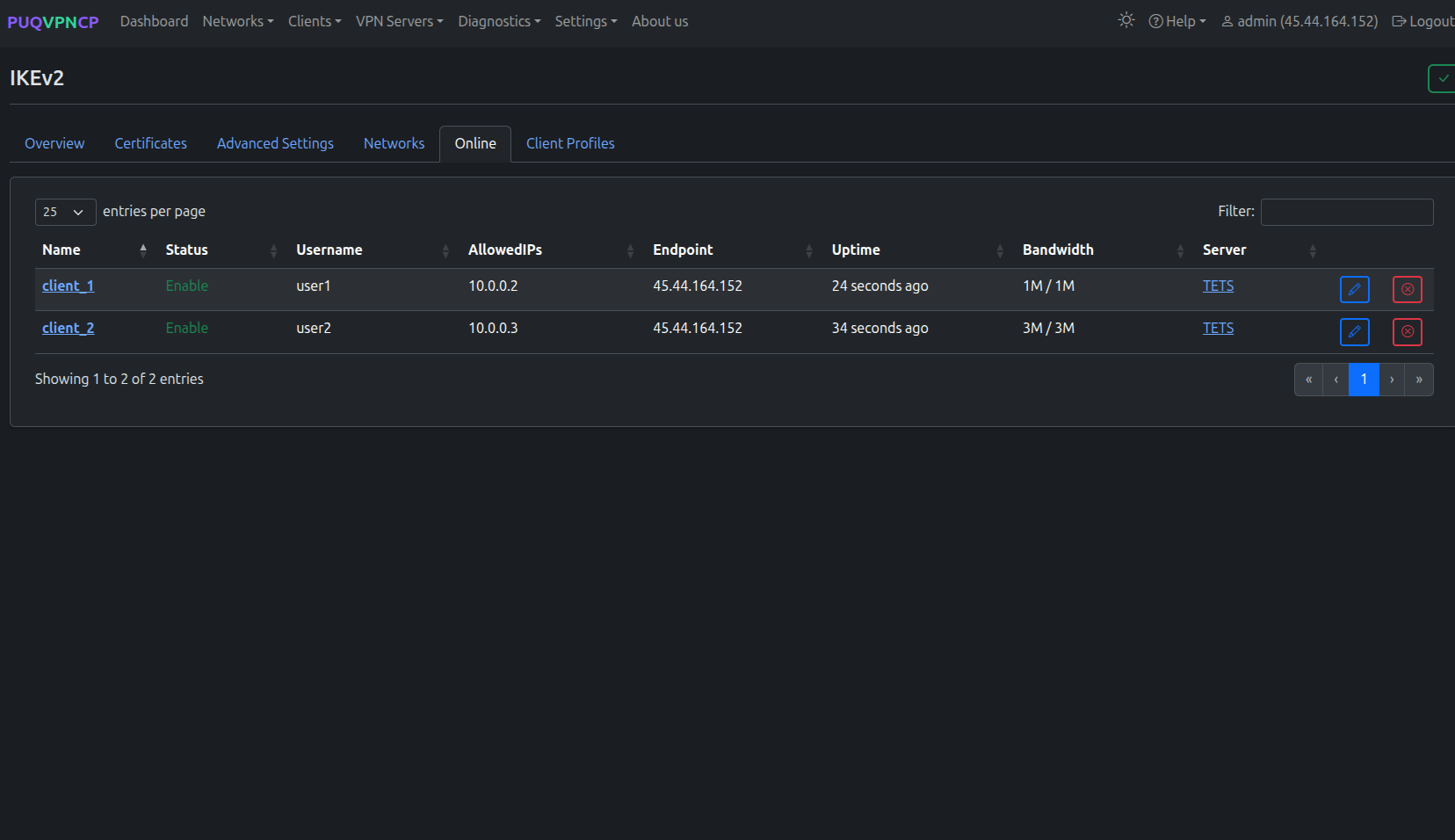 IKEv2 advanced settings
| Setting | Description | Default |
|---|---|---|
| ESP | ESP encryption proposals | aes256gcm128-sha256 |
| IKE | IKE encryption proposals | aes256-sha256-modp2048 |
| IKE Lifetime (sec) | IKE SA lifetime | 86400 |
| Lifetime (sec) | Child SA lifetime | 3600 |
| DPD Delay | Dead Peer Detection interval | 30 |
| DPD Timeout | DPD timeout | 150 |
Certificates
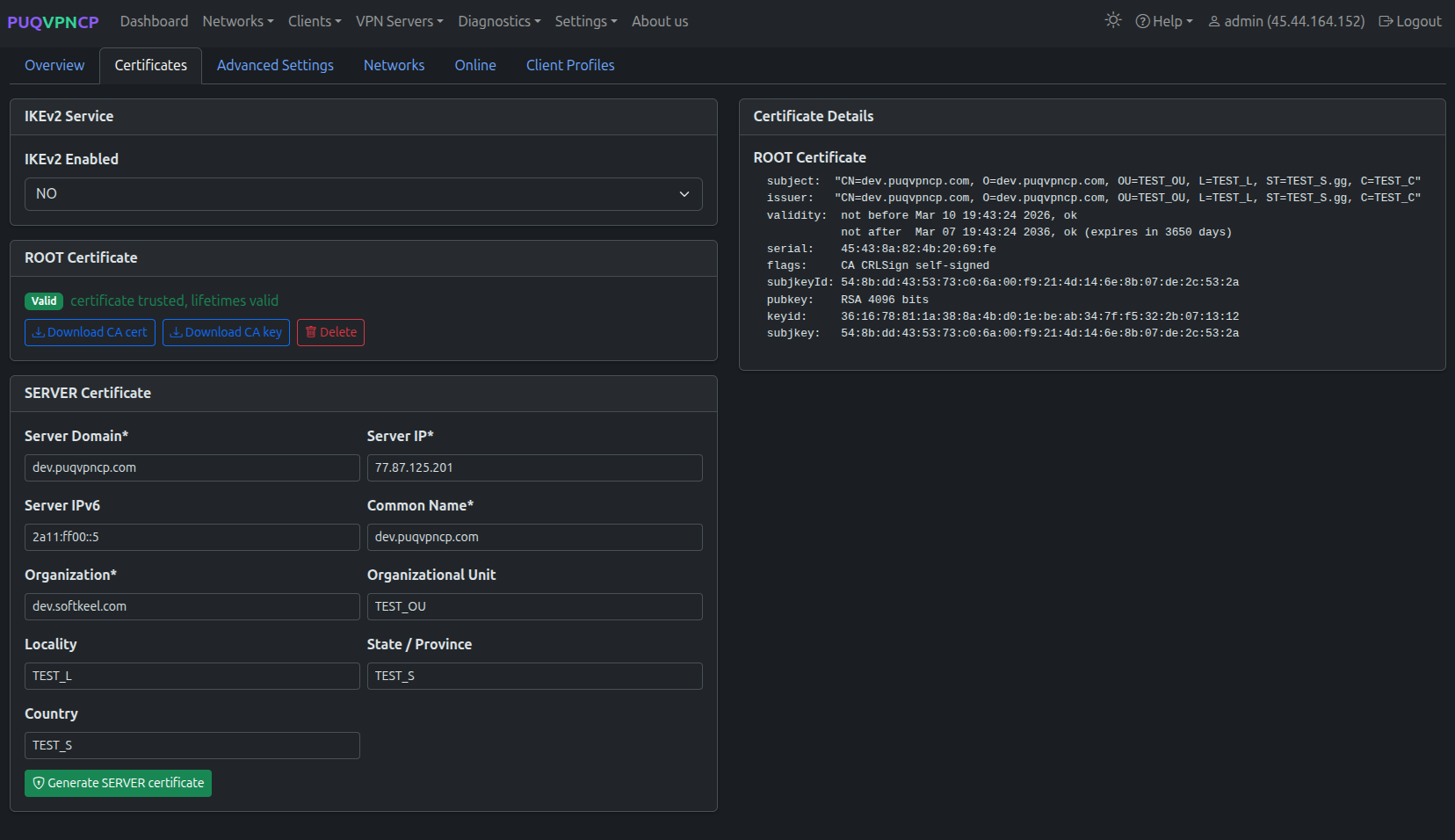
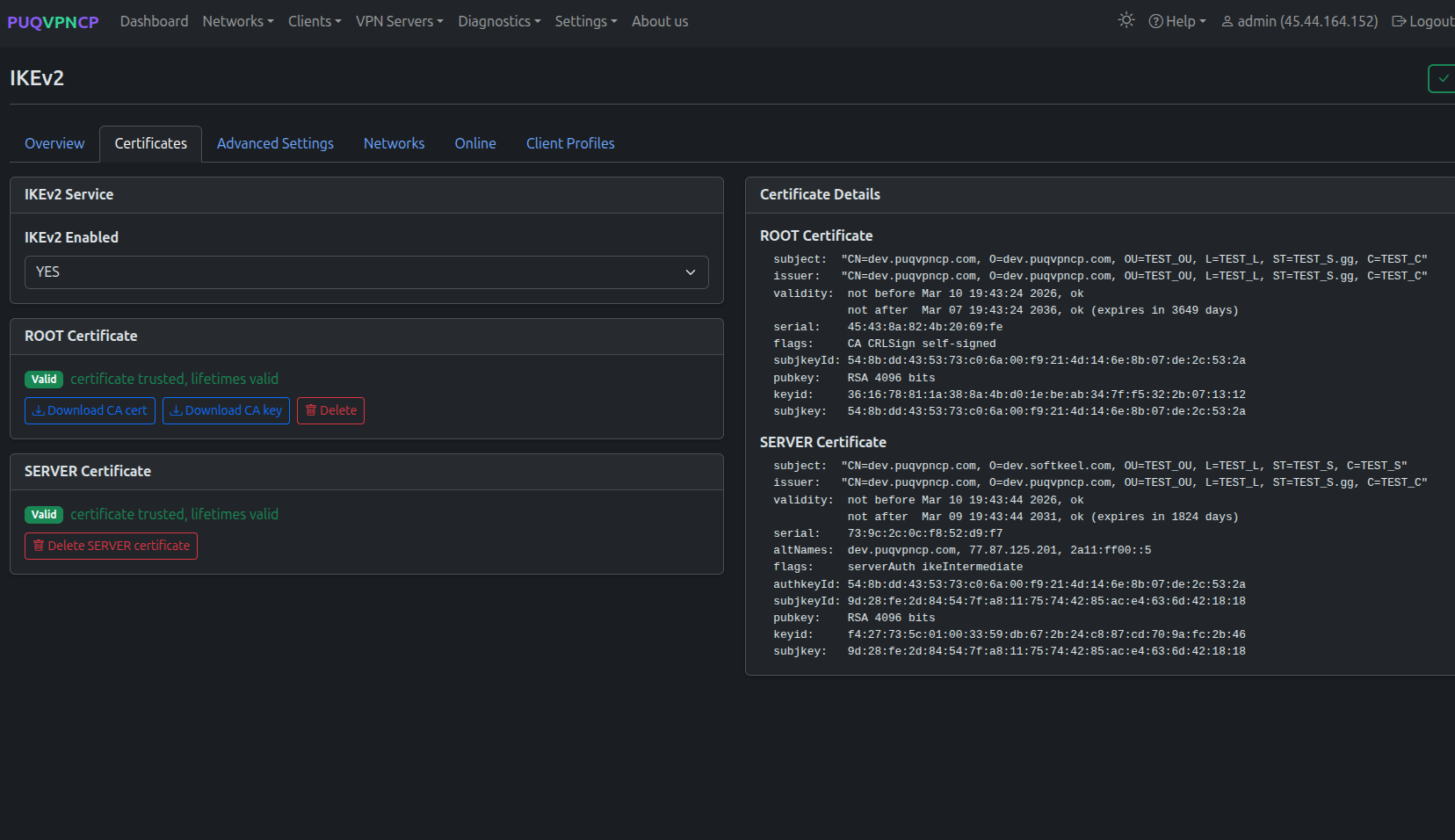
IKEv2 uses X.509 certificates for server authentication. PUQVPNCP manages the full PKI chain.
Root Certificate (CA)
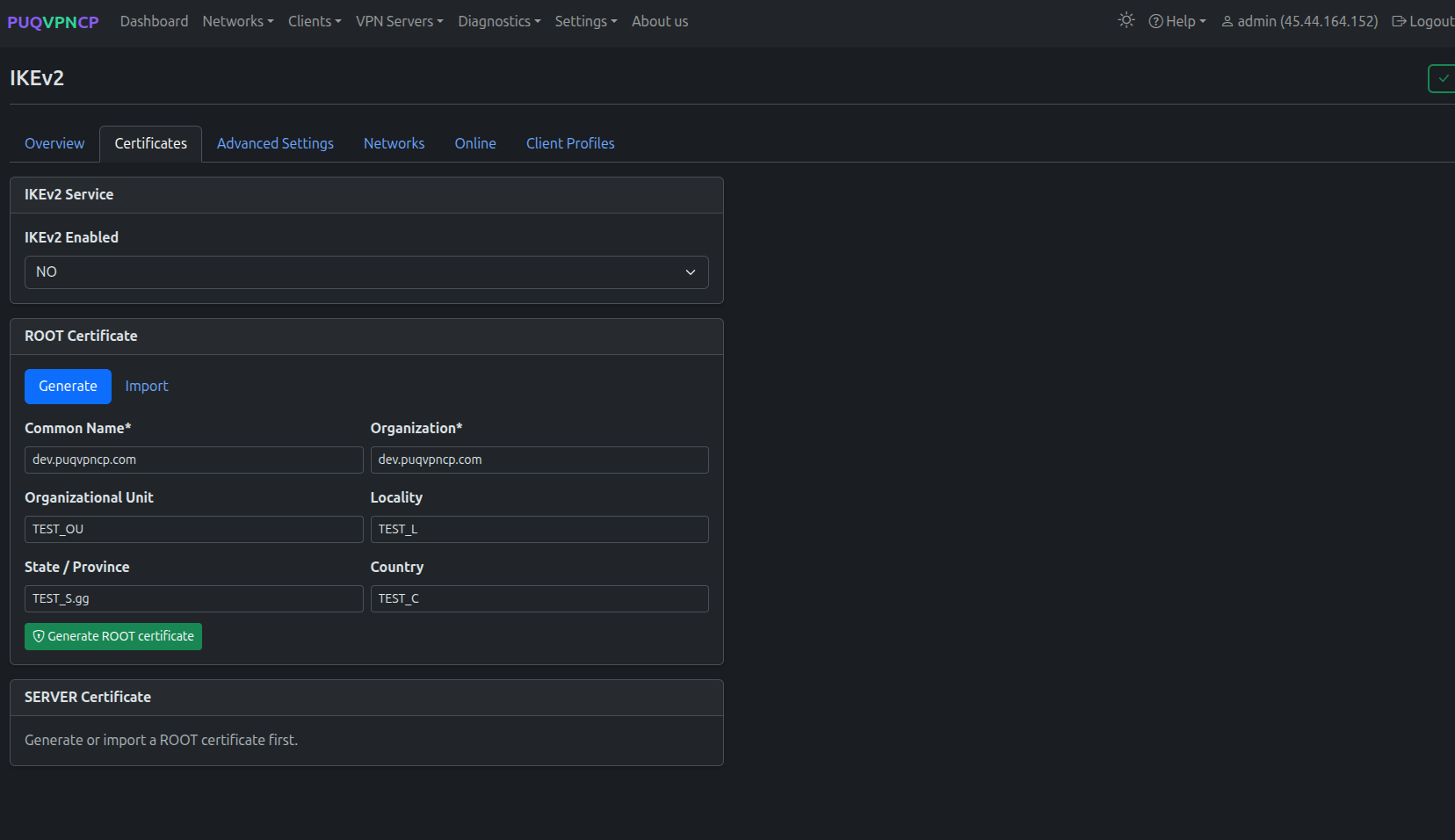 IKEv2 Root CA certificate
The Root CA is created once and signs all server certificates. Clients must trust this CA.
Server Certificate
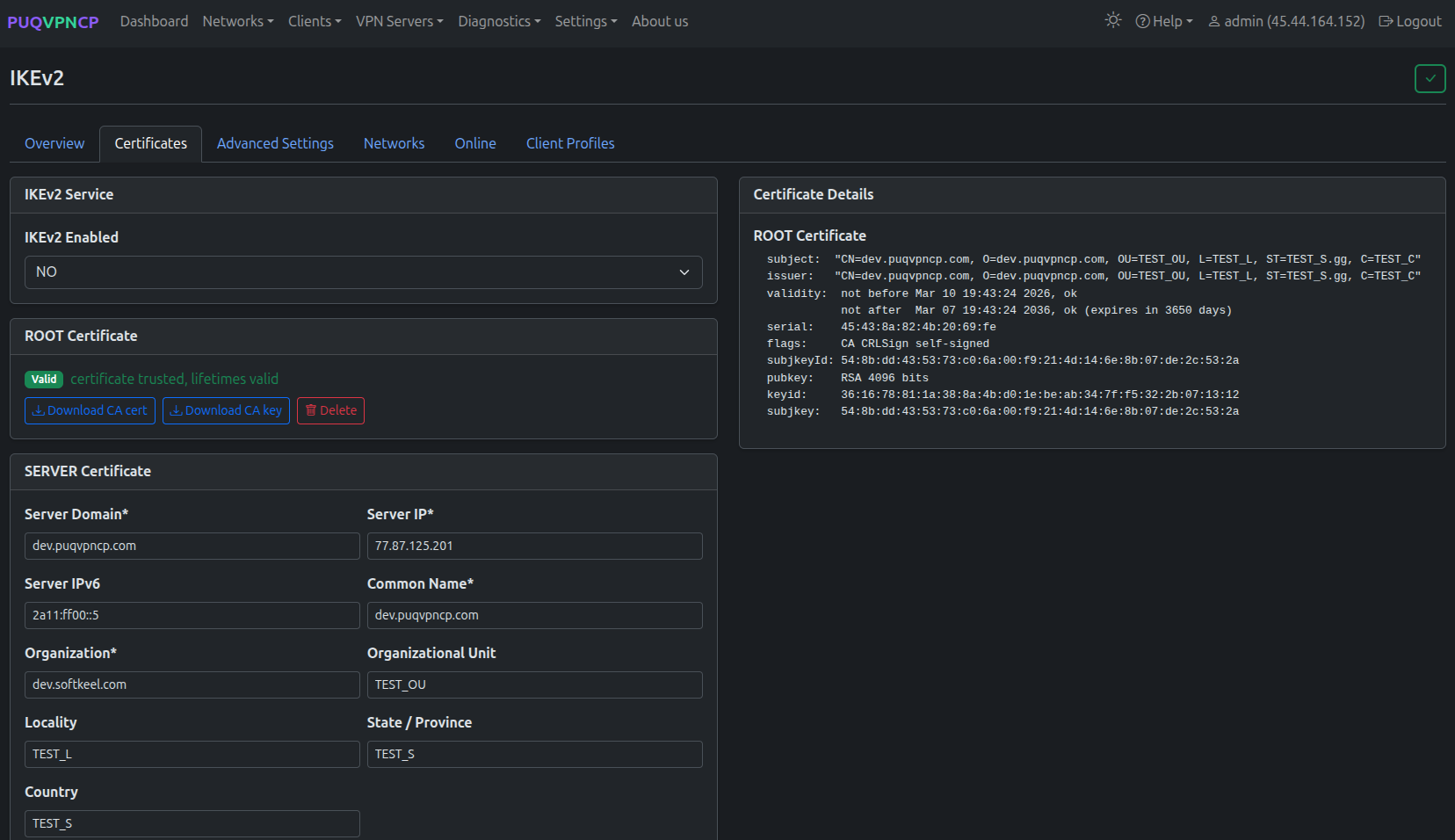 IKEv2 server certificate
The server certificate is signed by the Root CA and presented to clients during the IKE handshake.
Important: The server certificate's Subject Alternative Name (SAN) must match the VPN Domain or server IP.
Import Certificate
 Import existing CA and server certificates
If you have existing certificates from another strongSwan installation, you can import them instead of generating new ones.
DNS
 IKEv2 DNS configuration
Configure DNS servers pushed to IKEv2 clients.
Status
 IKEv2 service status
Shows the strongSwan daemon status, starter and charon PIDs, and current active SAs.
Online Users
 IKEv2 online users
Lists all active IKEv2 security associations with:
- Client name and network
- Virtual IP assigned
- Remote (real) IP
- IKE and ESP proposals in use
- Connection duration
Client Profiles
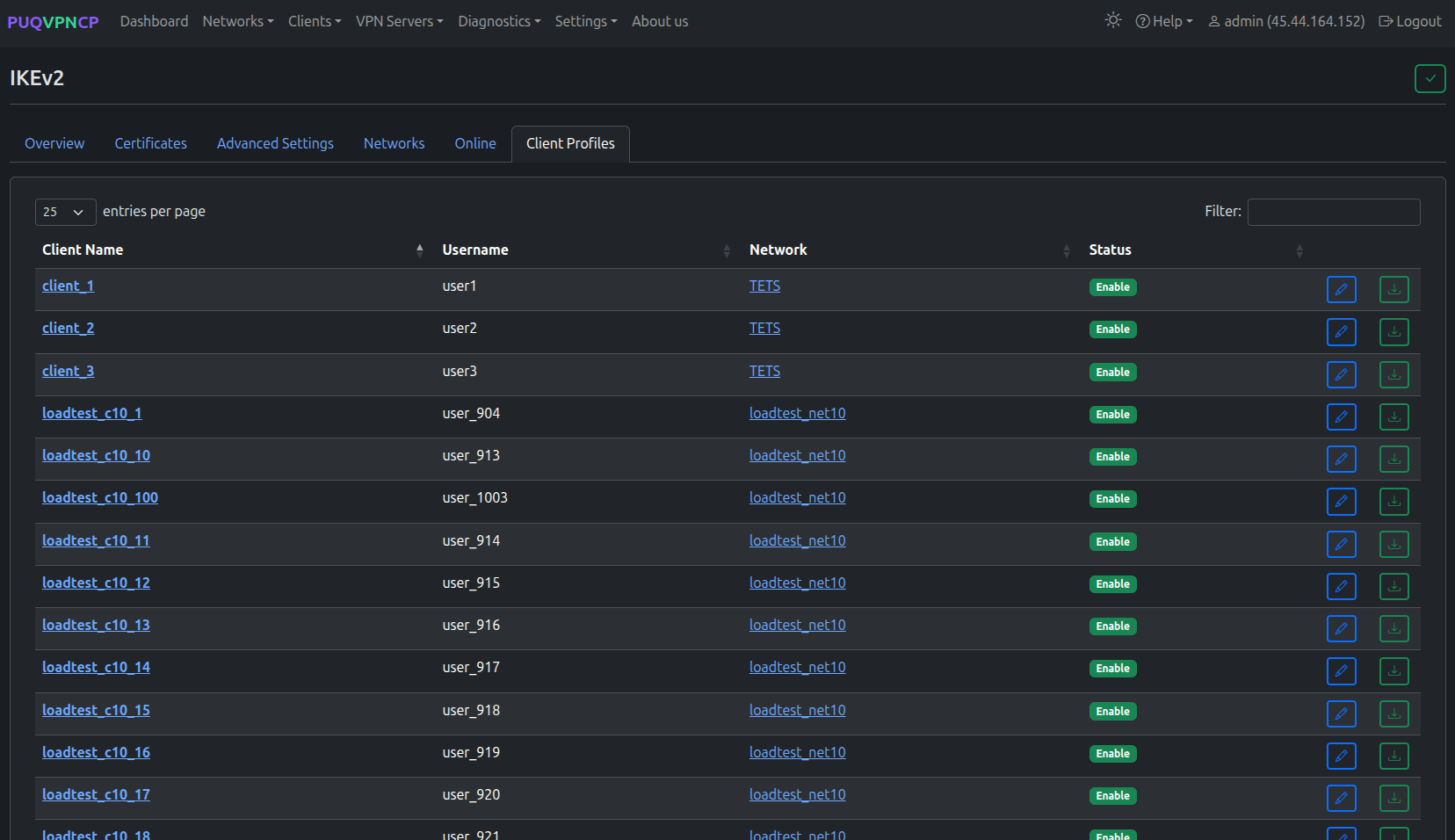 IKEv2 client profiles — all clients across all networks
Lists all IKEv2 clients across all networks:
| Column | Description |
|---|---|
| Client Name | Client name (link to client page) |
| Username | System user who owns this client |
| Network | Network this client belongs to |
| Status | Enable/Disable |
Each client row has buttons to edit the client and download the .sswan configuration file.
Client Configuration
IKEv2 clients authenticate using username/password (EAP-MSCHAPv2) with server certificate validation.
Configuration by Platform
| Platform | Method |
|---|---|
| iOS | Settings > VPN > Add Configuration > IKEv2. Or import .mobileconfig profile |
| macOS | System Preferences > Network > + > VPN > IKEv2 |
| Windows | Settings > Network > VPN > Add VPN > IKEv2 |
| Android | Settings > VPN > + > IKEv2/IPsec MSCHAPv2 (or use strongSwan app) |
| Linux | NetworkManager or charon-cmd |
Required Client Settings
| Field | Value |
|---|---|
| Server | Your VPN domain or IP |
| Remote ID | Same as server (domain or IP) |
| Authentication | Username (EAP) |
| Username / Password | From client's IKEv2 tab |
| CA Certificate | The Root CA certificate (download from panel) |
Tip: Use One-Time Links to give users a downloadable
.sswanprofile that imports all settings automatically.
Per-Network Configuration
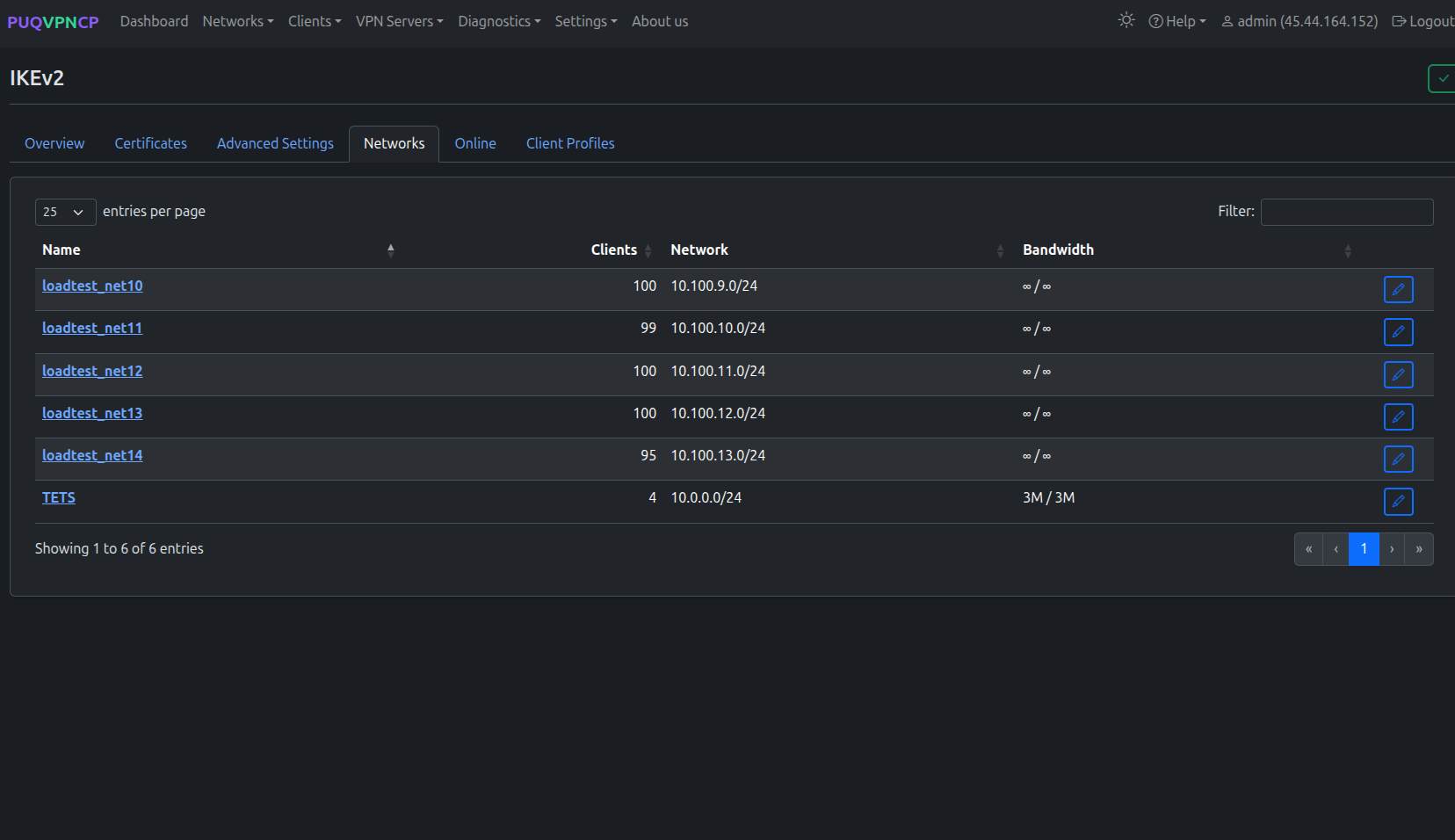
Each network can override the global IKEv2 settings:
- ESP and IKE proposals
- SA lifetimes
- DPD delay and timeout
See the IKEv2 tab in Networks for details.