 Skip to main content
11. Network Peering
Overview
Network Peering allows VPN clients from different networks to communicate with each other. By default, networks are isolated — clients in Network A cannot reach clients in Network B. Peering rules create explicit exceptions.
Peering List
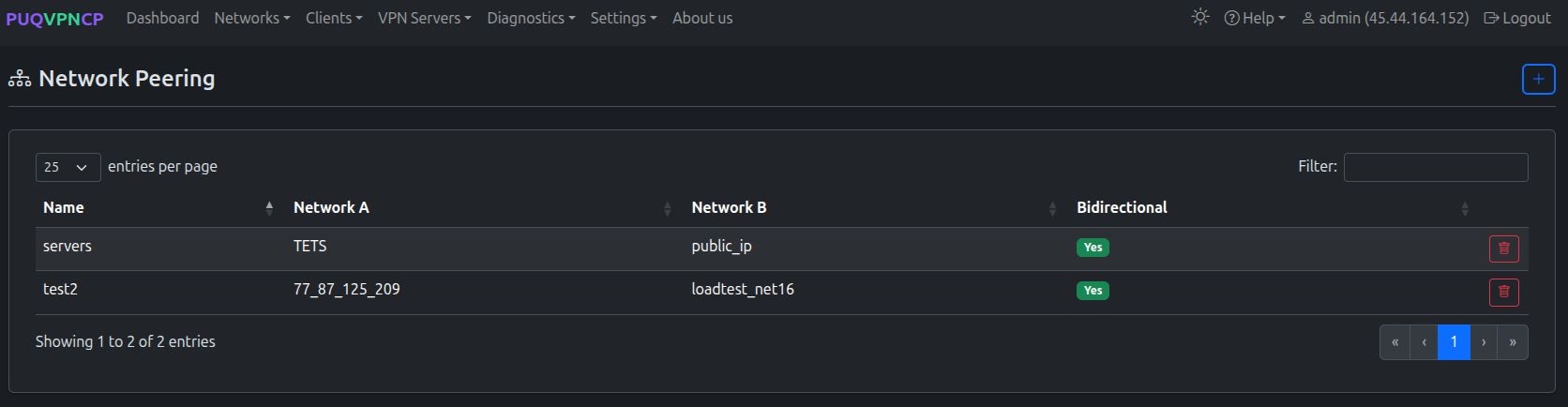 Network peering rules
| Column | Description |
|---|---|
| Name | Rule identifier |
| Network A | First network |
| Network B | Second network |
| Bidirectional | Whether traffic flows both ways |
Adding a Peering Rule
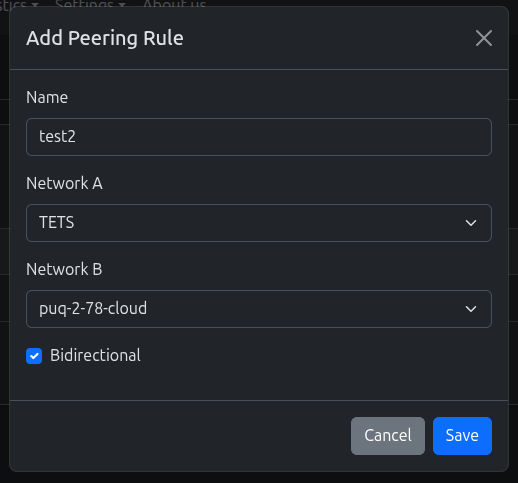 Add a new peering rule
| Field | Description |
|---|---|
| Name | Rule name |
| Network A | First network |
| Network B | Second network |
| Bidirectional | If enabled, both networks can reach each other. If disabled, only A can reach B. |
After adding a rule, the panel shows a warning to apply the firewall.
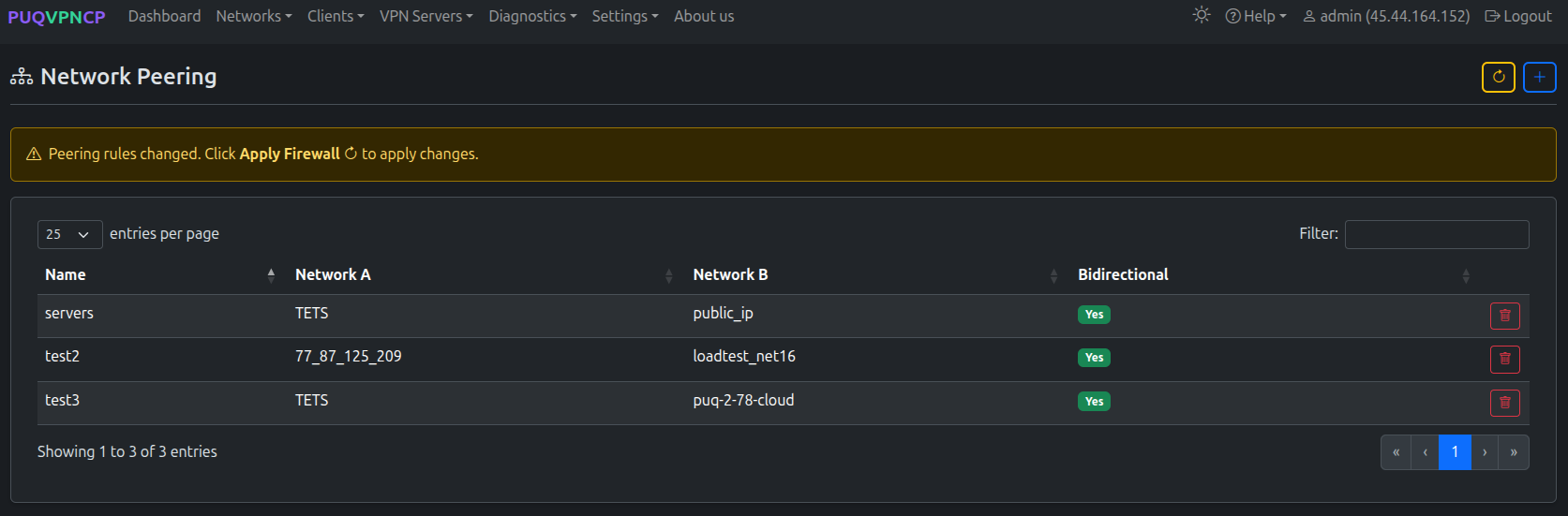 Peering rules updated — 3 rules configured
Click Apply Firewall to activate the new rules.
 Warning: Peering rules changed, click Apply Firewall to apply
 Applying firewall rules with countdown
Use Cases
Office-to-Office Communication
Connect clients from two office networks:
-
office_us(10.0.1.0/24) ↔office_eu(10.0.2.0/24) - Bidirectional: Yes
Server Access from VPN
Allow VPN clients to access a management network:
-
vpn_clients(10.100.1.0/24) →servers(10.0.0.0/24) - Bidirectional: No (clients access servers, but not vice versa)
IoT Monitoring
Allow monitoring network to reach IoT devices:
-
monitoring(10.0.3.0/24) →iot_devices(10.0.4.0/24) - Bidirectional: No
How It Works
Peering rules create iptables FORWARD rules that allow traffic between the specified network subnets. Without peering, the default auto_isolation_ipset rule in Pre-Network Rules drops inter-network traffic.