 Skip to main content
15. Monitoring
Overview
PUQVPNCP provides comprehensive traffic monitoring:
- Built-in traffic statistics — per-client and per-network, stored in local JSON files
- rsyslog integration — iptables traffic logging via syslog
- InfluxDB export — push metrics to InfluxDB for Grafana dashboards
- Prometheus-compatible metrics — HTTP metrics endpoint
Configuration
Traffic Logging
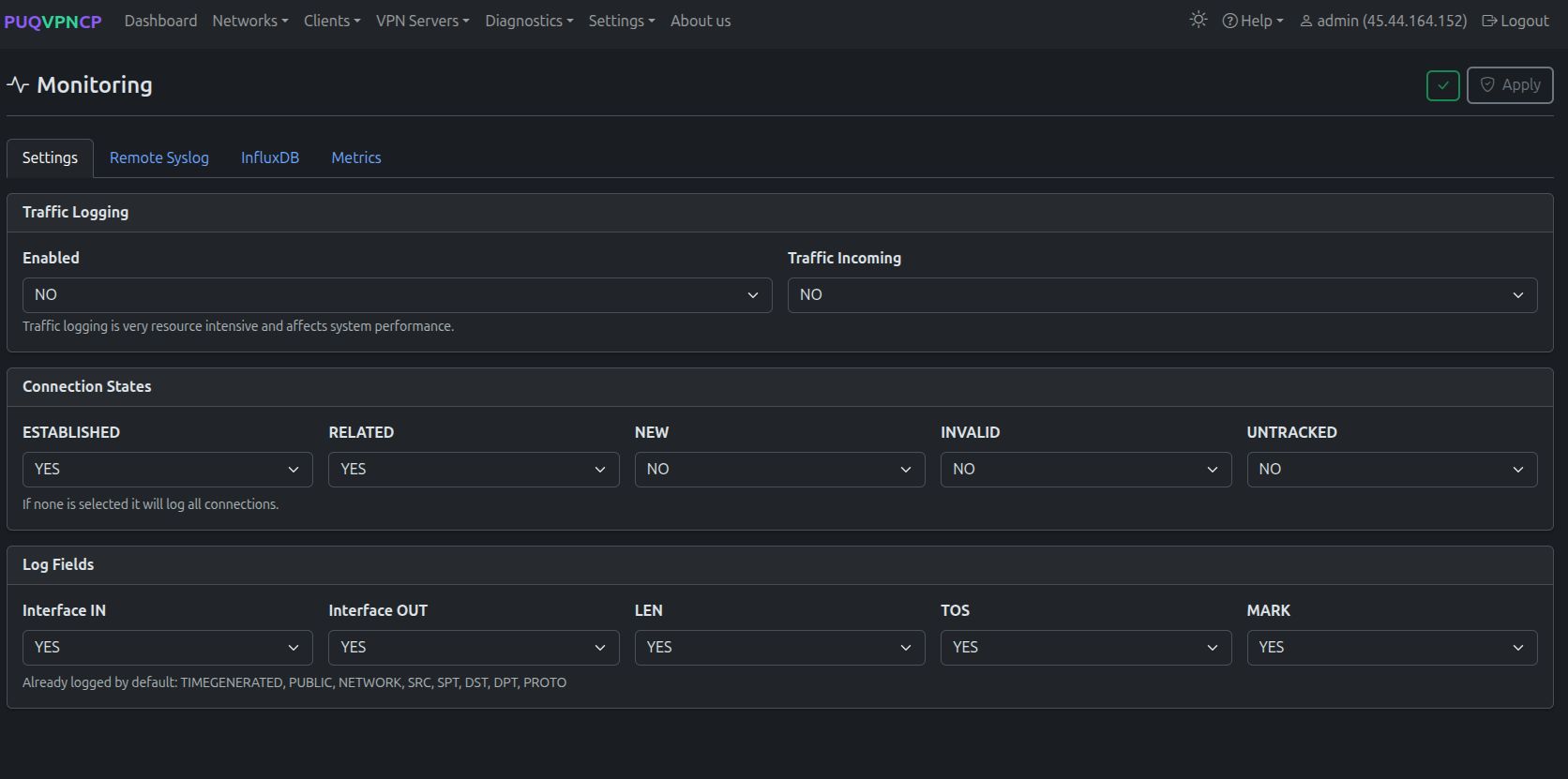 Monitoring configuration — traffic logging
| Setting | Description |
|---|---|
| Logging | Enable iptables traffic logging via rsyslog |
| Log format | Log format template |
Remote Syslog
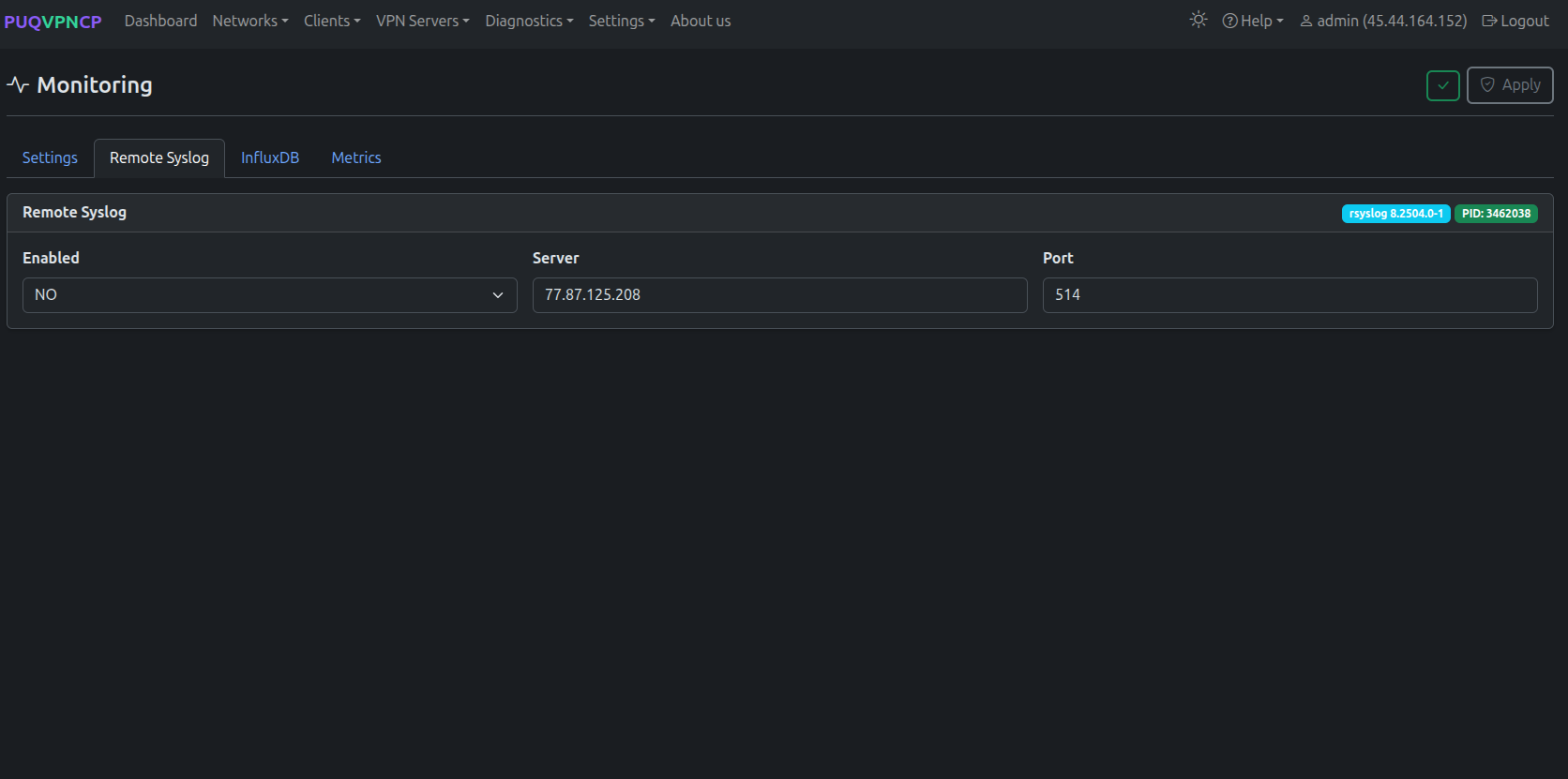 Remote syslog configuration
Forward traffic logs to a remote syslog server for centralized logging.
InfluxDB
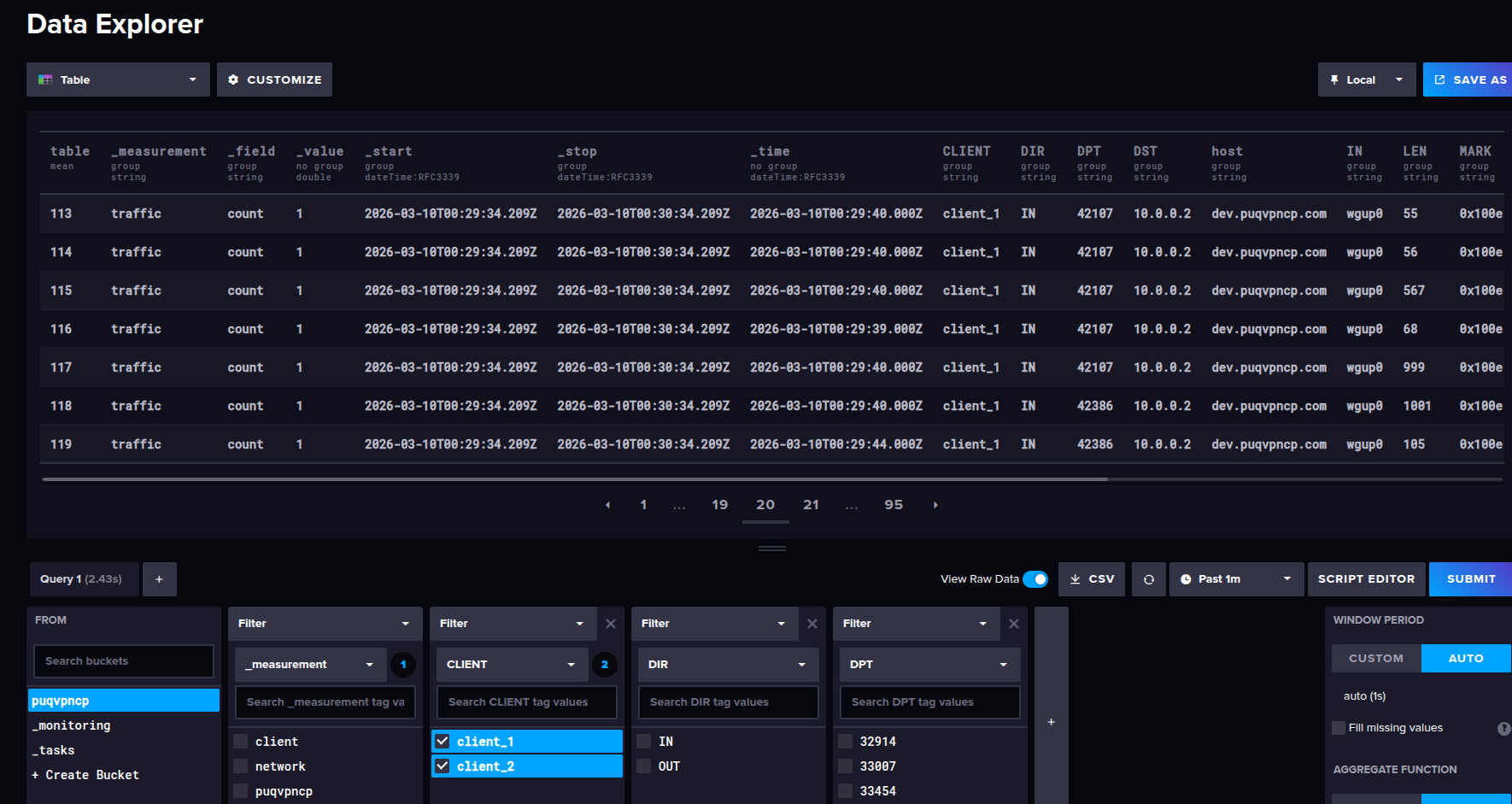
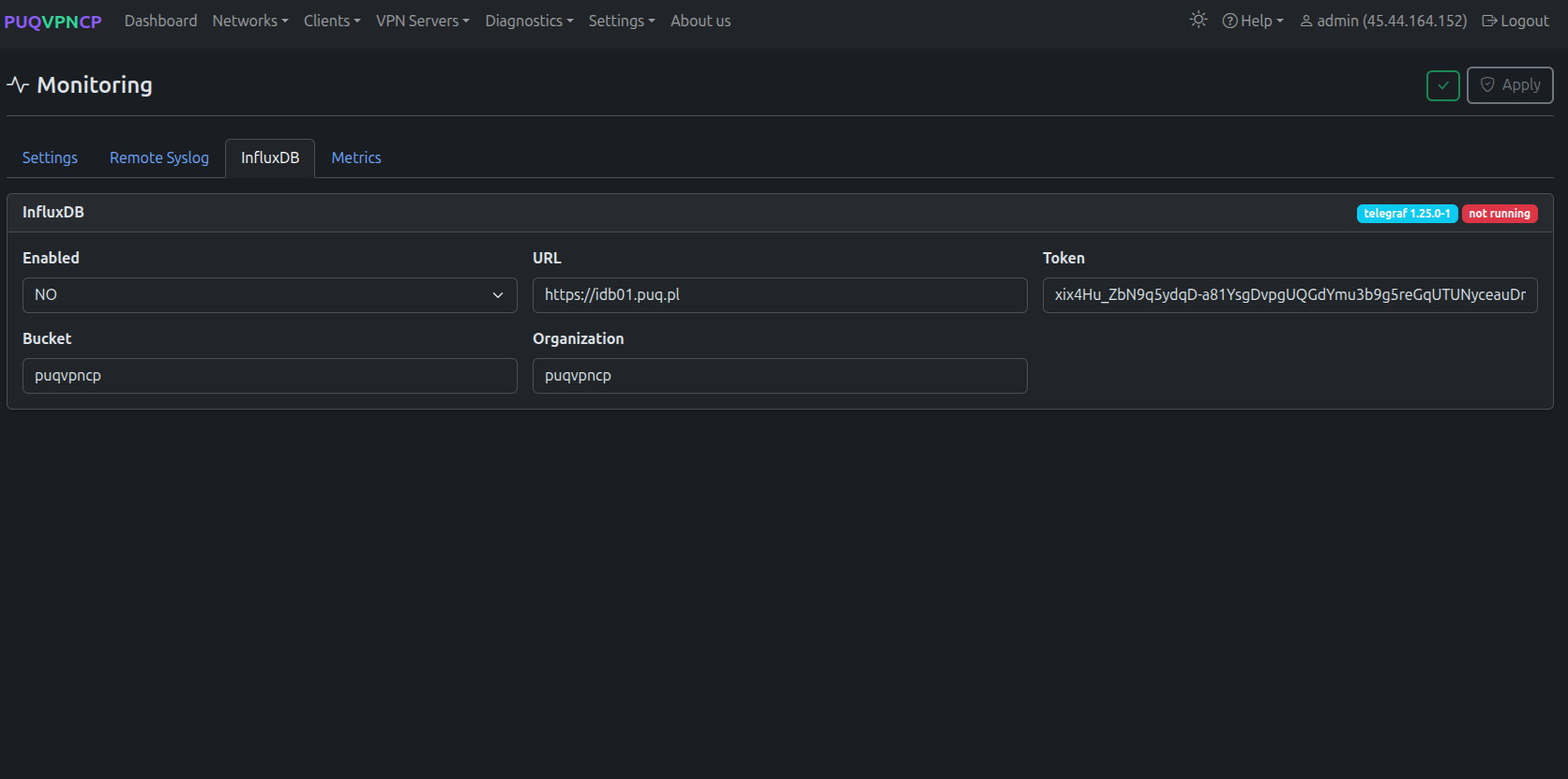 InfluxDB configuration
| Setting | Description |
|---|---|
| Enabled | Enable InfluxDB export |
| URL | InfluxDB server URL (e.g., https://idb01.example.com) |
| Token | Authentication token |
| Organization | InfluxDB organization |
| Bucket | Target bucket |
Metrics Endpoint
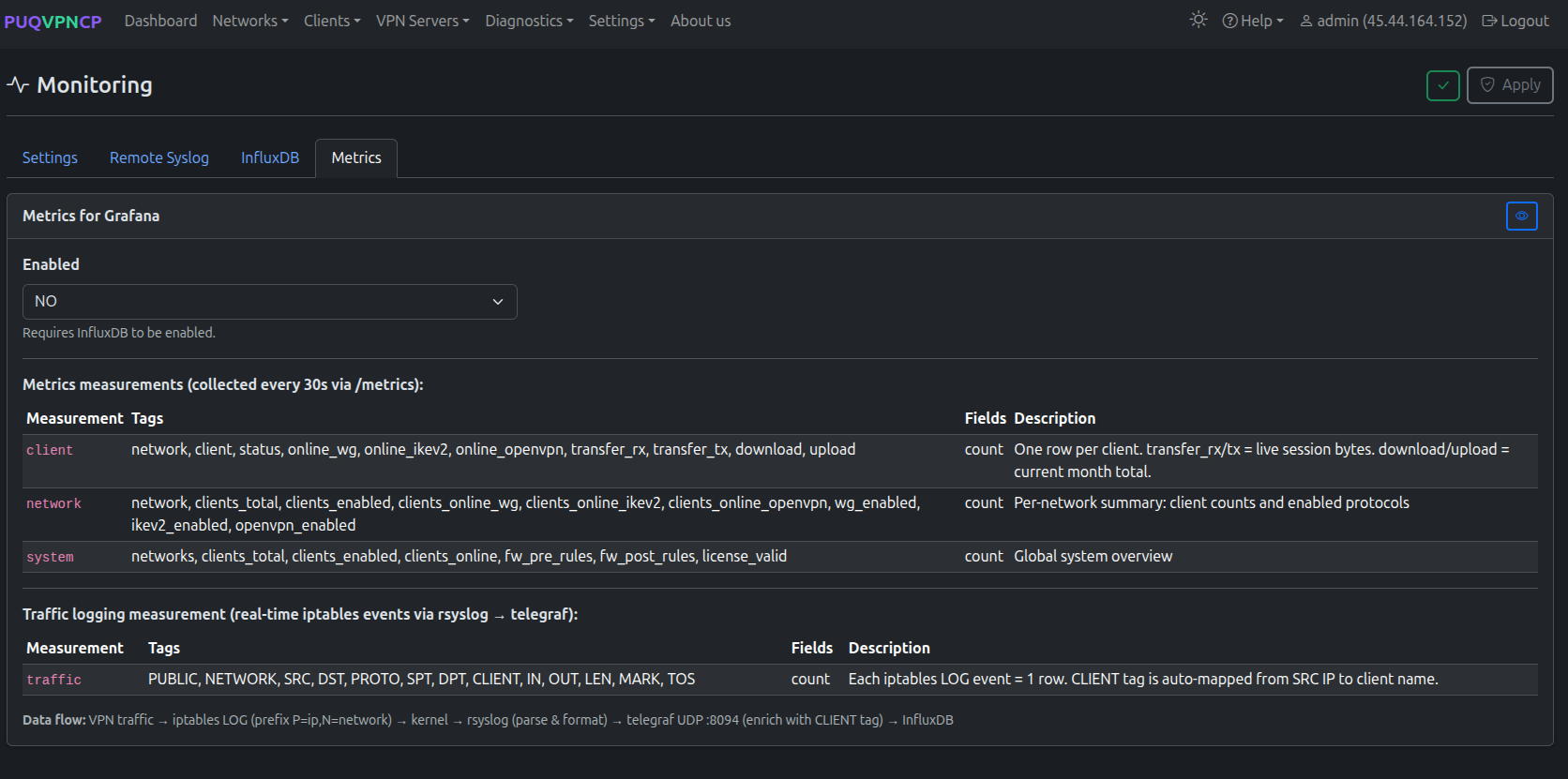 Metrics endpoint configuration
Enable a Prometheus-compatible HTTP metrics endpoint at http://127.0.0.1:8098/metrics.
Monitoring Status
 Monitoring services status
Shows the current state of all monitoring components:
- rsyslog service status
- telegraf service status
- InfluxDB connection status
- Metrics endpoint status
After changing monitoring settings and clicking Save, the configuration is applied with a countdown:
 Applying monitoring configuration
Grafana Integration
Connect Grafana to your InfluxDB instance to create custom VPN dashboards.
 Example Grafana dashboard with VPN traffic metrics
Available Metrics
| Metric | Description |
|---|---|
| client_download_bytes | Per-client download traffic |
| client_upload_bytes | Per-client upload traffic |
| network_download_bytes | Per-network download traffic |
| network_upload_bytes | Per-network upload traffic |
| online_wireguard | WireGuard online peer count |
| online_openvpn | OpenVPN connected session count |
| online_ikev2 | IKEv2 active SA count |