 Skip to main content
Infrastructure: Servers
PUQ Web Hosting module WHMCS
Order now | Download | Community
Infrastructure is where you register and monitor every node. The same servers are presented under three filtered lists — Web, Mail and DNS — based on their capabilities.
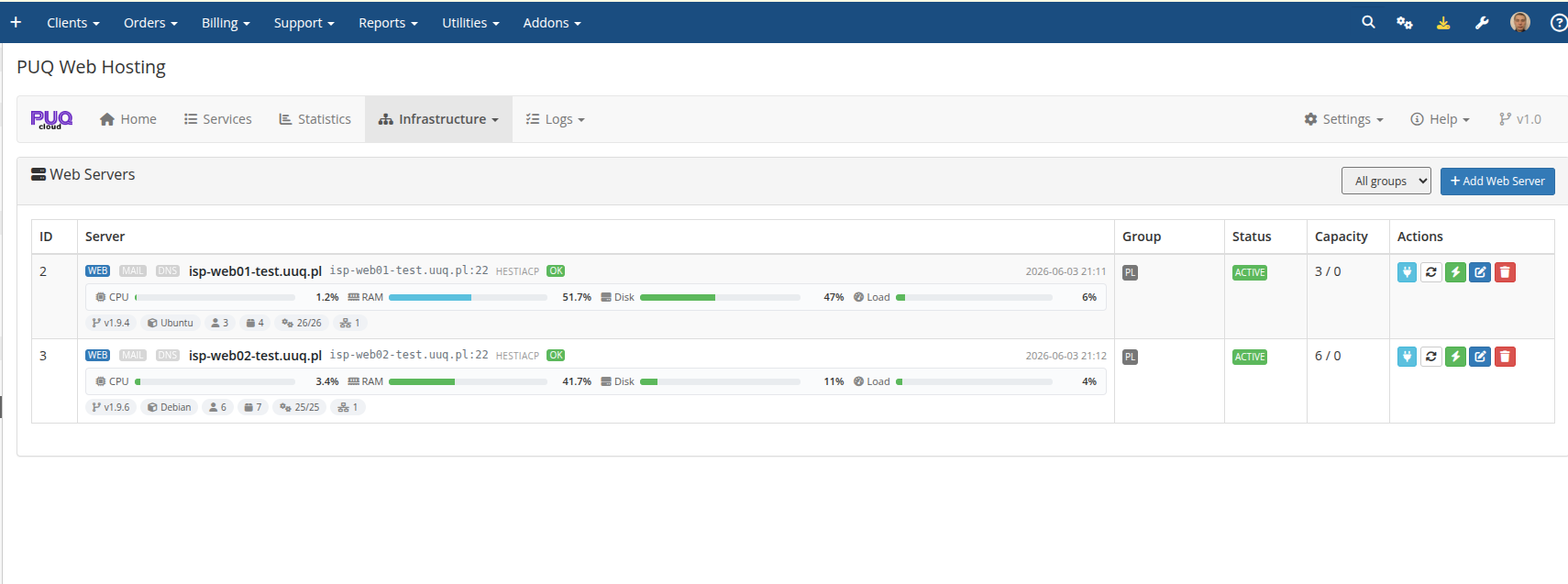
Each row carries live CPU / RAM / Disk / Load bars, the panel‑OK probe, the Hestia version & OS, the group, the capacity used/max, and per‑row actions (open Server Actions, refresh status, sync, edit, delete).
Capabilities decide the pools
A node's Web / Mail / DNS capability flags decide which list it appears in and which roles can be placed on it. See Add web / mail / DNS servers for the editor and Deployment & Segmentation → Server segmentation for how to design your topology.
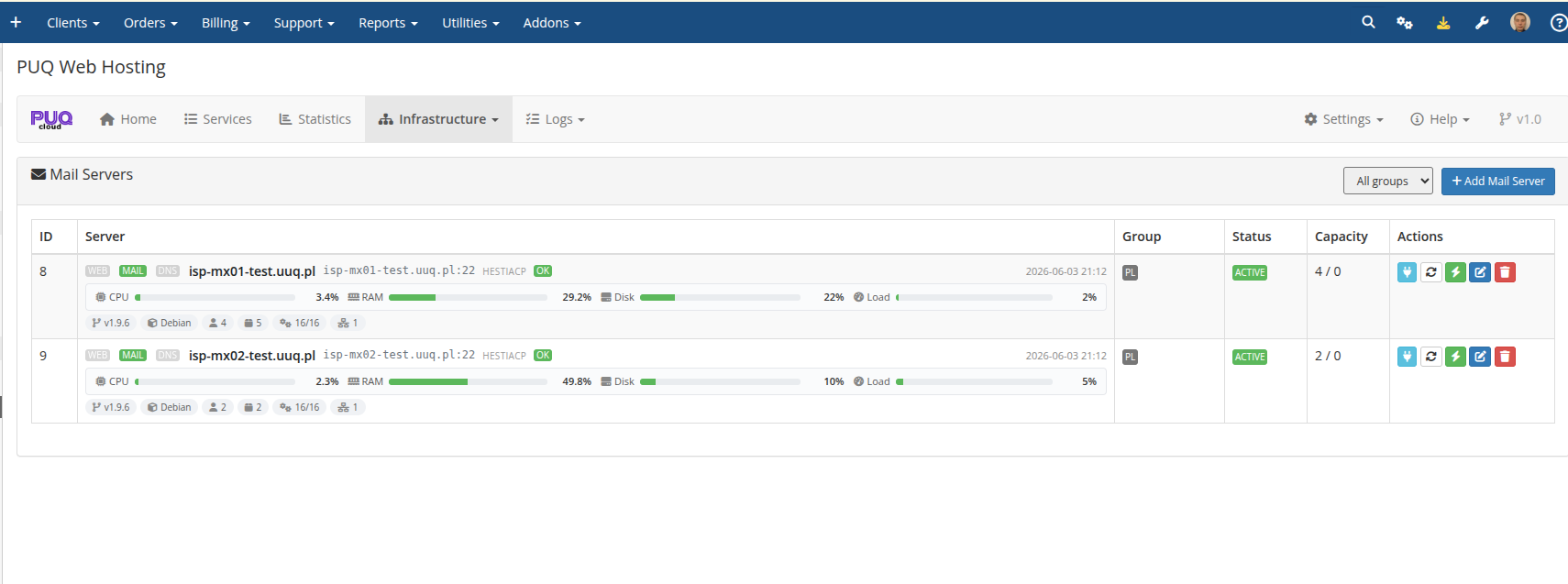
DNS servers are independent and attached to groups (one server can serve many groups):
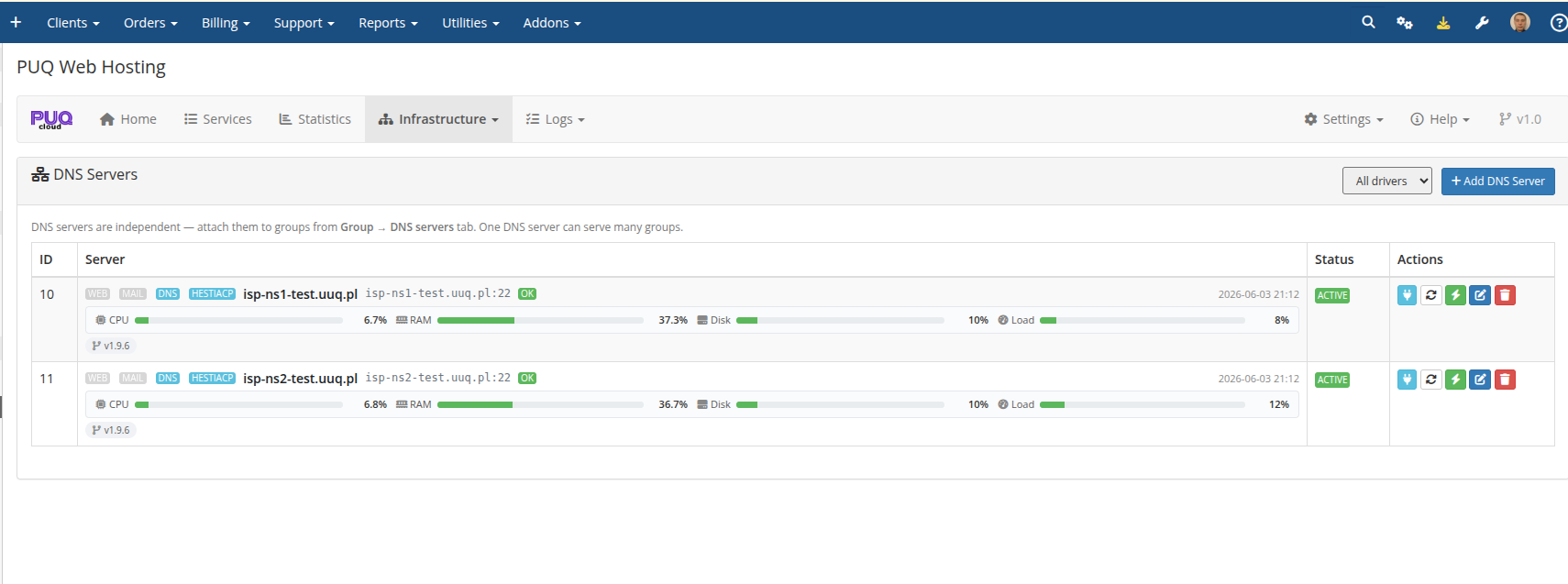
Open a server → Server Actions
Clicking a server's open/manage action takes you to the Server Actions page for that node — a full per‑node management console (live config, group‑config drift, PHP versions, file‑manager installs, system services, Hestia users & packages, IPs, maintenance, logs). That page is documented next.