 Skip to main content
The Vanity Shop Widget
PUQ Web Hosting module WHMCS
Order now | Download | Community
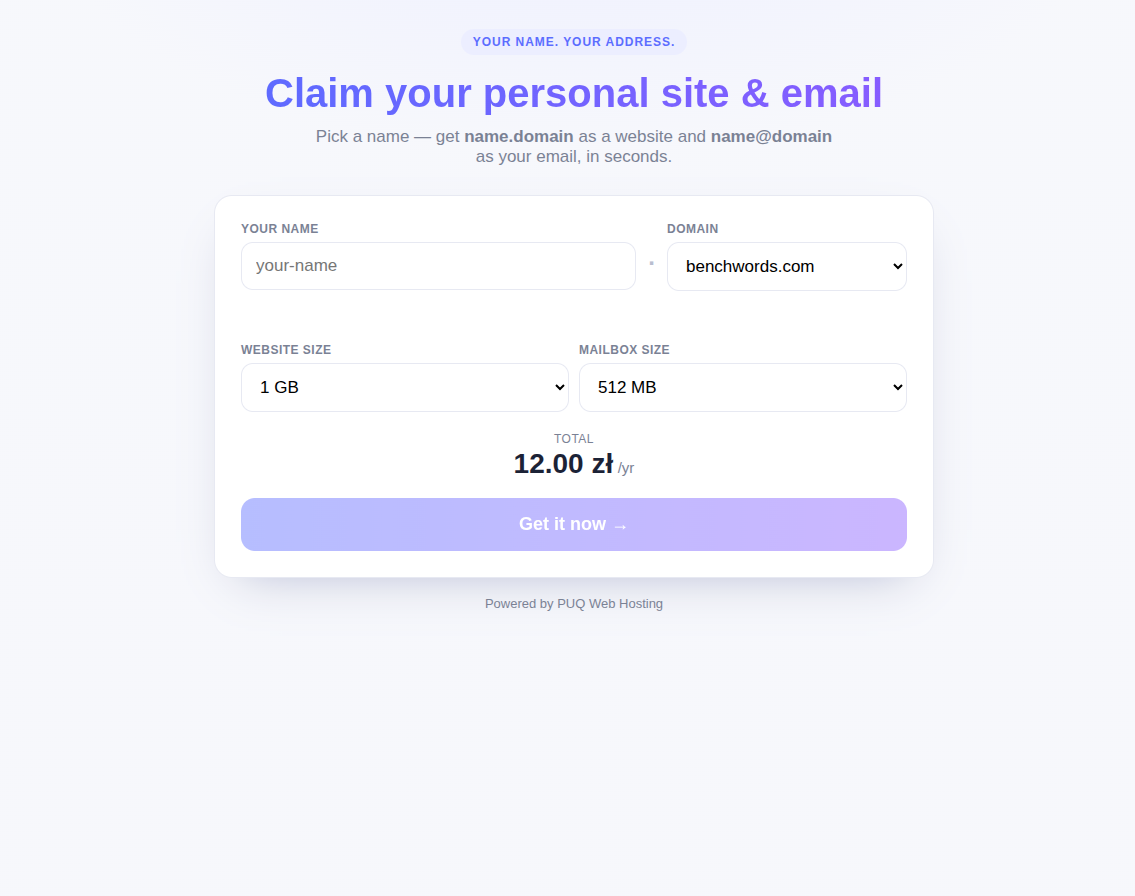
Besides selling vanity slots through the normal WHMCS cart, the module ships a standalone “claim your name” widget — two small files you can drop on any marketing domain (you can deploy it on hundreds of them). It shows a polished landing page that live‑checks names and sends the buyer straight into your prefilled WHMCS cart.
How it works (and why it's safe)
The widget is just two files — index.html (the landing page) and proxy.php. The browser talks only to the widget's own proxy.php, which holds your shared API key and talks server‑to‑server to your WHMCS. The key never reaches the visitor, and proxy.php caches answers so it stays fast.
- The visitor picks a name, a domain and the website / mailbox sizes; the widget shows a live total price.
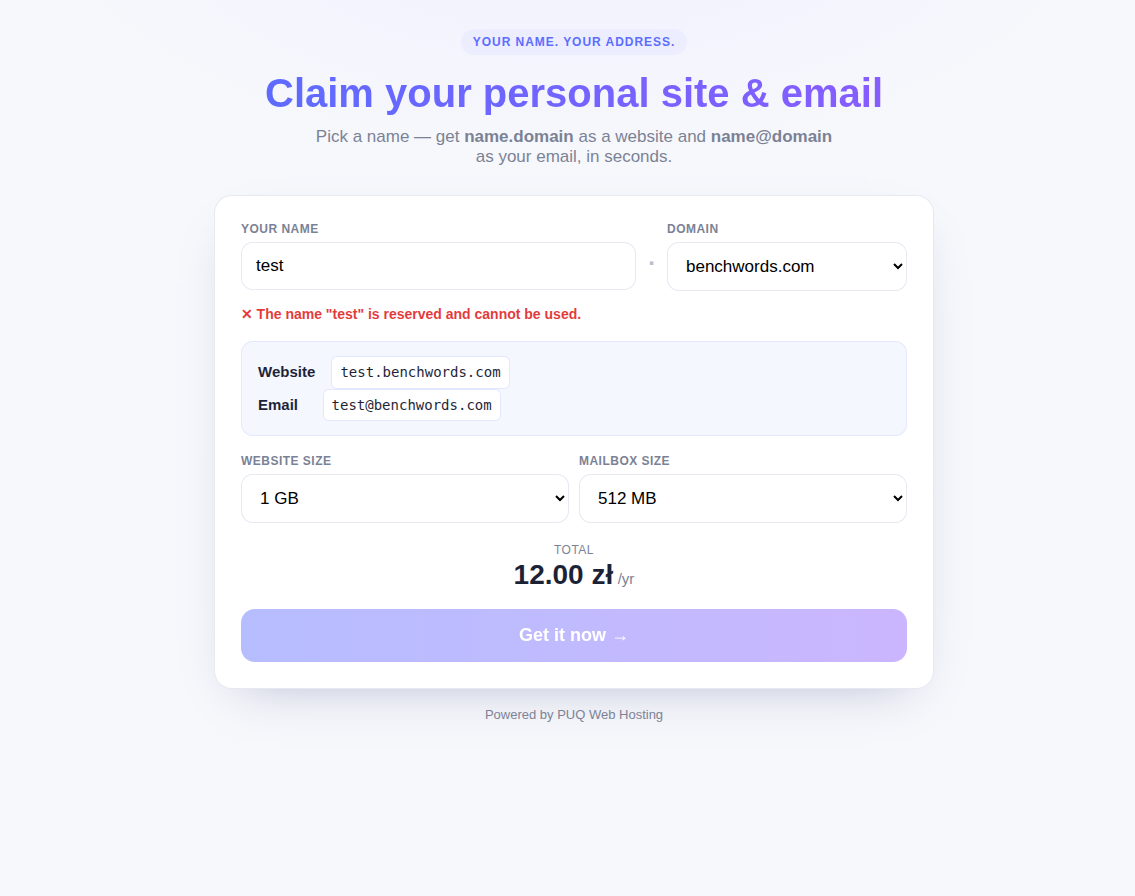
- As they type, the name is checked live against your WHMCS — reserved/taken names are rejected, free names are accepted with a
name.domain/name@domainpreview. - On Get it now the widget redirects the visitor to your WHMCS cart with the product, domain, name and quotas already filled in.
Configure it (addon → Settings → Vanity widget)
In the addon, open Settings → Vanity widget:
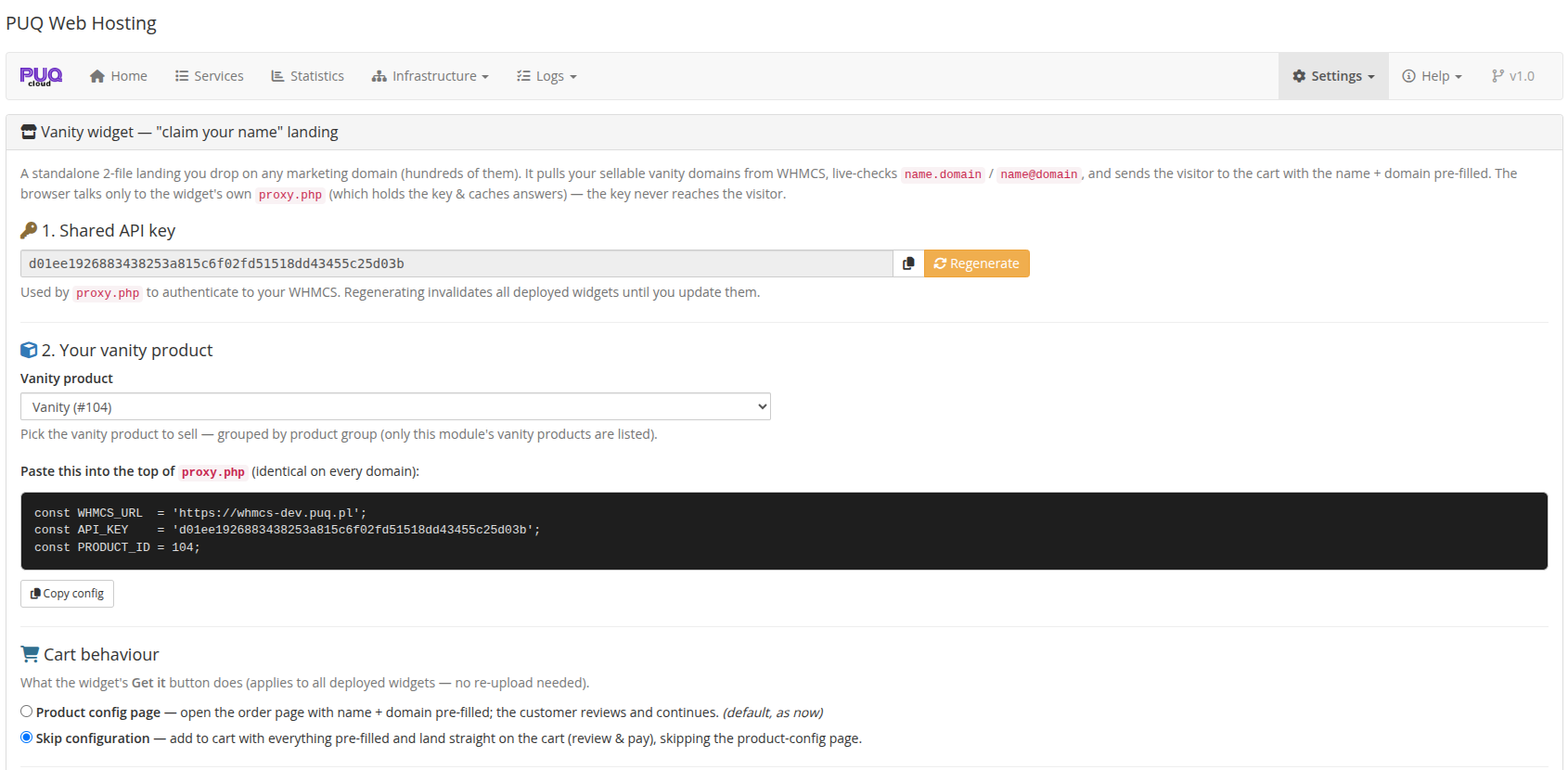
Then download the two files and upload both to the web root of each marketing domain:
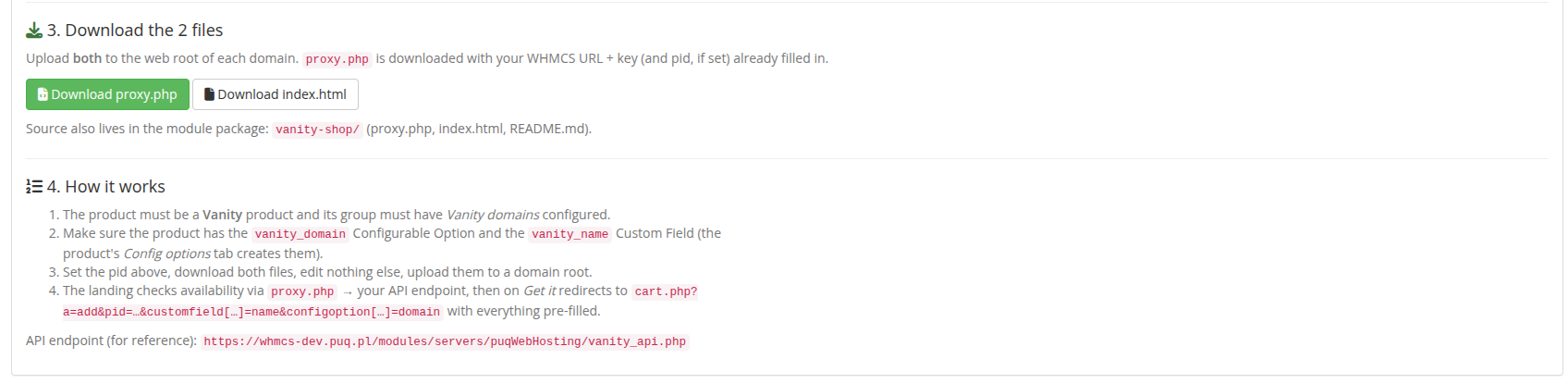
Prerequisites: the product must be a Vanity product whose group has Vanity domains configured, and it must have the
vanity_domainConfigurable Option + thevanity_nameCustom Field (the product's Config options tab creates them — see The vanity product).
The buyer's flow on the widget
A reserved name is rejected inline, with the live preview:
A free name turns green and enables the button:
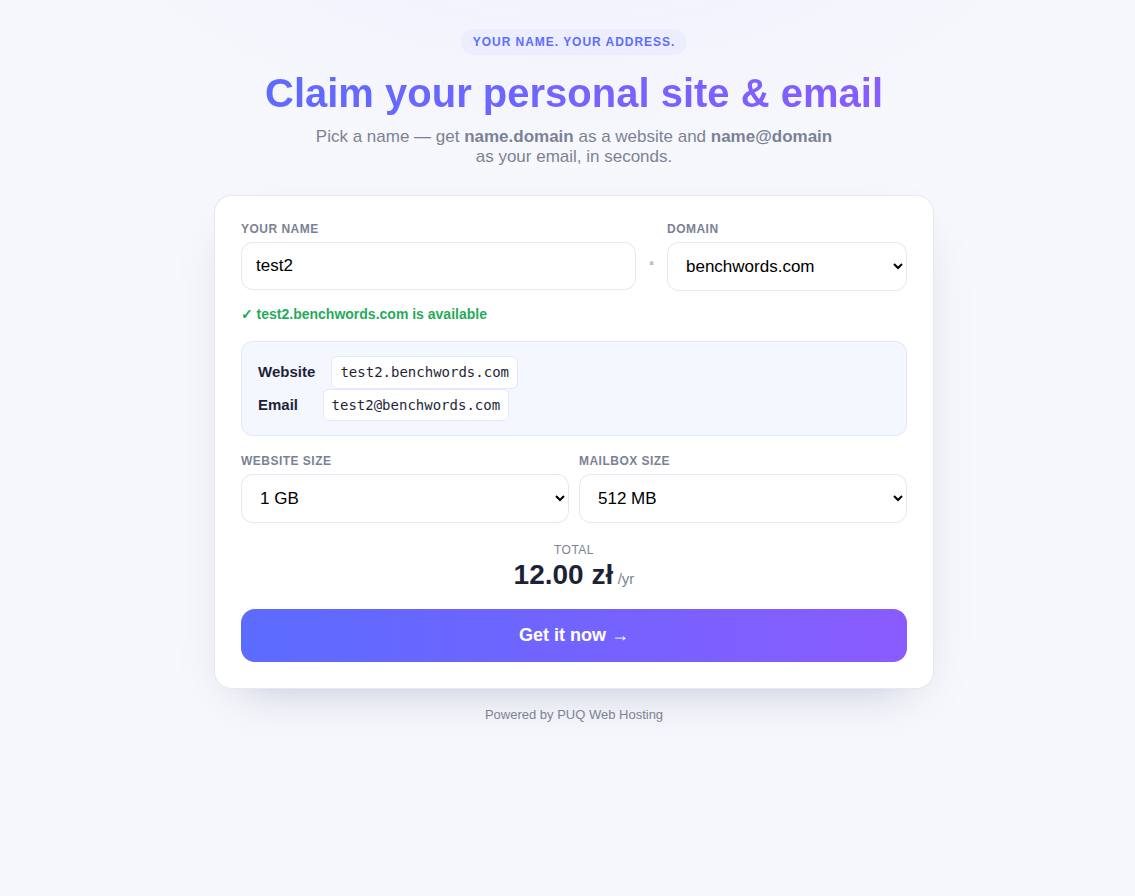
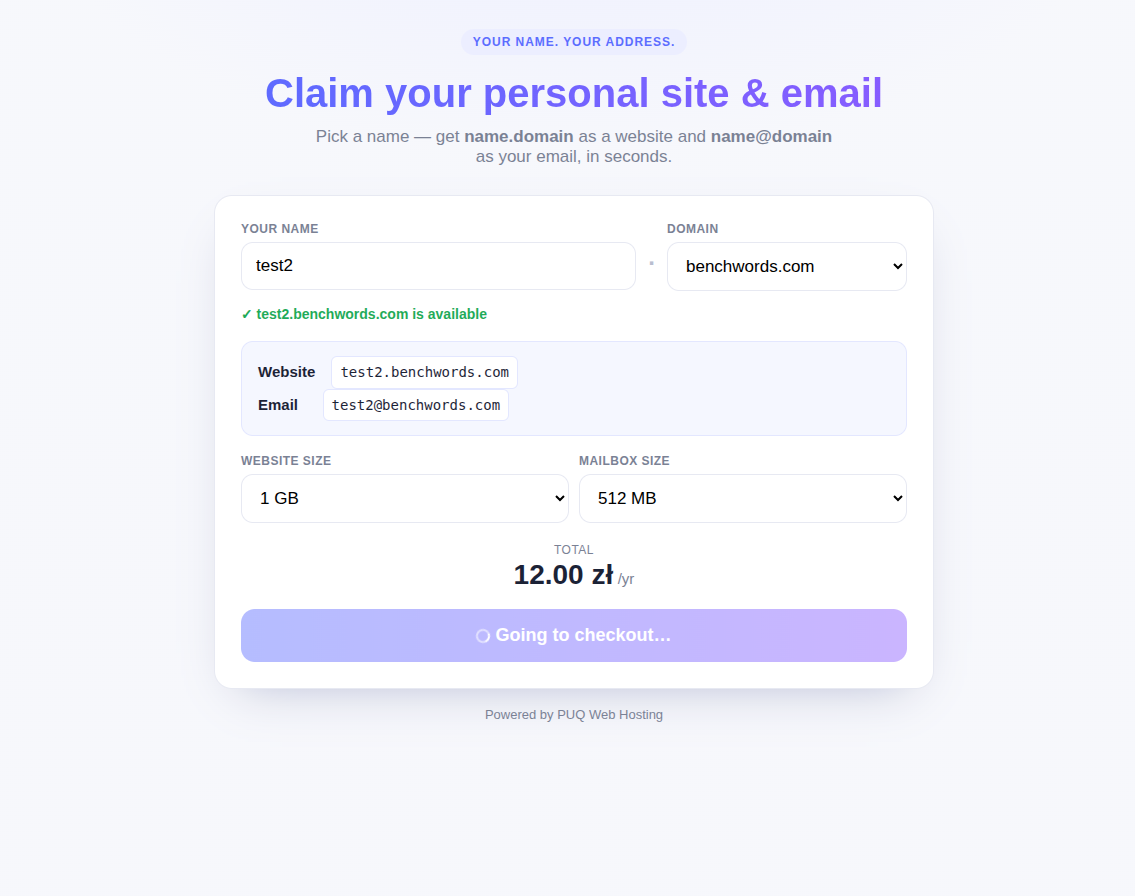
On Get it now the button shows a spinner while it redirects…
…and the visitor lands on your WHMCS cart with the Vanity product, the website and email, the quotas and the price already filled in — they just pay:
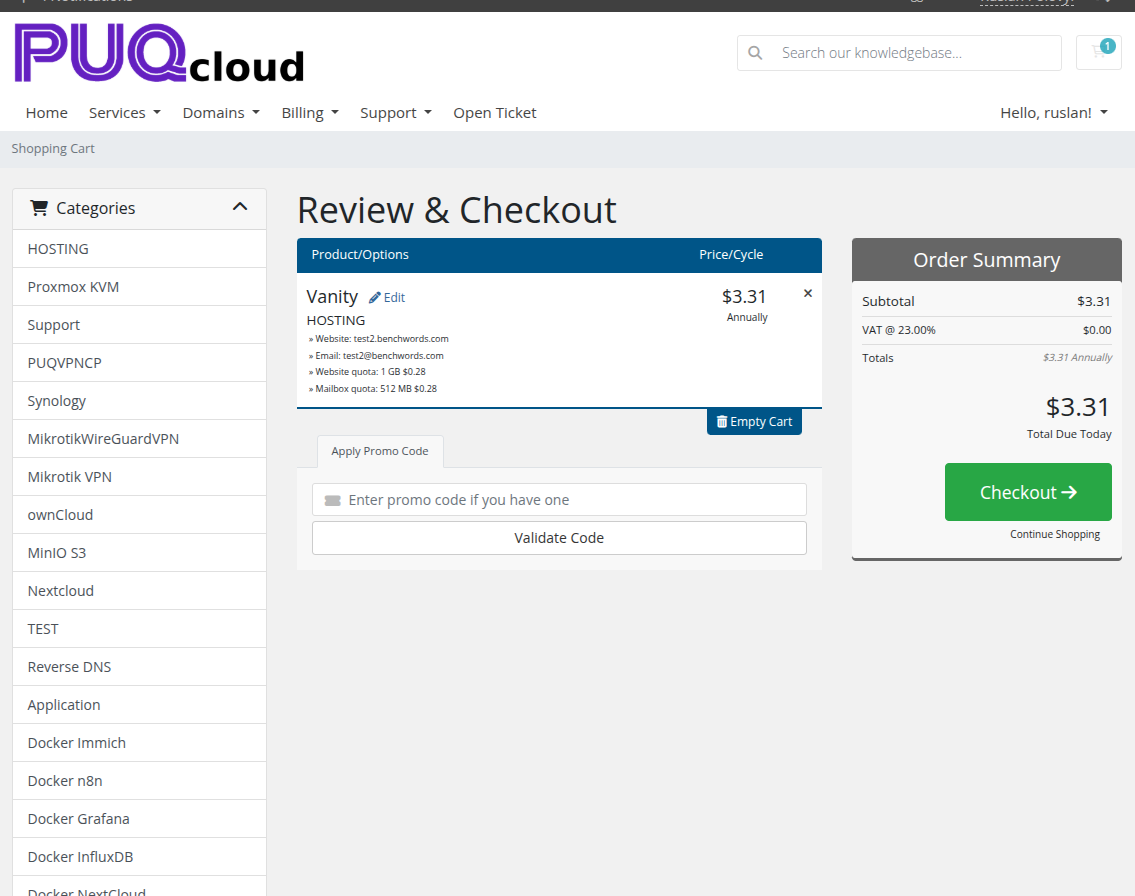
One vanity product can be fronted by a single WHMCS order form and by as many drop‑anywhere widgets as you like — every landing page funnels into the same prefilled cart.