 Skip to main content
FTP Accounts
PUQ Web Hosting module WHMCS
Order now | Download | Community
Customers manage their own FTP accounts here, up to the product's FTP‑account limit.
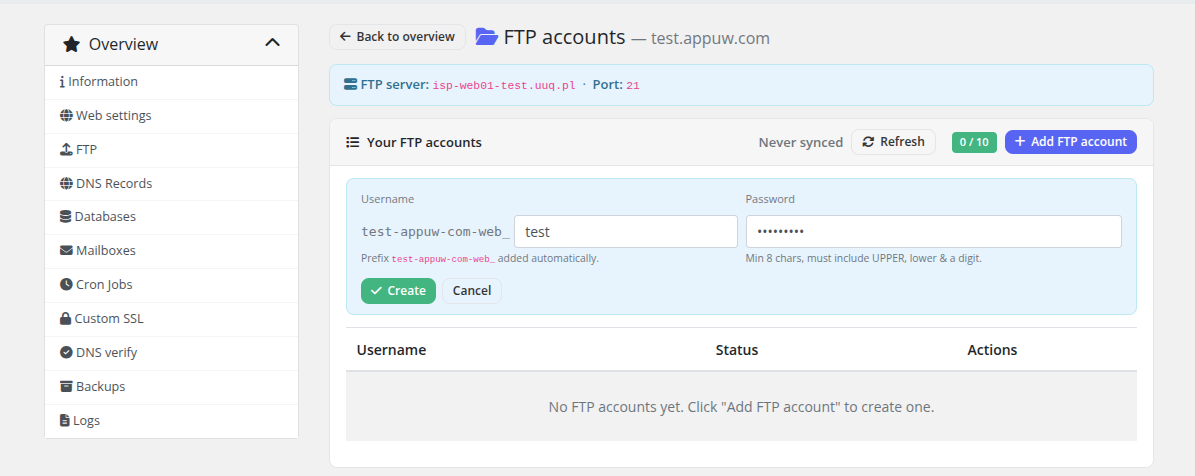
Creating an account
Enter a suffix and a password (or generate one) and submit. The real Hestia username is the main web user plus your suffix (<webuser>_<suffix>) — the page shows the full username so the customer knows exactly what to type into their FTP client. The home directory and shell are set by the Provisioning defaults (typically nologin, so FTP/SFTP only).
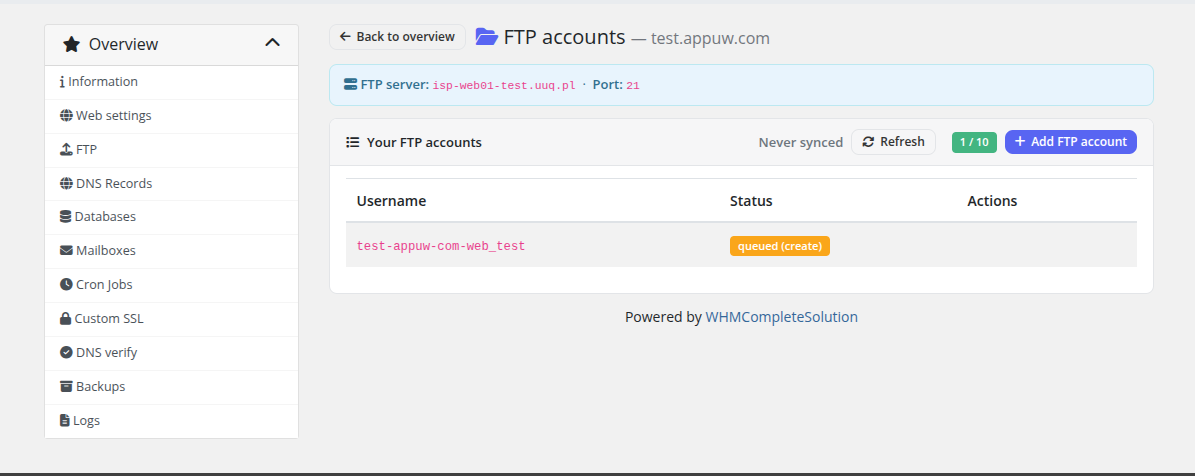
The action is queued, so the new row appears with a Queued badge first:
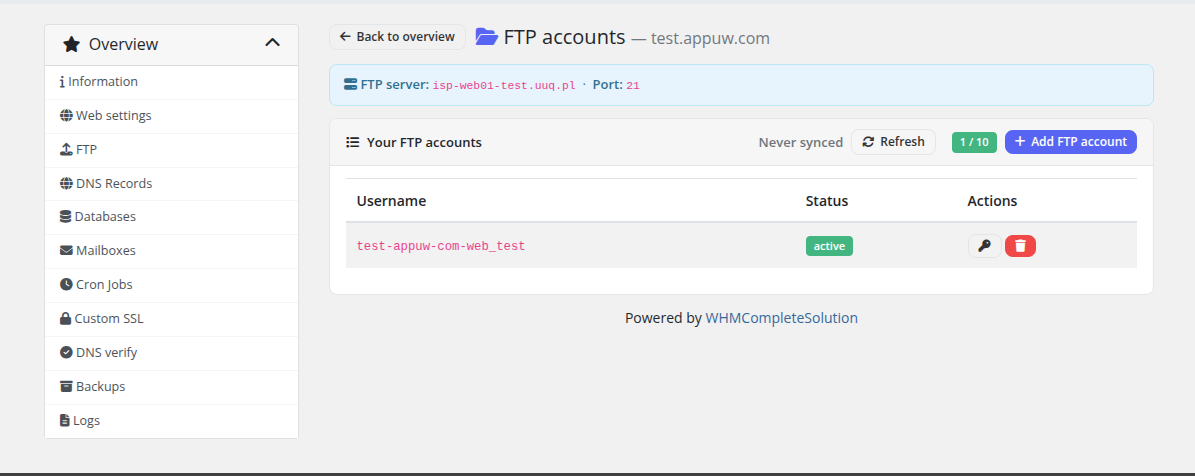
…and flips to Active once the worker has created it on the server:
The suffix length is budget‑aware: the module reserves enough characters so the combined username stays within Hestia's limit. If a suffix would overflow, it's rejected before submission.
Open the file manager (FileGator / net2ftp) from the dashboard quick actions for in‑browser file access without a desktop FTP client.