Skip to main content
Server Actions (per node)
PUQ Web Hosting module WHMCS
Order now | Download | Community
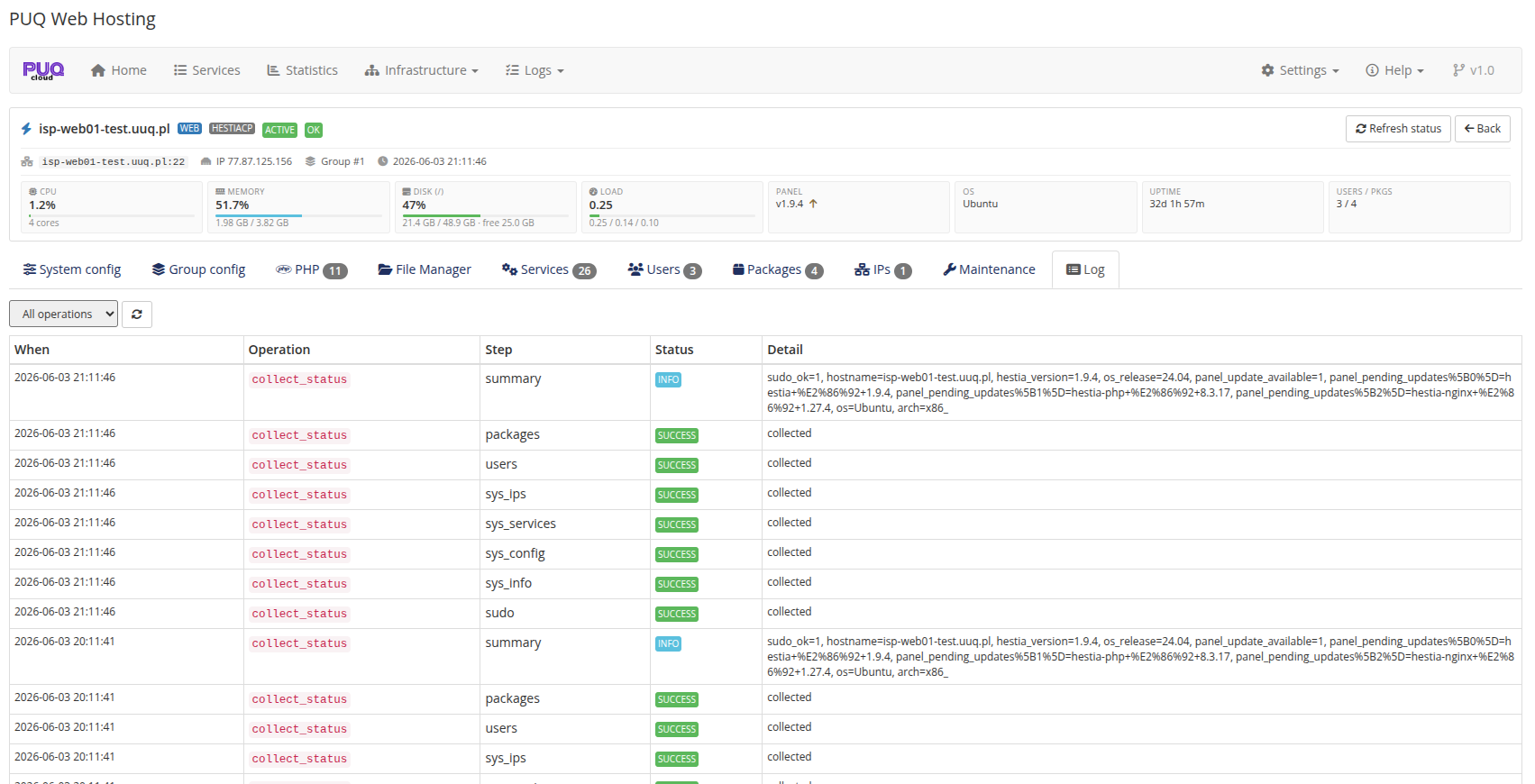
Opening a server gives you a per‑node console with live stat cards and a tab bar: System config · Group config · PHP · File Manager · Services · Users · Packages · IPs · Maintenance · Log.
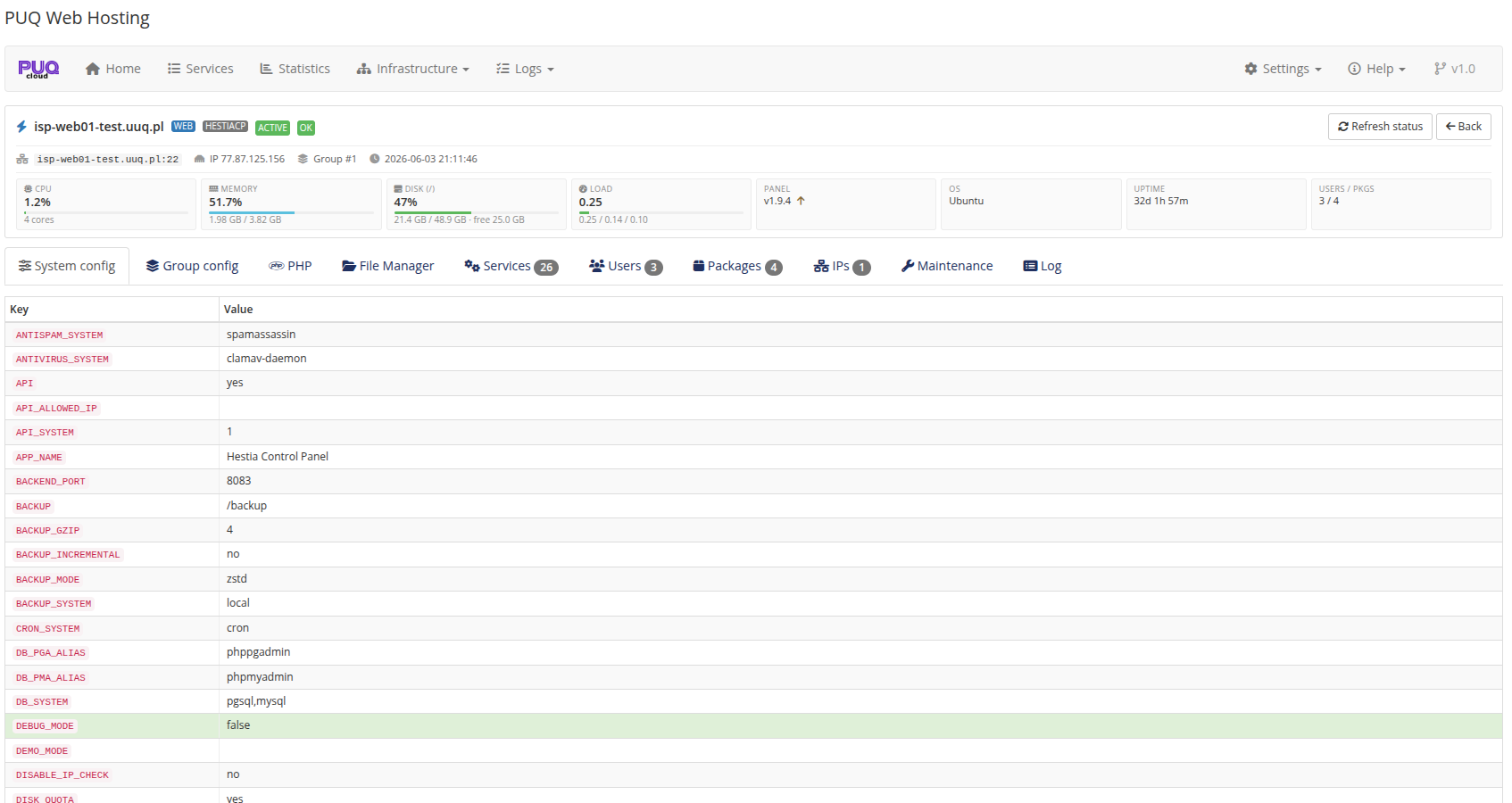
System config
A live, read‑only dump of the node's hestia.conf key/value pairs — handy for confirming what a server is actually running.
Group config (drift)
Compares the node's live config against what its group expects, key by key, with a MATCH / drift status, and lets you Apply group config to push the managed values:
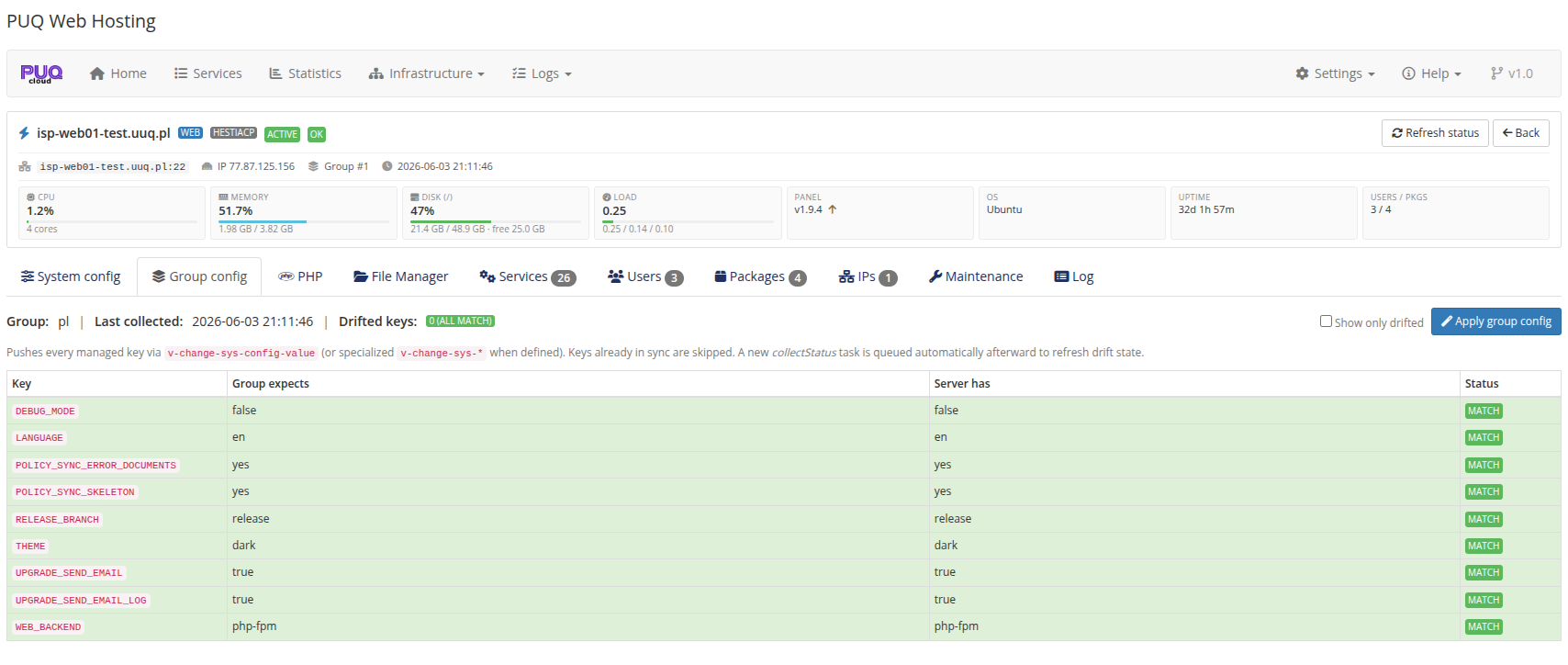
This is the per‑node view of the group's managed hestia.conf (see Server‑group editor).
PHP
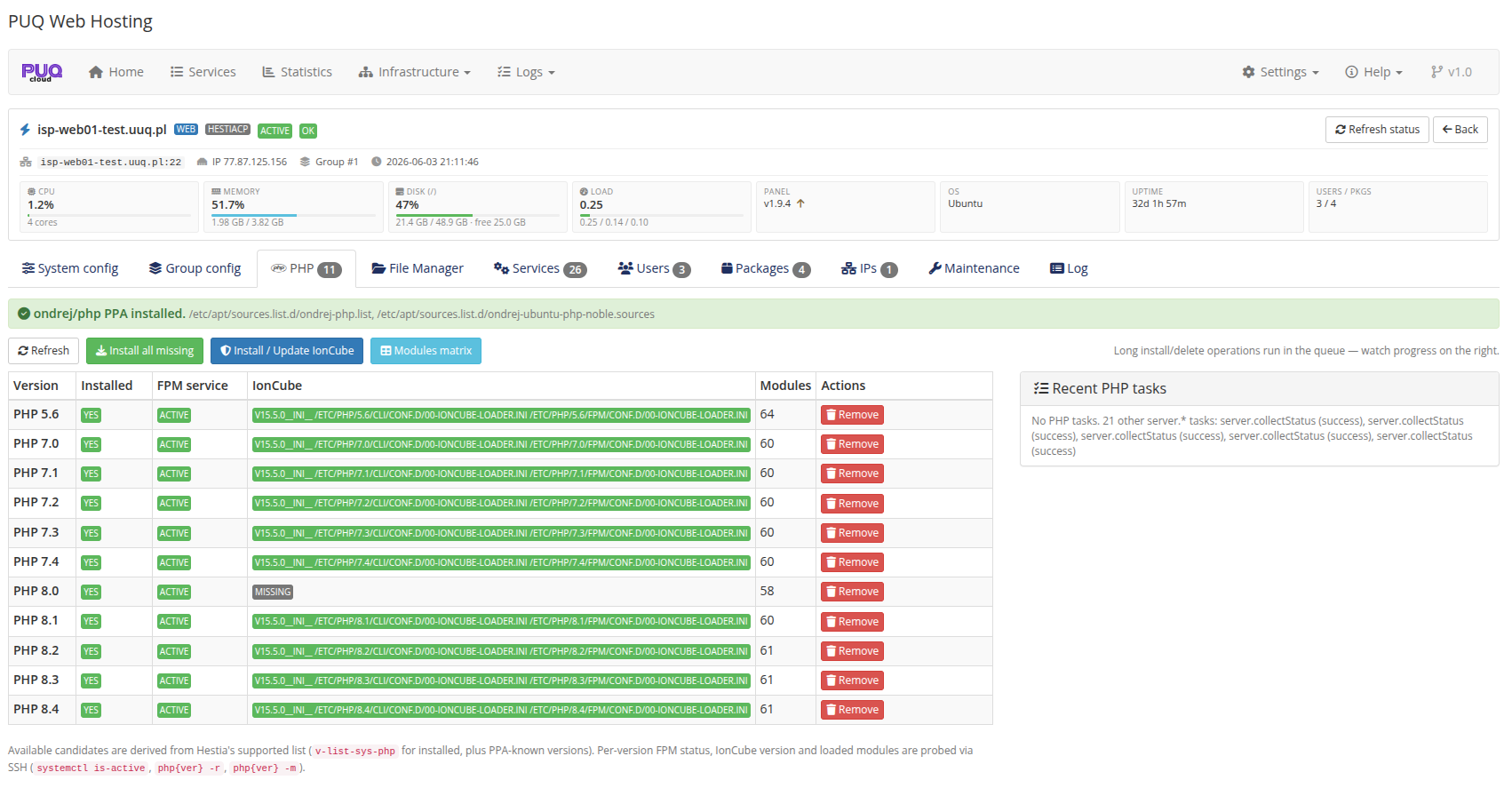
Install / remove PHP versions (5.6 – 8.4) with their FPM service, IonCube, and the Ondrej/Sury repositories — with an online gate and a recent‑tasks panel.
File Manager
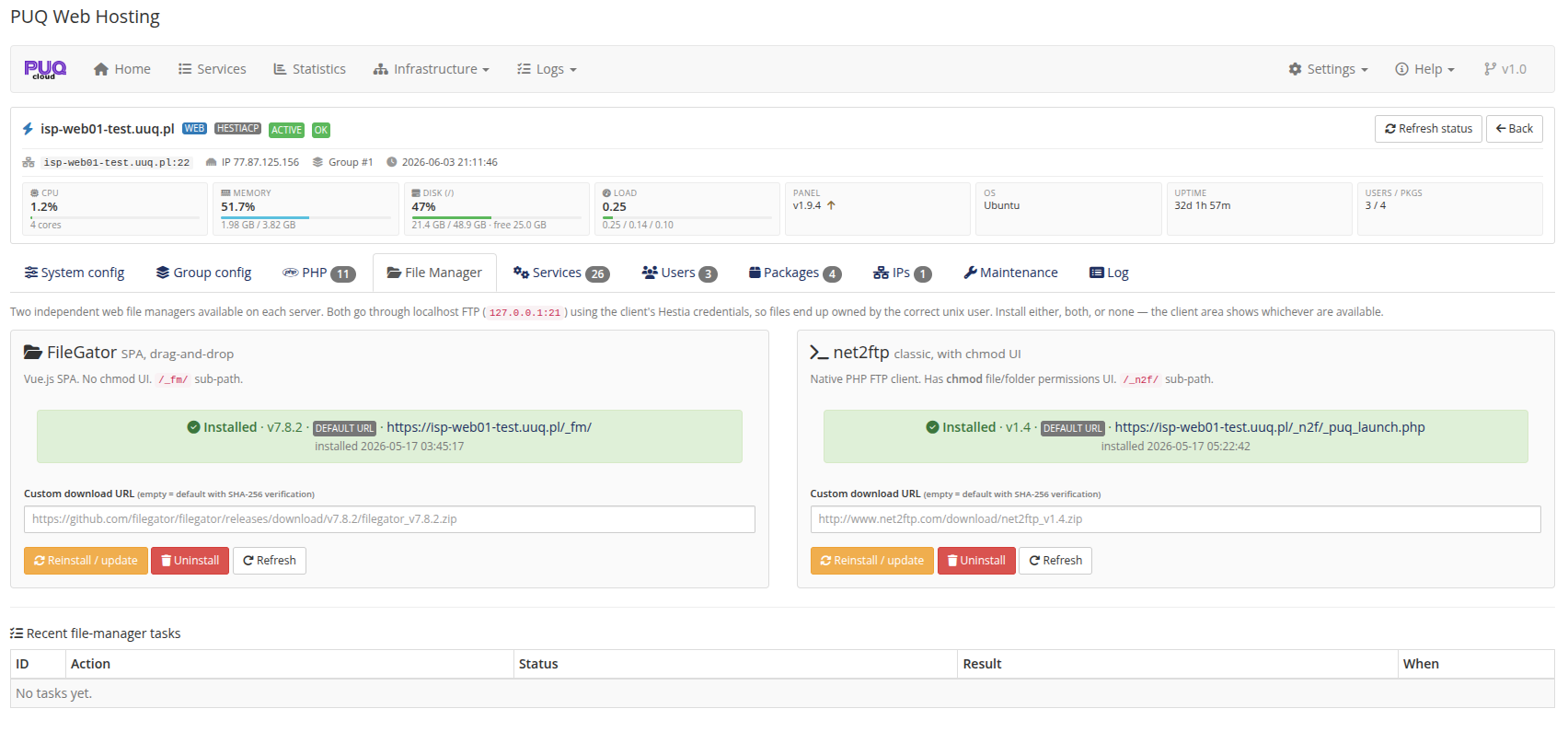
Install and manage the two built‑in file managers per node — FileGator (Vue SPA, drag‑and‑drop) and net2ftp (native chmod UI). Each shows its installed version & URL, a custom download URL, and Reinstall / Uninstall / Refresh.
Services / Users / Packages
-
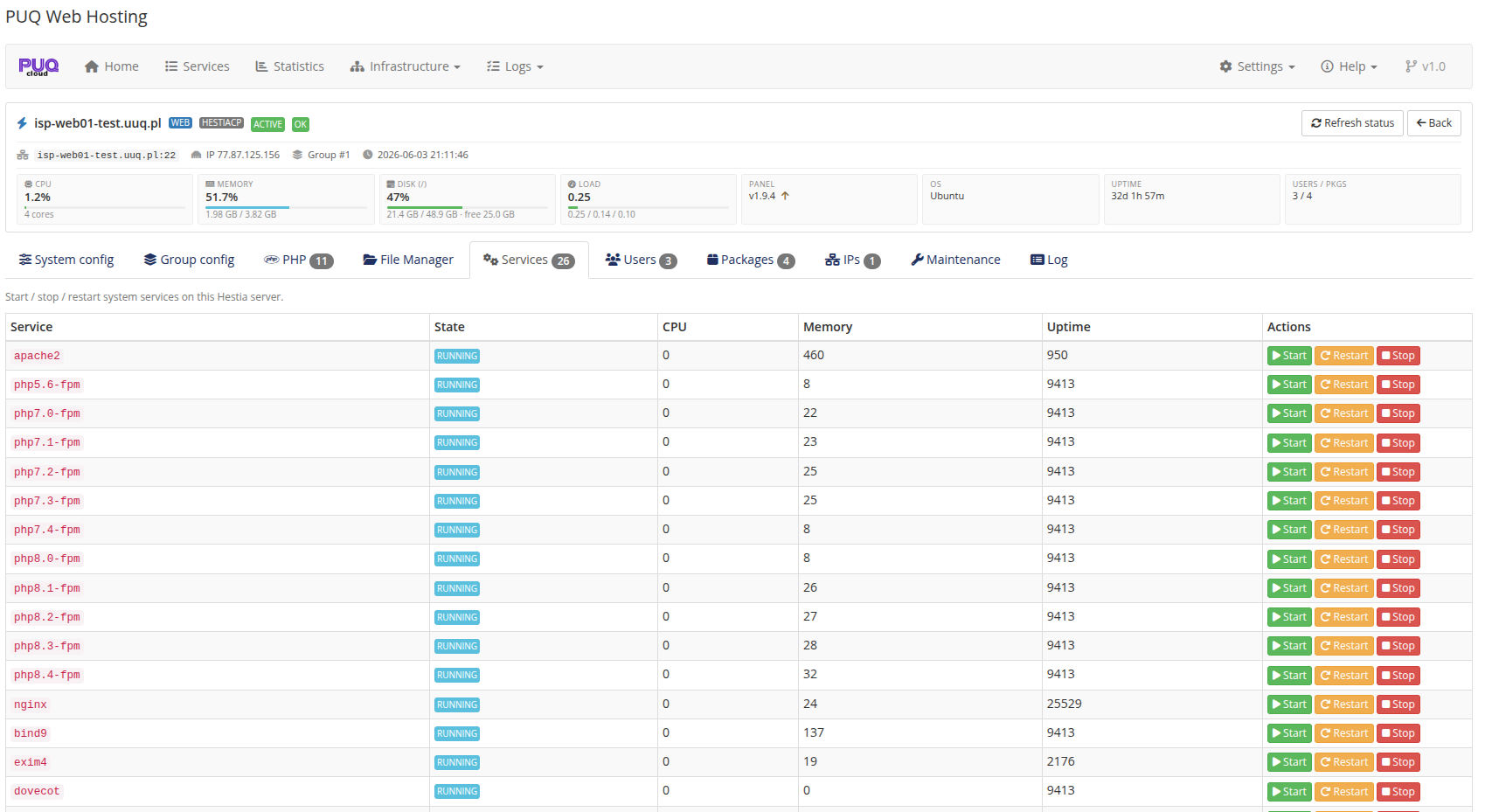
Services — system services (apache2, php‑*‑fpm, exim4, dovecot, nginx, bind9…) with state/CPU/memory/uptime and start/stop/restart.
-
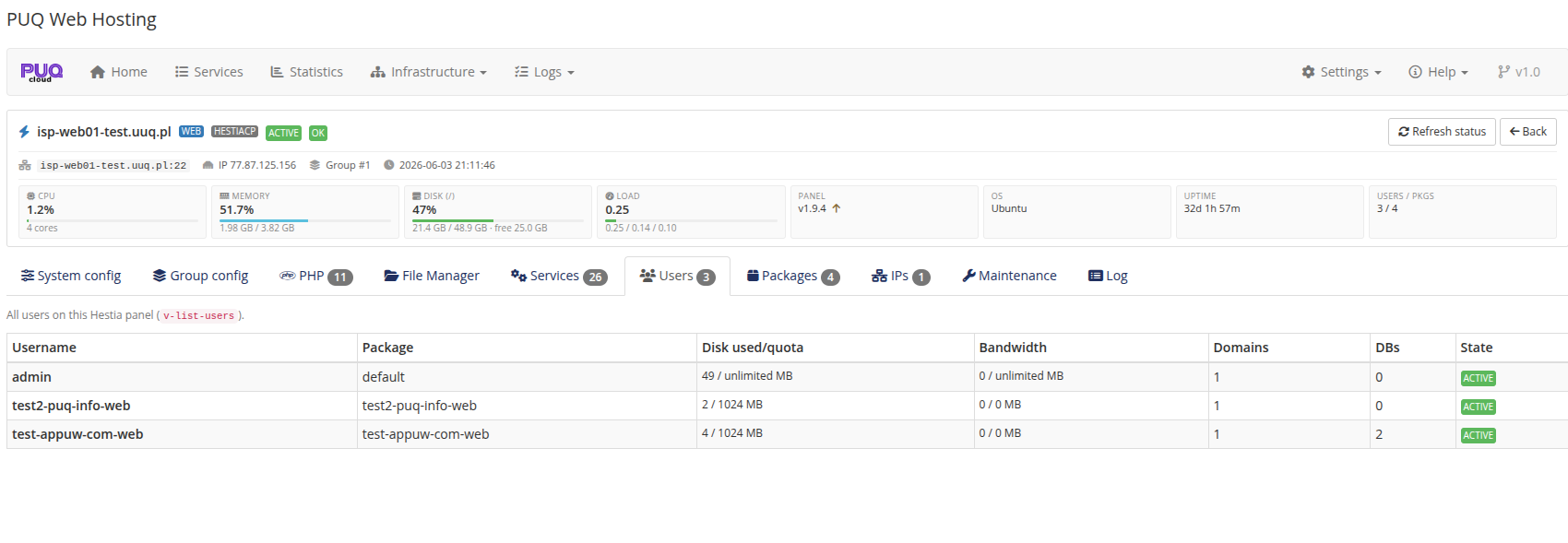
Users — every Hestia user on the node with its package, disk used/quota, bandwidth, domains, DBs and state.
-
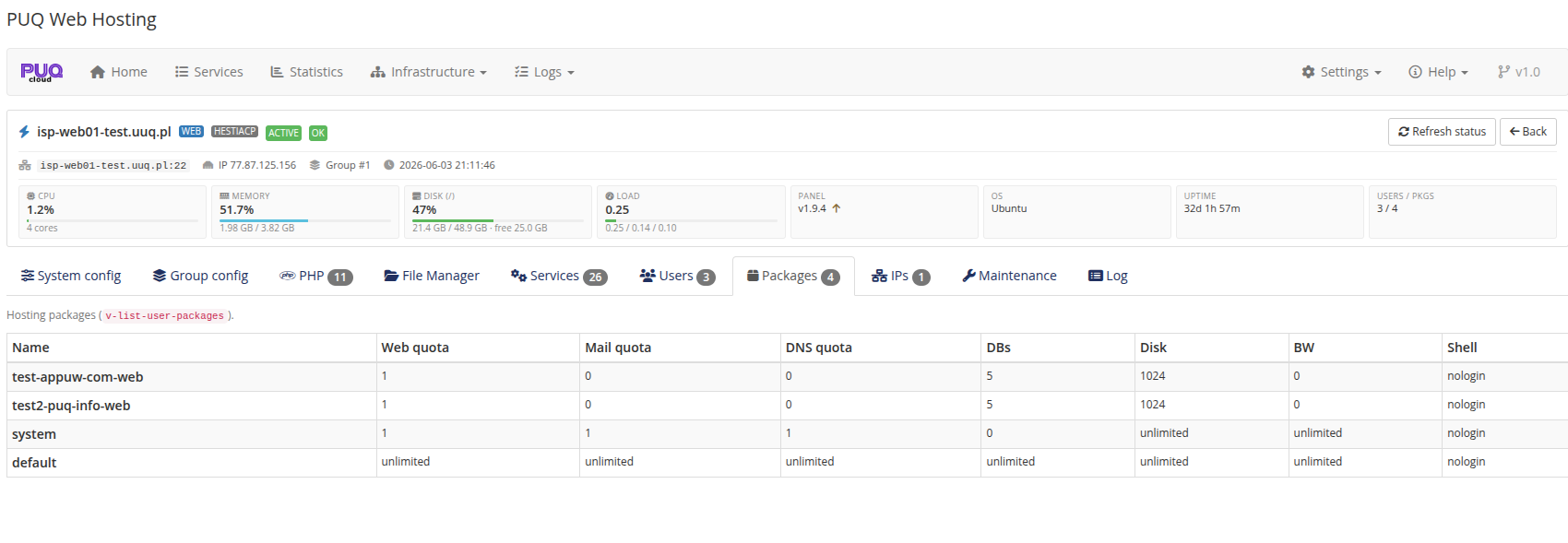
Packages — the Hestia hosting packages on the node (the module creates a per‑service package automatically).
Maintenance & Log
-
Maintenance — Test connection / Refresh status, rebuild commands (
v‑rebuild‑*for users/web/mail/DNS), and Purge Nginx cache.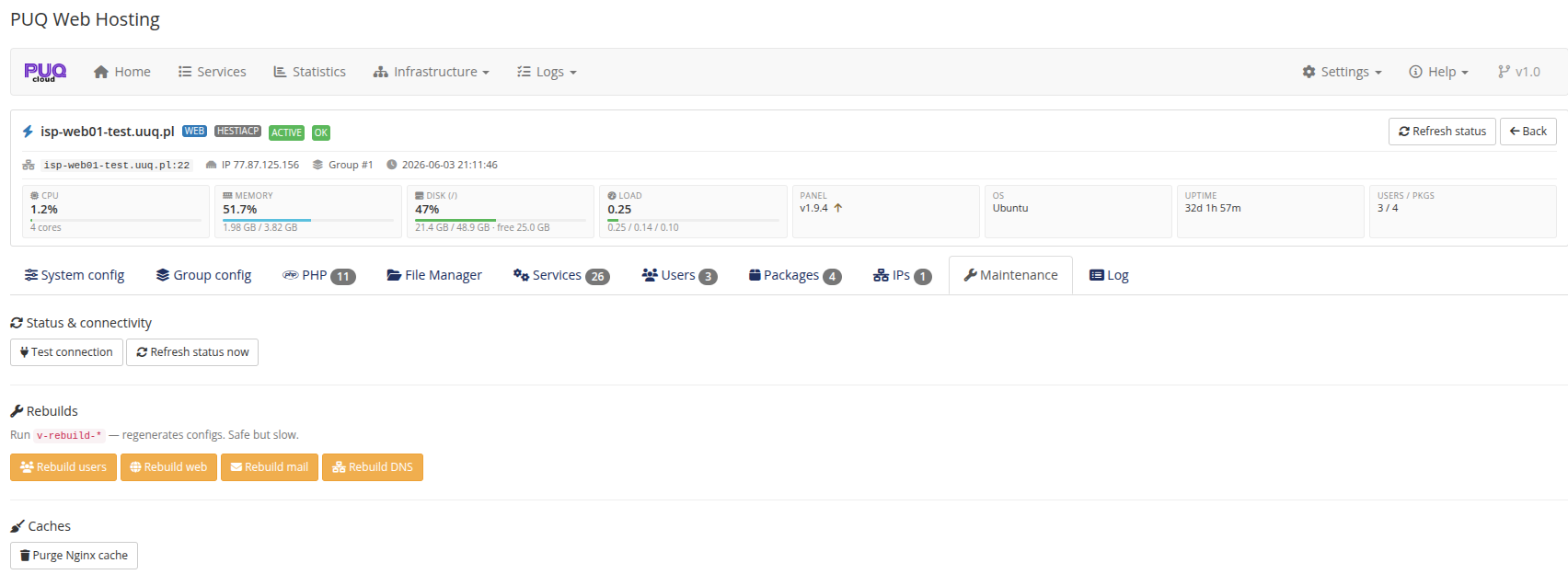
-
Log — the operation log filtered to this one node.