 Skip to main content
Admin Area Overview
PUQ Page Manager module WHMCS
Order now | Download | Community
This page provides an overview of the administrative interface and actions available to administrators.
Accessing the Admin Area
To access the admin area of the module:
- Log in to your WHMCS Admin Area.
- Navigate to Addons > PUQ Page Manager (or the corresponding provisioning menu for server modules).
Management Actions
The admin interface allows performing the following actions:
- Create Page: Click the "Create New Page" button. It generates a default editor page.
- Export Page: Download individual page layouts as JSON format.
- Import Page: Upload previously exported JSON layouts directly into the builder.
- Clone Page: Instantly copy an existing page structure.
- Delete Page: Deletes the page configuration.
Settings
Explain settings and tools:
- General Settings: Manage default page, SEO tags, and page rewrites.
- Analytics: Track page views, unique views, top pages, and views per day.
Screenshot
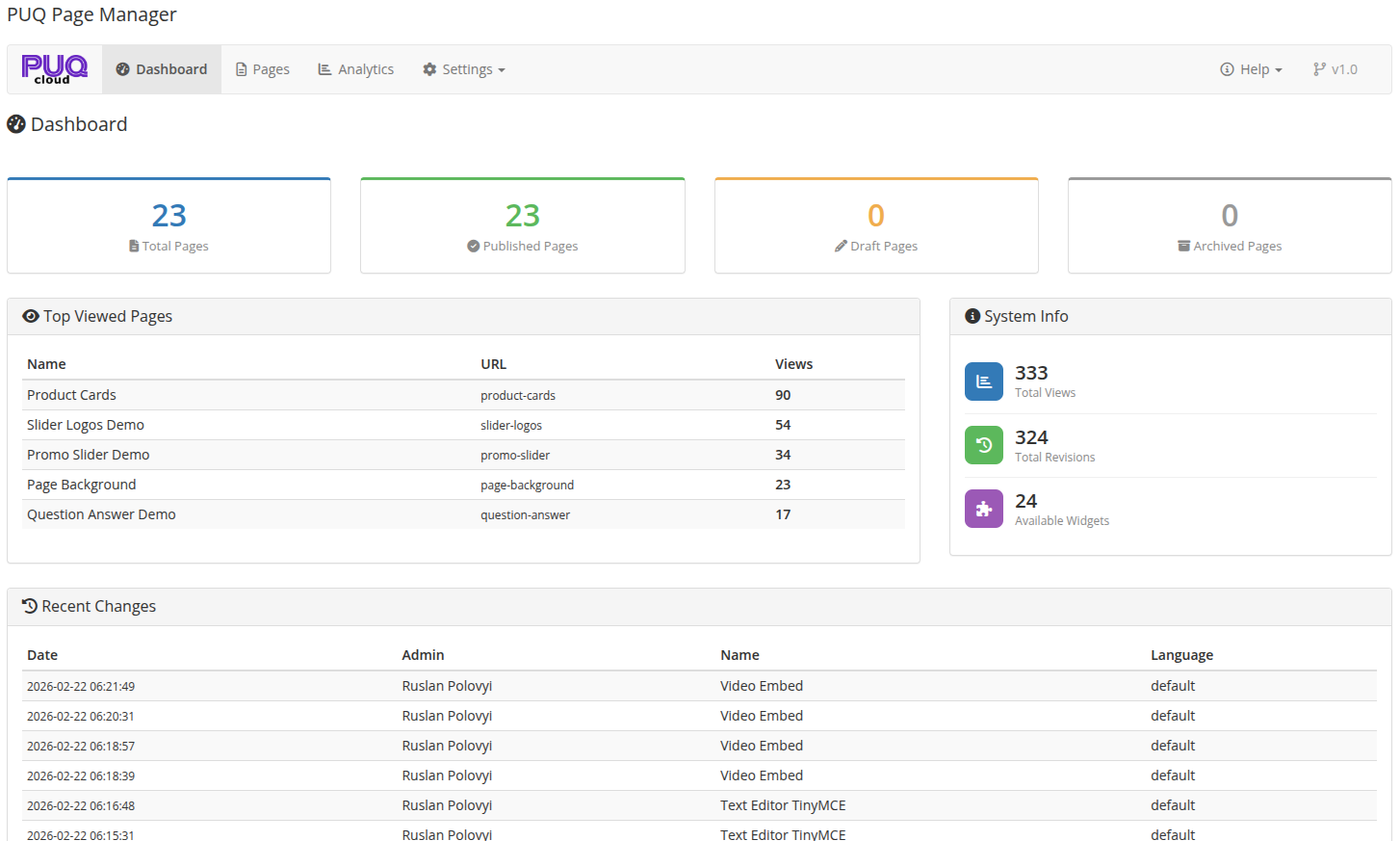 02-dashboard.png