 Skip to main content
Custom Code
PUQ Page Manager module WHMCS
Order now | Download | Community
The Custom Code widget allows you to insert raw HTML, CSS, and JavaScript directly into any page. All three code fields are presented as dark-themed monospace editors. HTML and CSS are injected into the page output; JavaScript is executed after the page loads.
Admin Settings
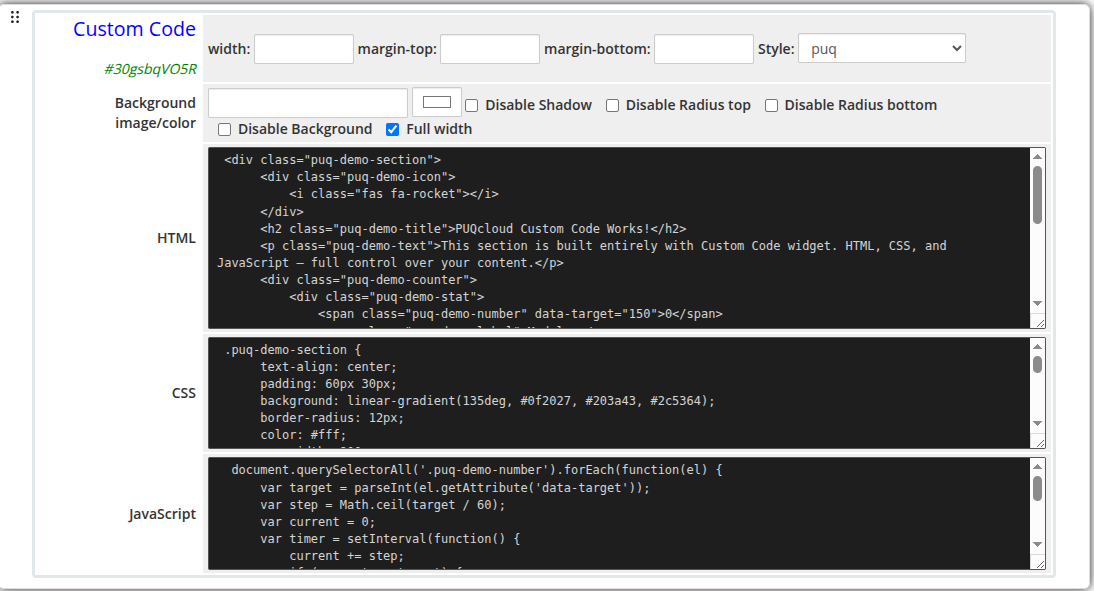 custom-code-admin.png
Frontend
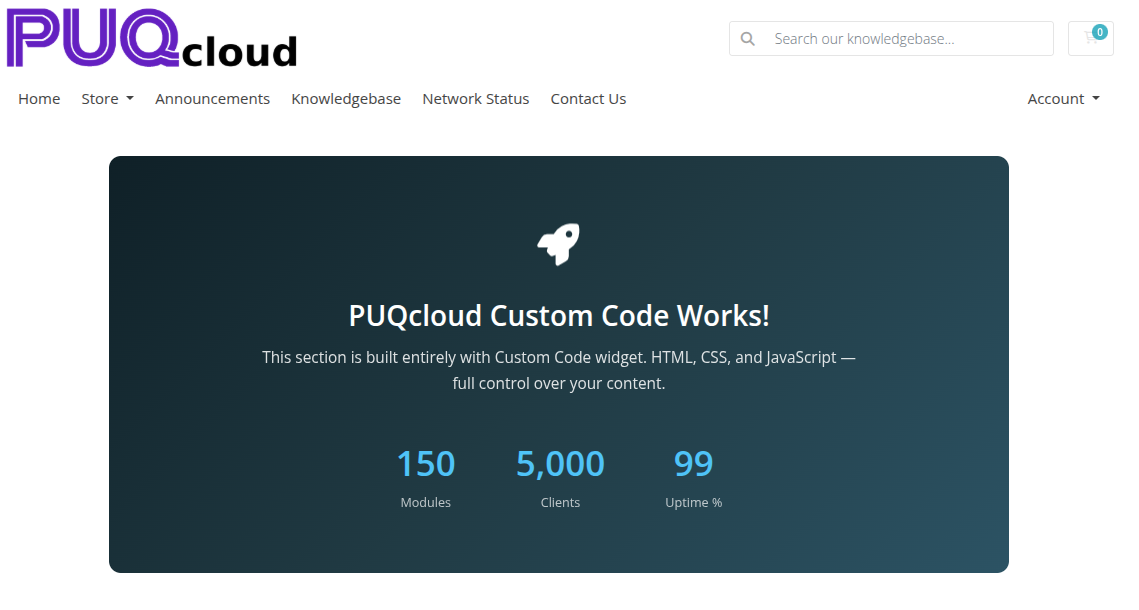 custom-code-frontend.png
Settings
Code Settings
| Setting | Type | Description |
|---|---|---|
| html | textarea (dark editor) | Raw HTML markup to inject into the page |
| css | textarea (dark editor) | CSS rules applied to the page when this block is rendered |
| js | textarea (dark editor) | JavaScript executed after page load |
Code is stored base64-encoded internally to preserve special characters and formatting.
Layout Settings
| Setting | Type | Default | Description |
|---|---|---|---|
| width | text | — | CSS width of the widget container (e.g. 800px, 100%) |
| margin_top | text | — | CSS top margin (e.g. 20px) |
| margin_bottom | text | — | CSS bottom margin (e.g. 20px) |
| style | select | puq |
Visual style template |
| background_image | text | — | URL of the background image |
| background_color | color | #FFFFFF |
Background color of the widget container |
| disable_background_shadow | checkbox | off | Remove the drop shadow from the container |
| disable_background_radius_top | checkbox | off | Remove the top border radius from the container |
| disable_background_radius_bottom | checkbox | off | Remove the bottom border radius from the container |
| disable_background | checkbox | off | Disable the background container entirely |
| full_width | checkbox | off | Stretch the widget to the full page width |
Style Templates
| Template | Description |
|---|---|
puq |
Default custom code container style |