 Skip to main content
Question Answer
PUQ Page Manager module WHMCS
Order now | Download | Community
The Question Answer widget renders a FAQ or Q&A section with expandable answers. Each entry has a question and a rich-text answer. Ten visual styles are available, including accordion, grid, bubble, tabbed, and timeline layouts.
Admin View
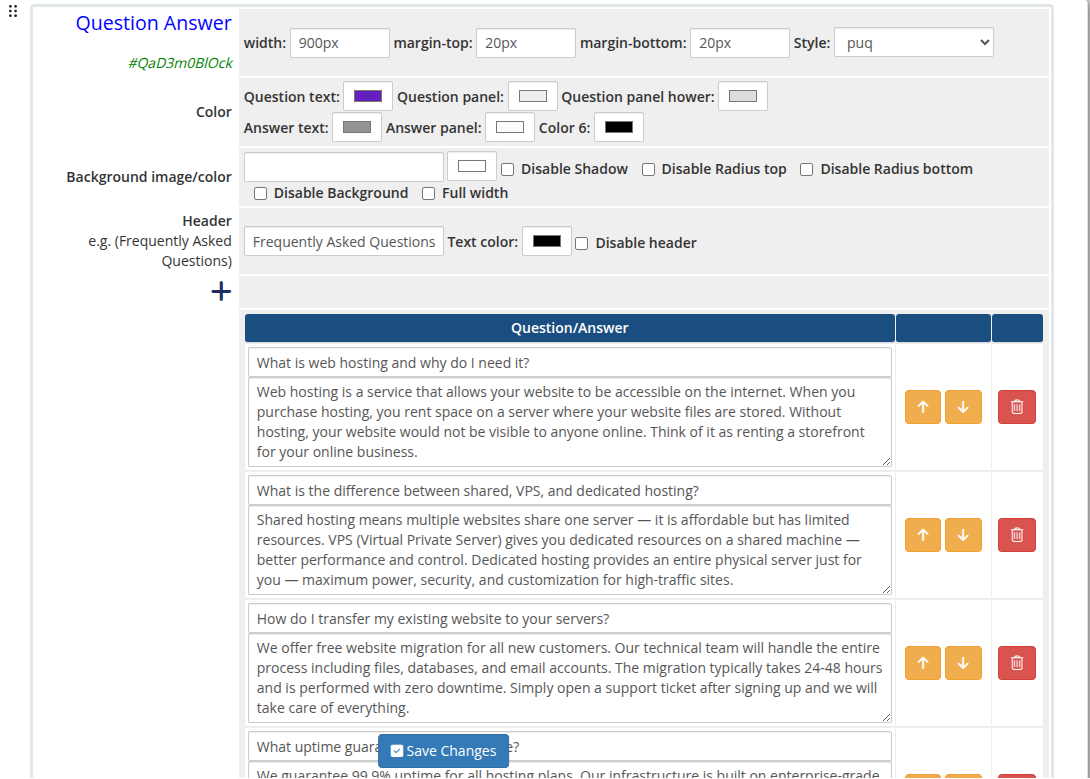 question-answer-01-admin.png
Frontend Styles
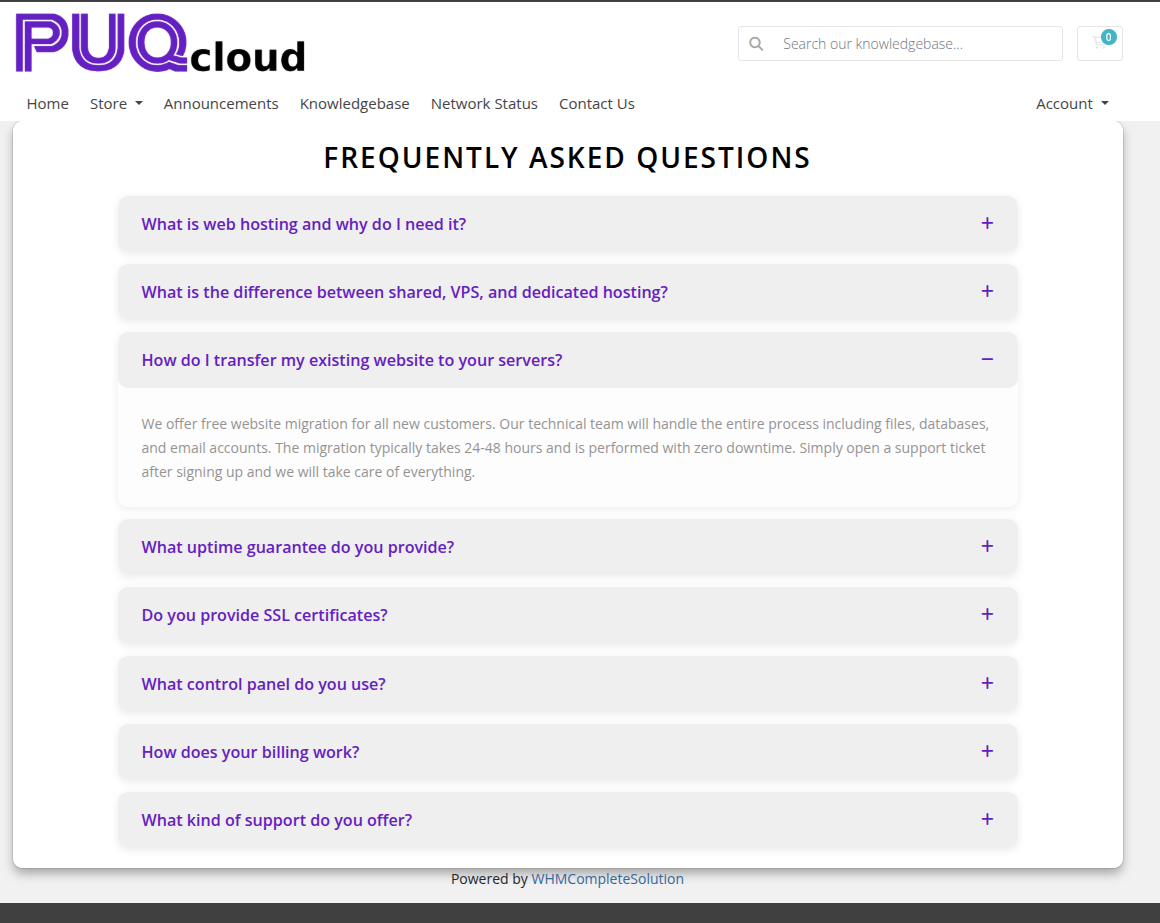 question-answer-02-style-default.png
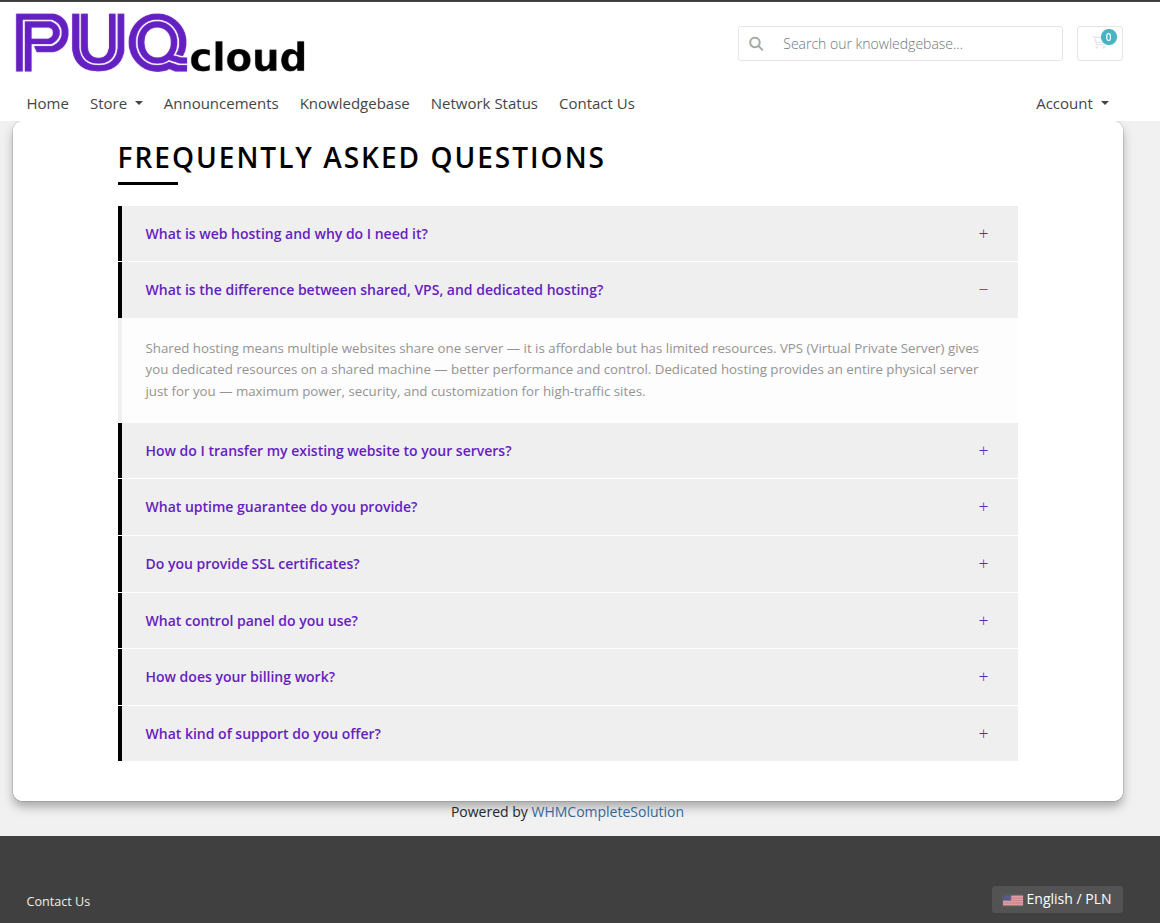 question-answer-03-style-border.png
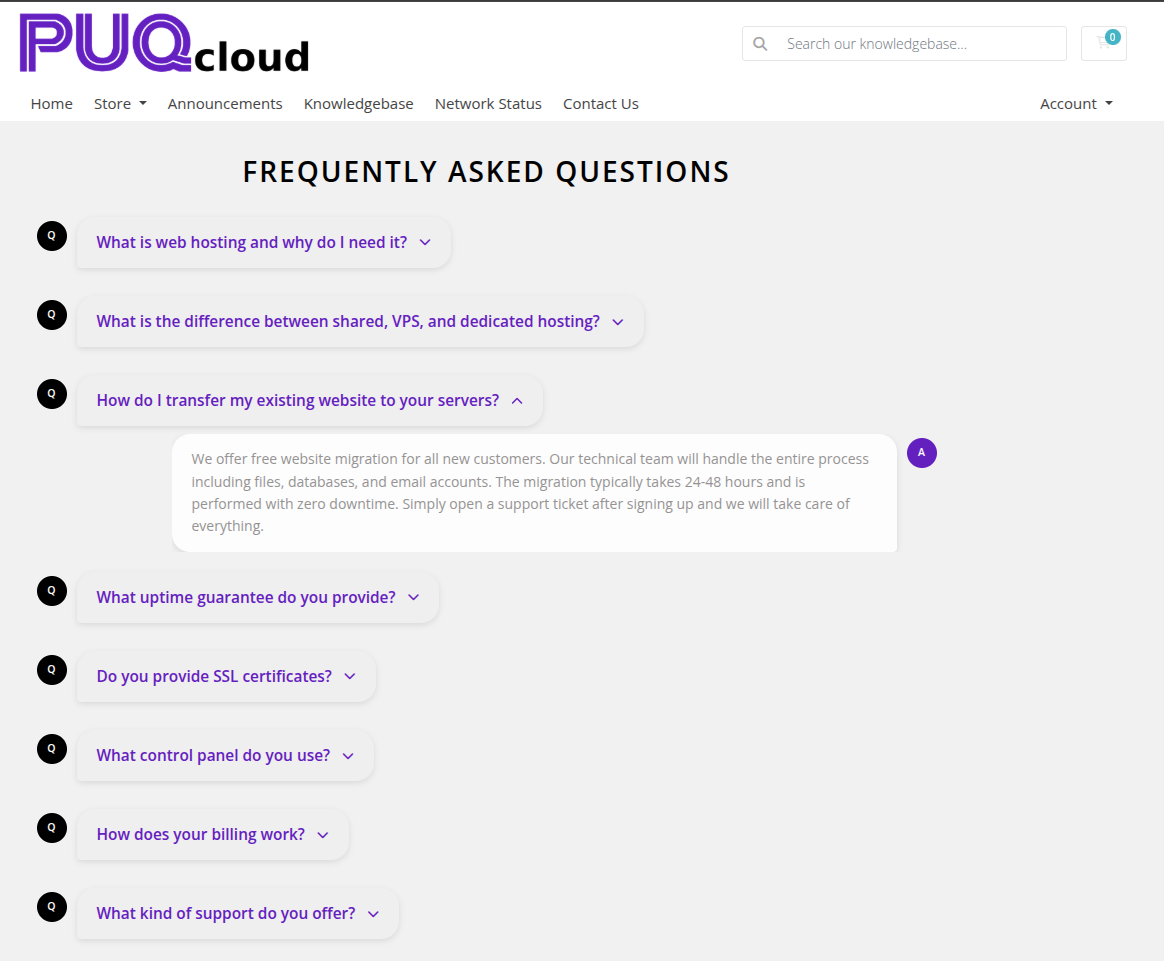 question-answer-04-style-bubble.png
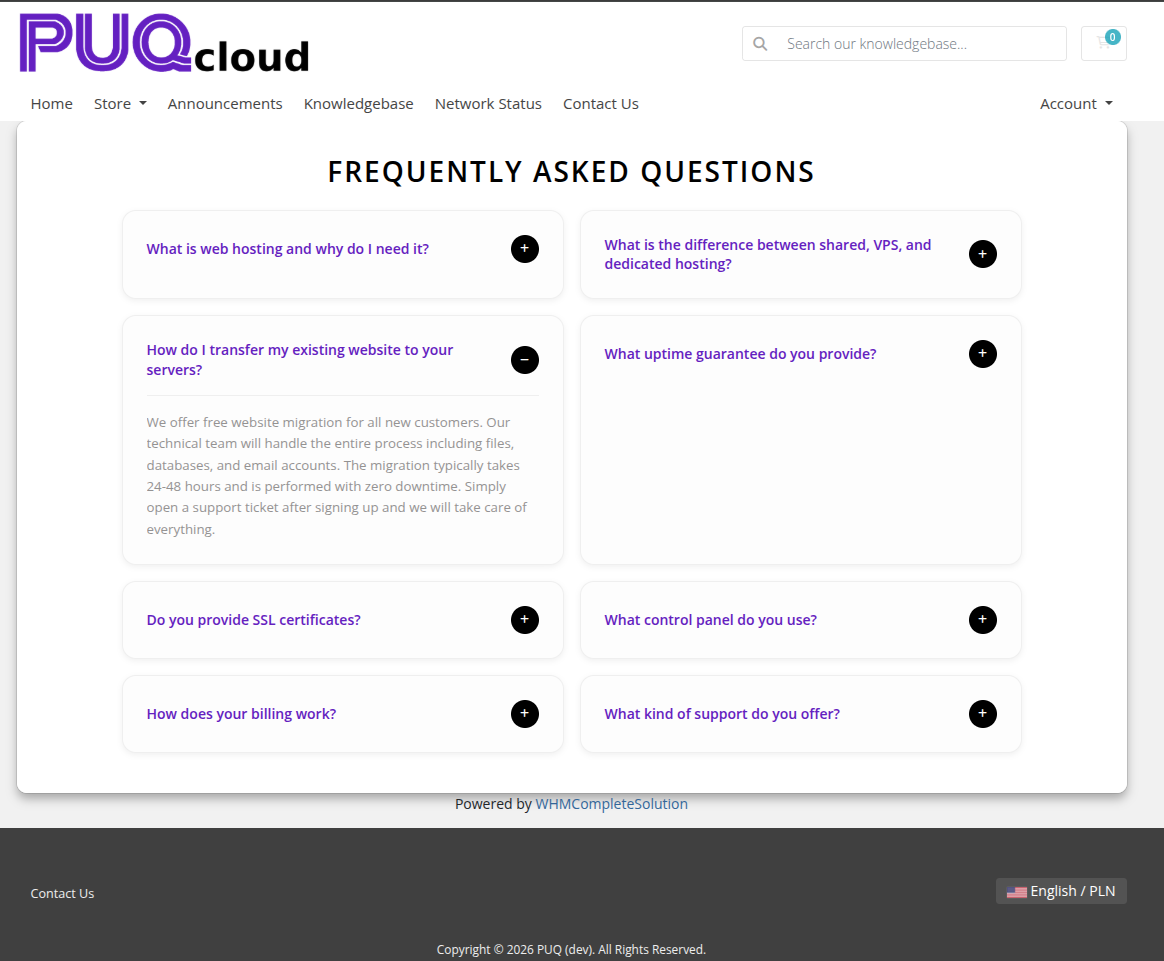 question-answer-05-style-grid.png
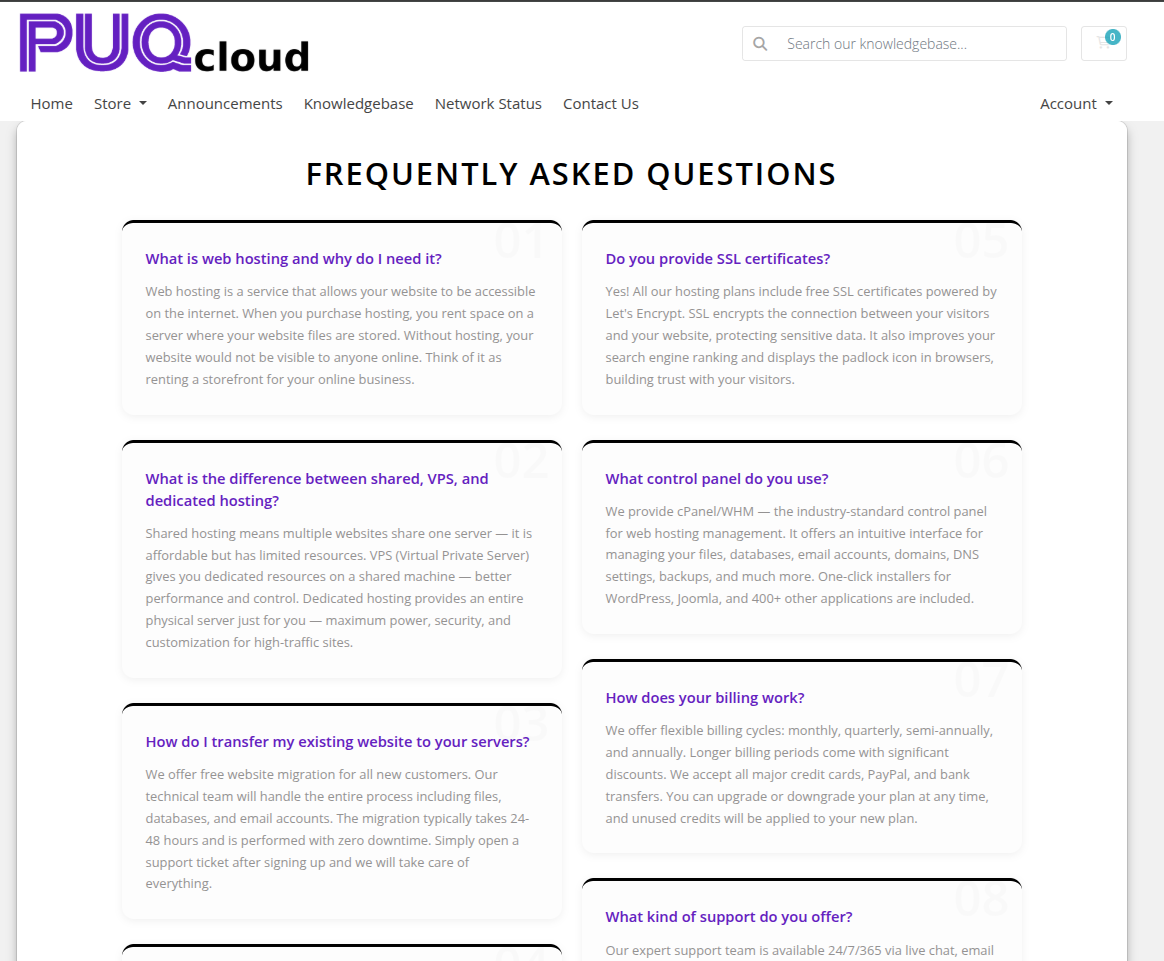 question-answer-06-style-minimal.png
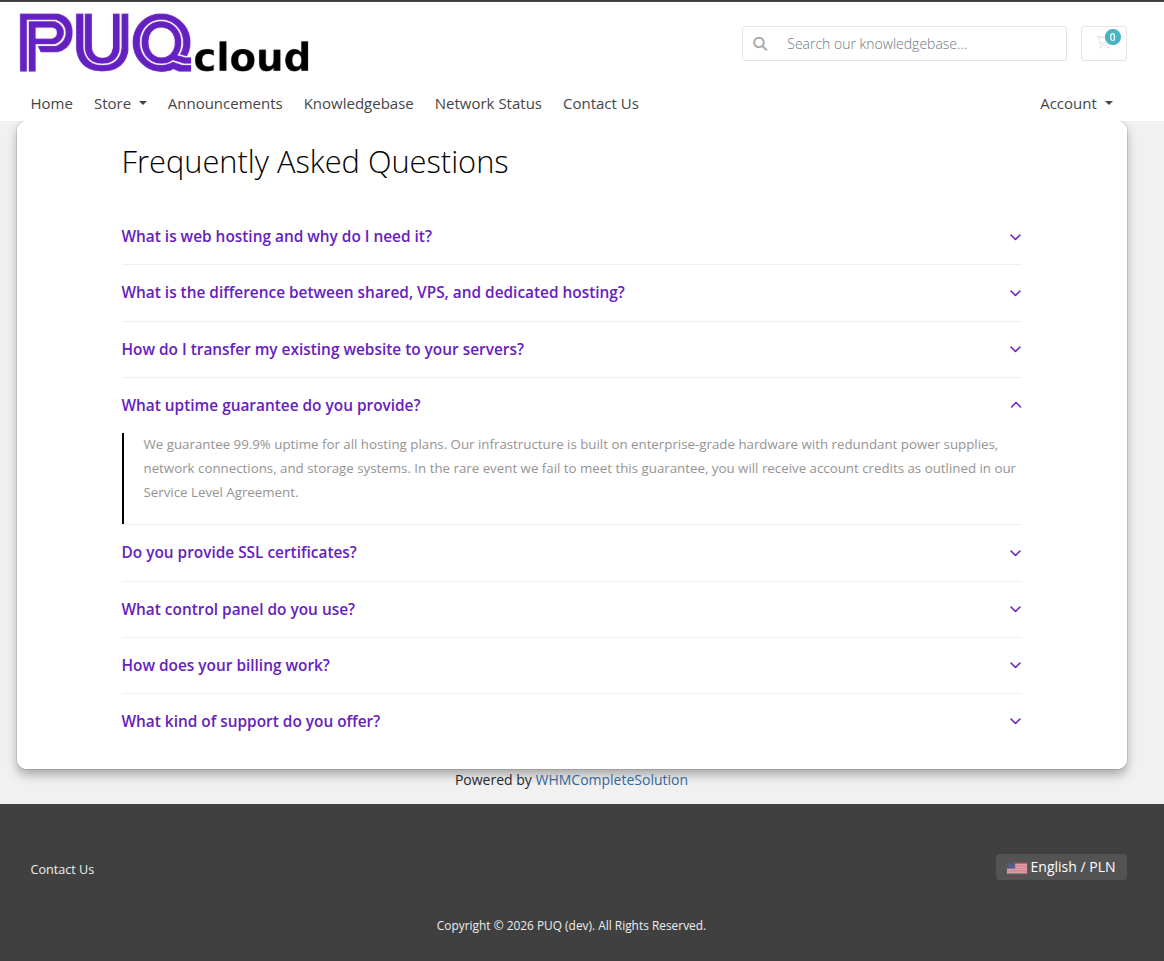 question-answer-07-style-cards.png
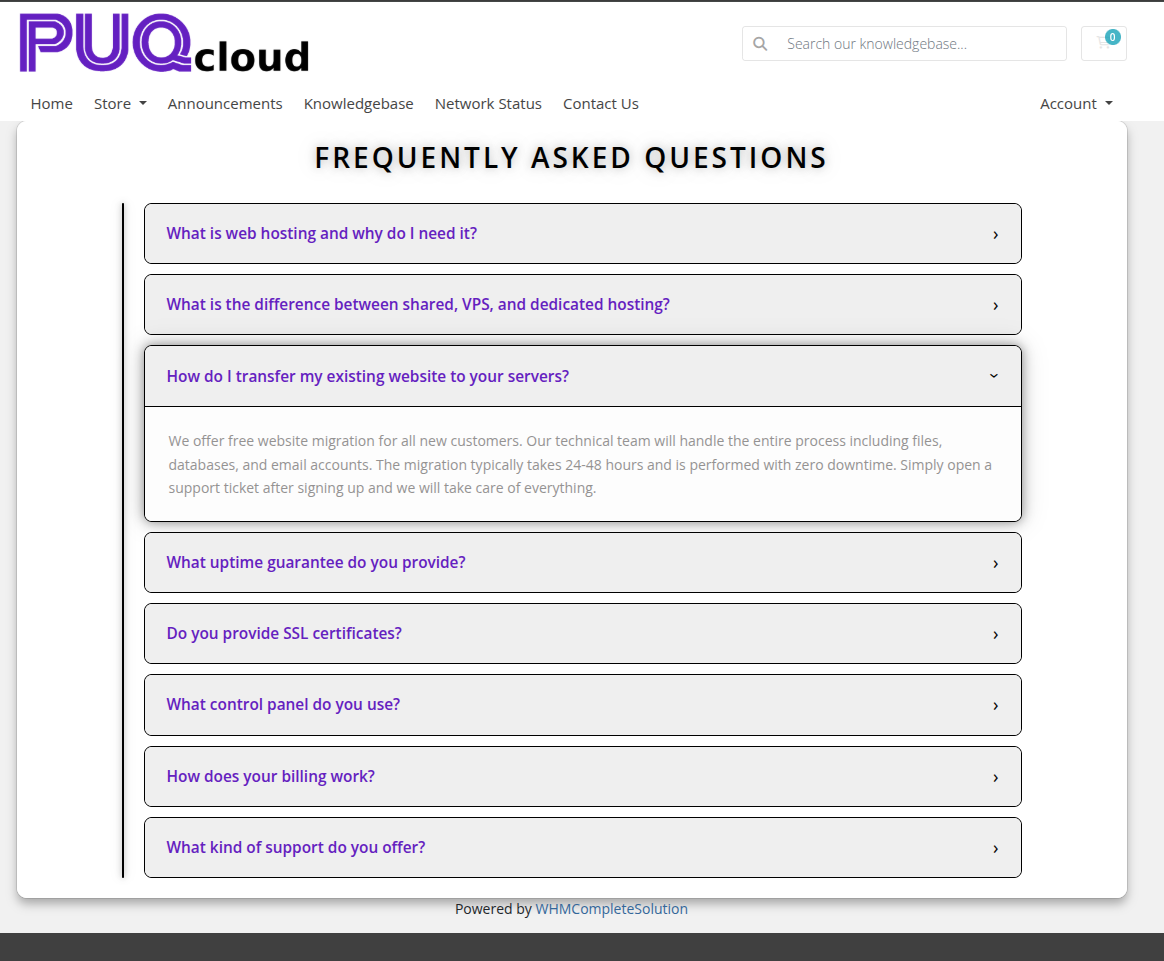 question-answer-08-style-neon.png
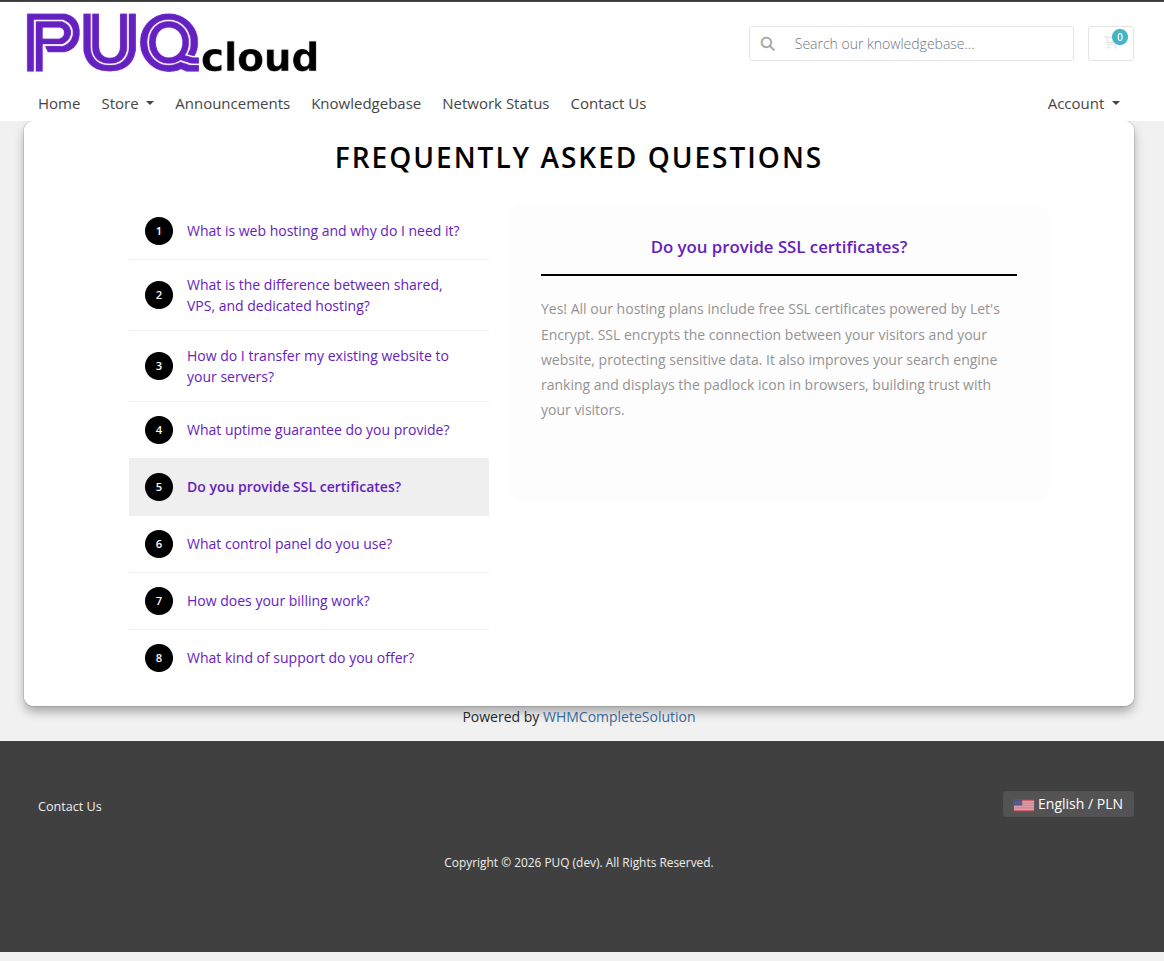 question-answer-09-style-tabs.png
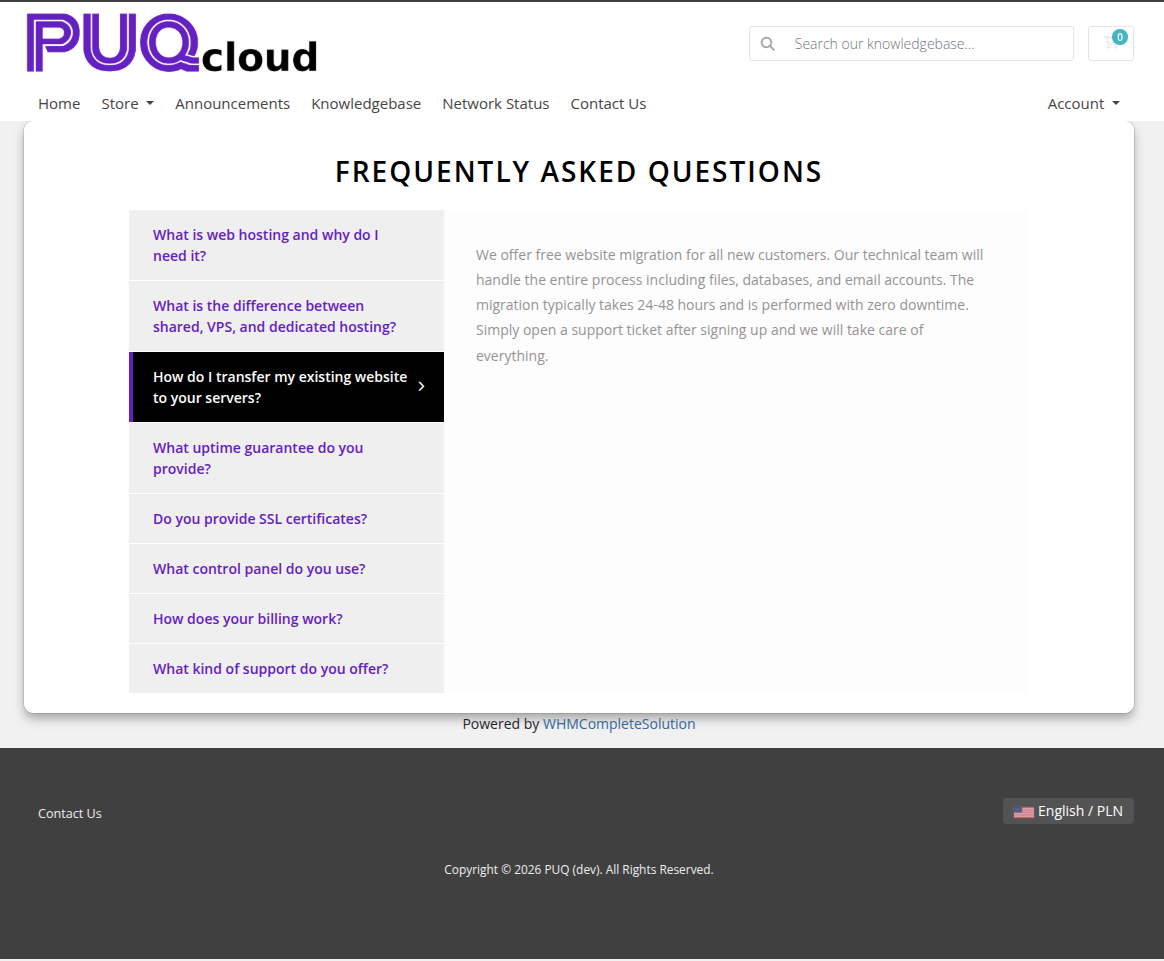 question-answer-10-style-timeline.png
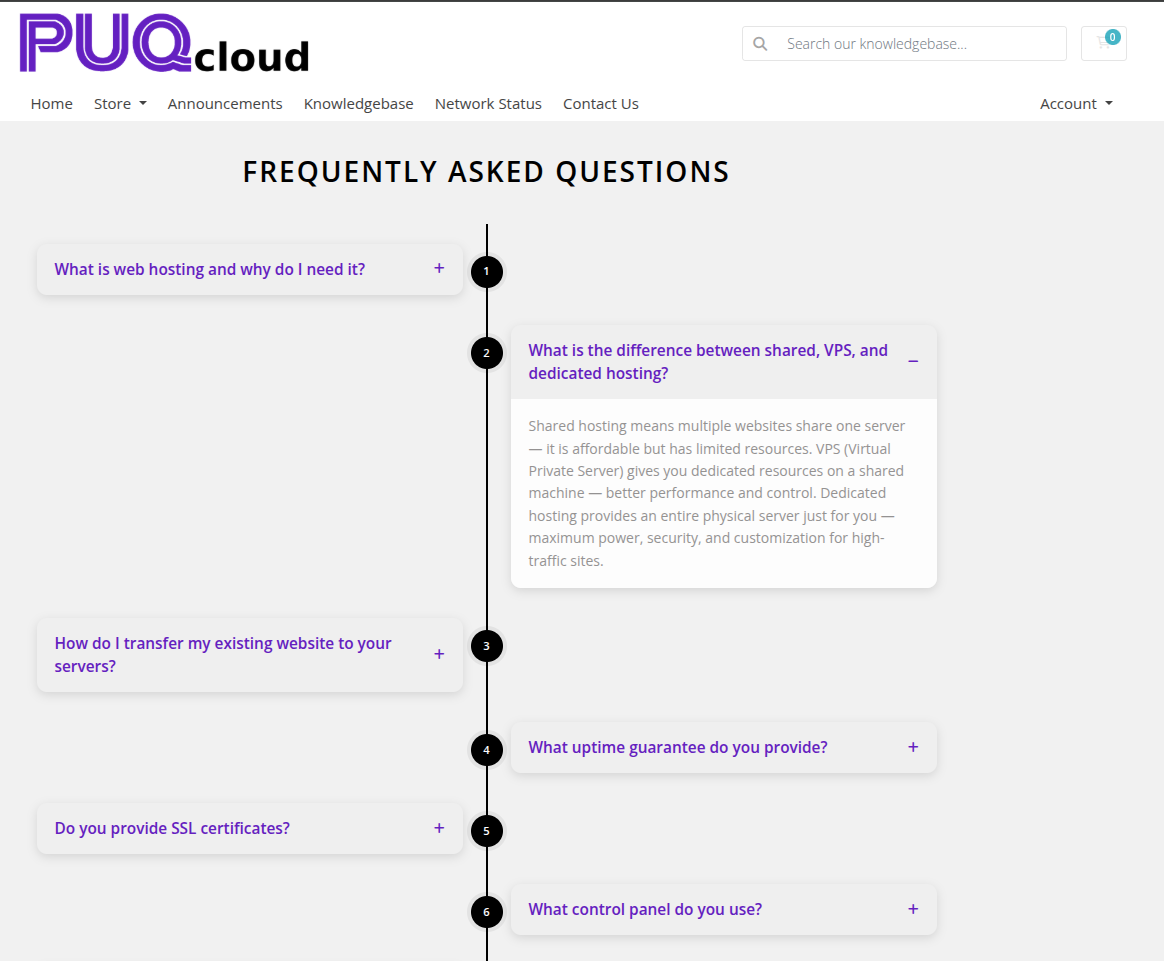 question-answer-11-style-split.png
Settings
Layout
| Setting | Description |
|---|---|
| width | Widget container width (e.g. 100%, 900px) |
| margin-top | Top margin of the widget block |
| margin-bottom | Bottom margin of the widget block |
| Style | Visual style template (puq, puq-border, puq-bubble, puq-cards, puq-grid, puq-minimal, puq-neon, puq-split, puq-tabs, puq-timeline) |
Colors
| Setting | Description |
|---|---|
Question text (color_1) |
Color of the question text |
Question panel (color_2) |
Background color of the question panel |
Question panel hover (color_3) |
Background color of the question panel on hover |
Answer text (color_4) |
Color of the answer text |
Answer panel (color_5) |
Background color of the answer panel |
Color 6 (color_6) |
Additional accent color used by certain styles |
Background
| Setting | Description |
|---|---|
| Background image | URL of the background image for the widget container |
| Background color | Background color of the widget container |
| Disable Shadow | Remove the drop shadow from the widget container |
| Disable Radius top | Remove top corner rounding |
| Disable Radius bottom | Remove bottom corner rounding |
| Disable Background | Remove the background panel entirely |
| Full width | Stretch the widget to the full page width |
Header
| Setting | Description |
|---|---|
| Header | Heading text above the Q&A list (e.g. Frequently Asked Questions) |
| Text color | Color of the header text |
| Disable header | Hide the header text |
Q&A Items
| Field | Description |
|---|---|
| Question | The question text displayed in the collapsed panel |
| Answer | The answer content shown when the panel is expanded (supports rich text) |
Items can be reordered with the up/down arrows and removed with the delete button.