 Skip to main content
Testimonials
PUQ Page Manager module WHMCS
Order now | Download | Community
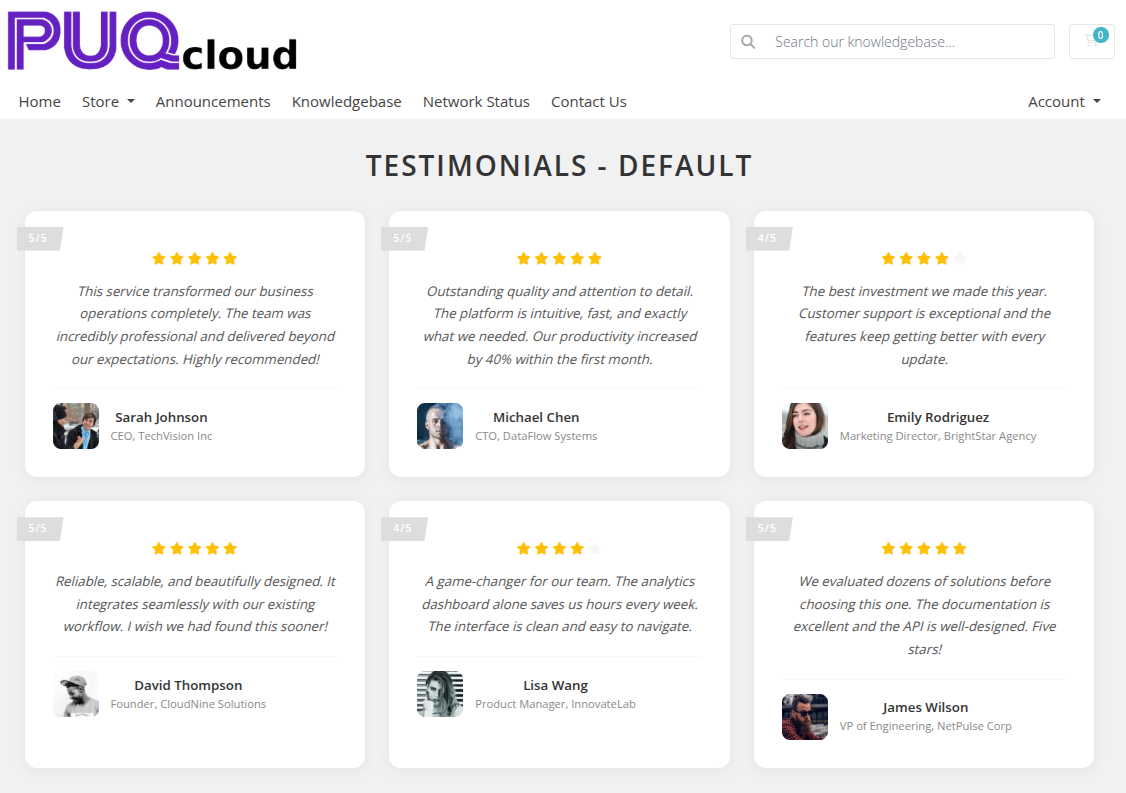
The Testimonials widget displays customer reviews and quotes with optional star ratings. It supports both a grid and slider layout and is fully configurable with colors, column count, and per-item photo, name, role, company, and testimonial text.
Admin Settings
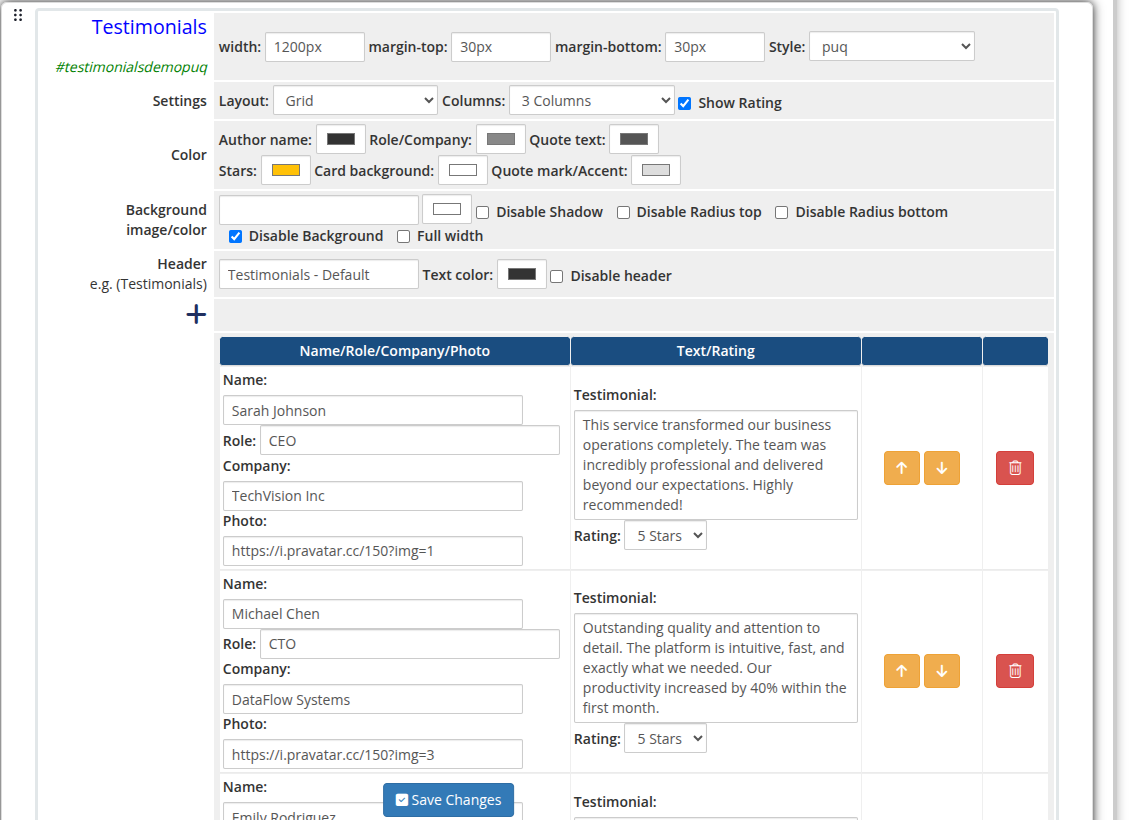 testimonials-01-admin.png
Style Templates
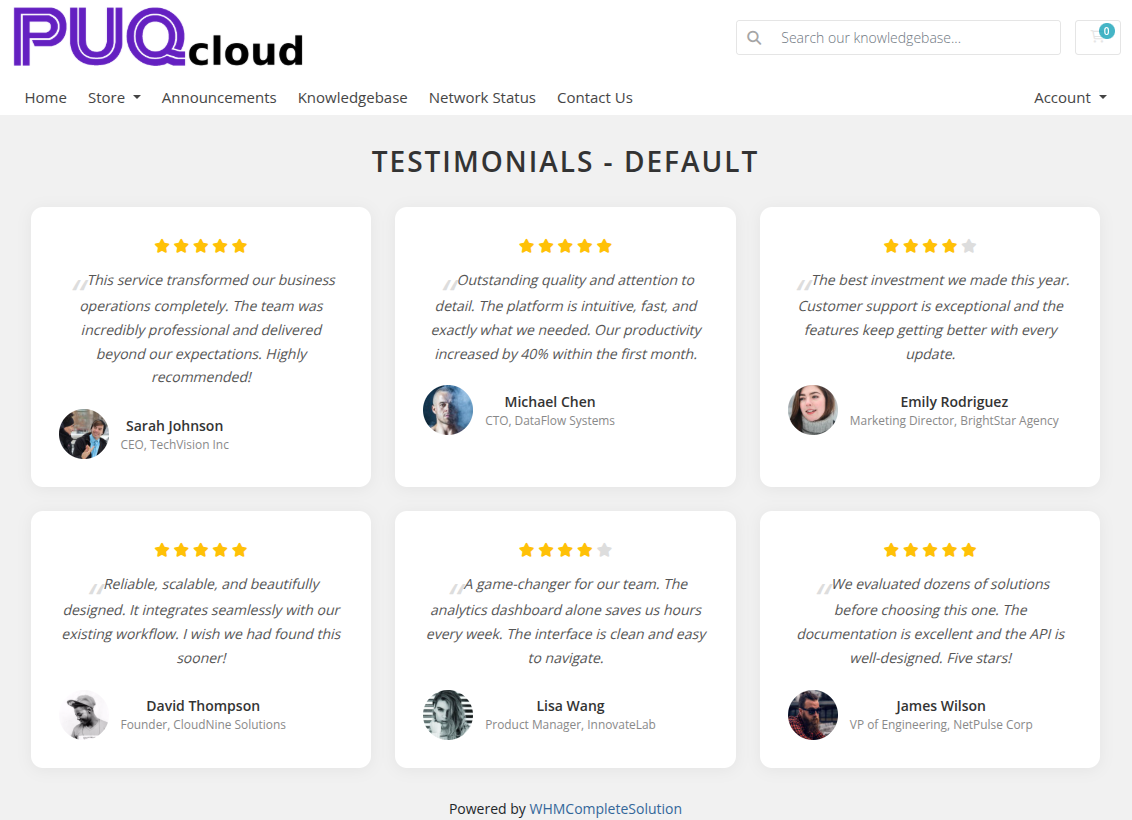 testimonials-02-style-default.png
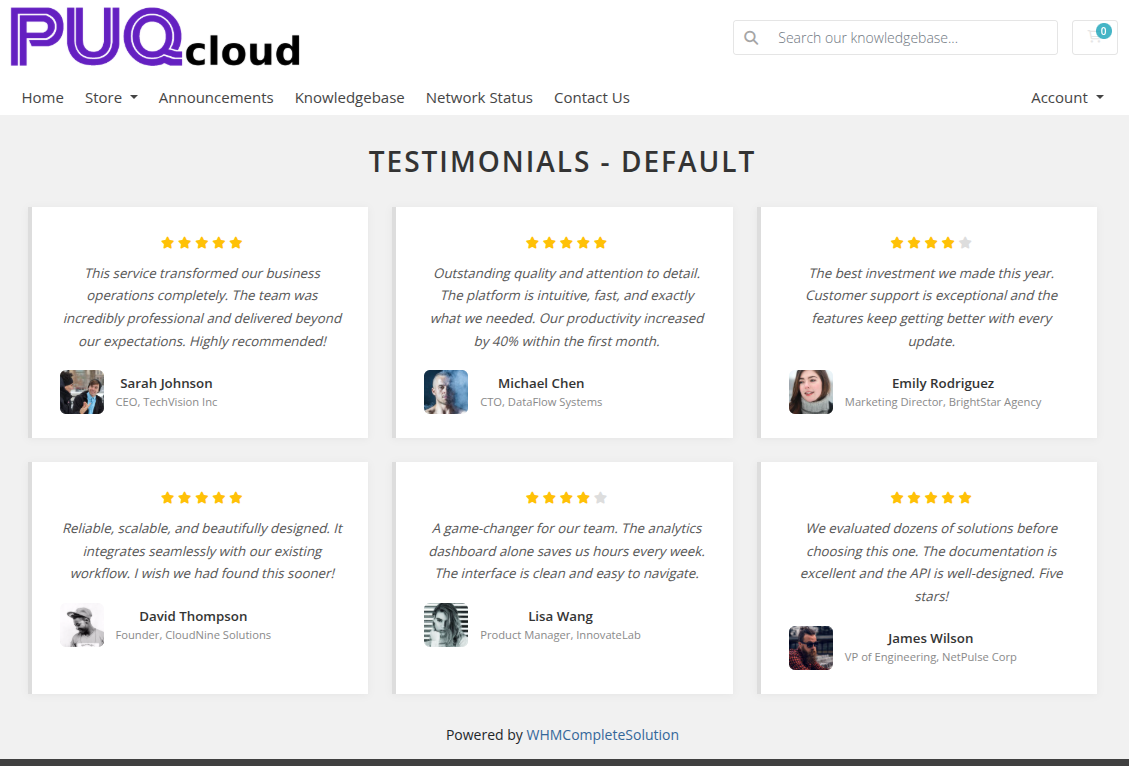 testimonials-03-style-cards.png
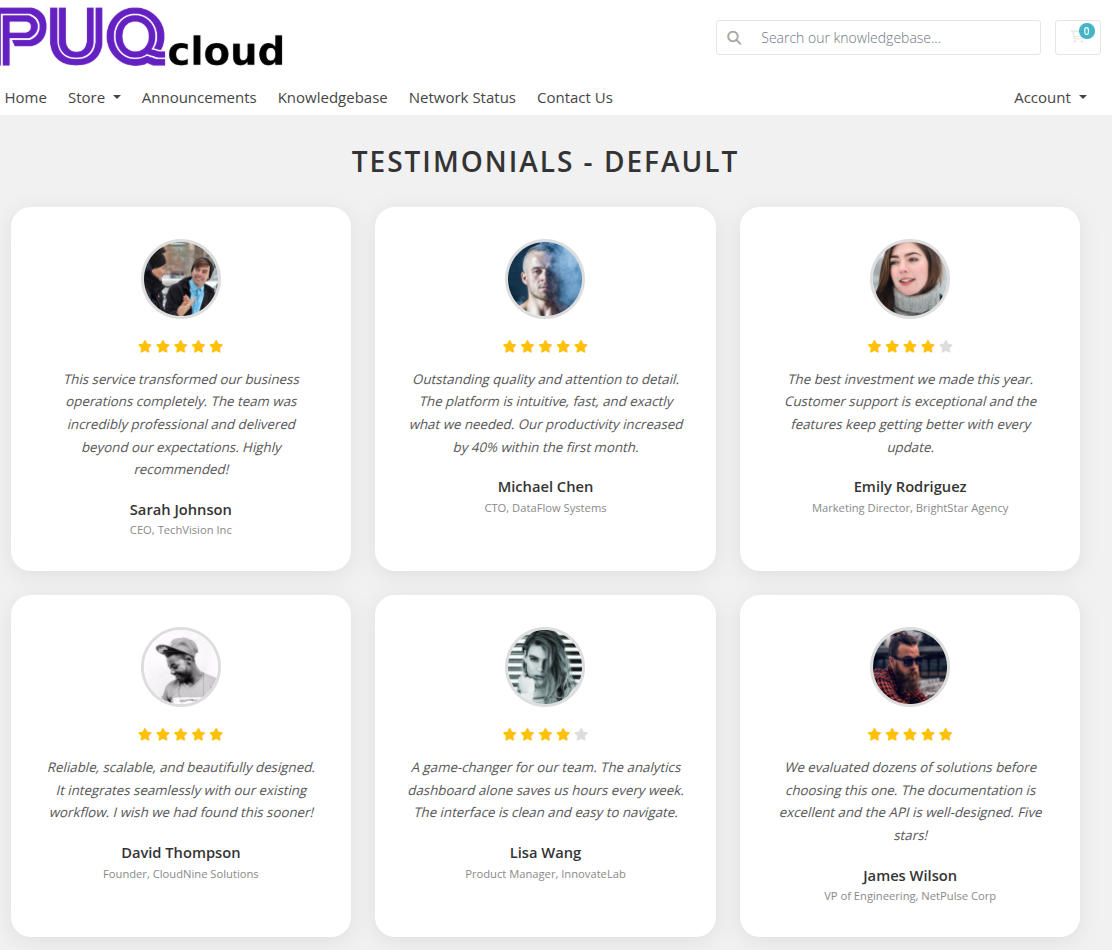 testimonials-04-style-circle.png
 testimonials-05-style-fade.png
 testimonials-06-style-grayscale.png
 testimonials-07-style-grid.png
 testimonials-08-style-border.png
 testimonials-09-style-neon.png
 testimonials-10-style-tooltip.png
Settings
Content Settings
| Setting | Type | Default | Description |
|---|---|---|---|
| layout | select | grid |
Display mode: grid (static columns) or slider (carousel) |
| columns | select | 3 |
Number of columns in grid layout: 1, 2, 3, or 4 |
| show_rating | checkbox | off | Show star rating below each testimonial |
Color Settings
| Setting | Type | Default | Description |
|---|---|---|---|
| color_1 | color | — | Author name text color |
| color_2 | color | — | Role and company text color |
| color_3 | color | — | Testimonial quote text color |
| color_4 | color | — | Star rating color |
| color_5 | color | — | Card background color |
| color_6 | color | — | Quote mark and accent color |
Header
| Setting | Type | Default | Description |
|---|---|---|---|
| header | text | Testimonials |
Heading text displayed above the widget |
| header_text_color | color | #000000 |
Color of the header text |
| disable_header | checkbox | off | Hide the header entirely |
Items
Each testimonial is a row in the visual editor with the following fields:
| Field | Description |
|---|---|
| name | Full name of the reviewer |
| role | Job title or role of the reviewer |
| company | Company or organization name |
| photo_url | URL of the reviewer's photo |
| text | Testimonial quote text (stored base64-encoded) |
| rating | Star rating: 1 through 5 stars |
Items can be added, removed, and reordered using the visual editor.
Layout Settings
| Setting | Type | Default | Description |
|---|---|---|---|
| width | text | — | CSS width of the widget container (e.g. 800px, 100%) |
| margin_top | text | — | CSS top margin (e.g. 20px) |
| margin_bottom | text | — | CSS bottom margin (e.g. 20px) |
| style | select | puq |
Visual style template |
| background_image | text | — | URL of the background image |
| background_color | color | #ffffff |
Background color of the widget container |
| disable_background_shadow | checkbox | off | Remove the drop shadow from the container |
| disable_background_radius_top | checkbox | off | Remove the top border radius from the container |
| disable_background_radius_bottom | checkbox | off | Remove the bottom border radius from the container |
| disable_background | checkbox | off | Disable the background container entirely |
| full_width | checkbox | off | Stretch the widget to the full page width |